EasyManua.ls Logo

Harbor Breeze 2599766 - User Manual

Harbor Breeze 2599766
32 pages
Print Icon
To Next Page IconTo Next Page
Loading...
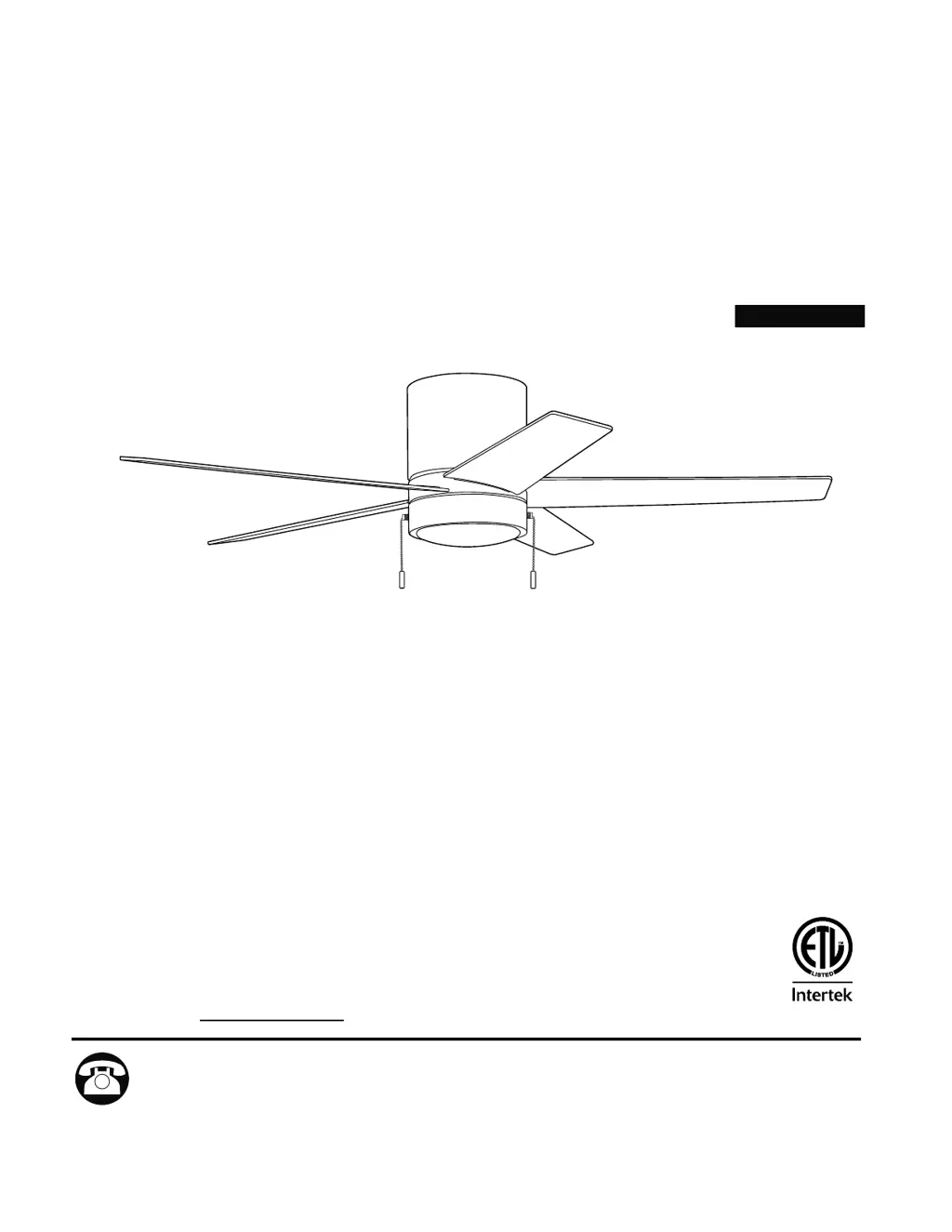
QUONTA LED CEILING FAN
MODEL #CFH52BNK5L
CFH52MBK5L
CFH52WW5L
Questions, problems, missing parts? Before returning to your retailer, call our customer
service department at 1-800-527-1292, 8:30 a.m. - 5 p.m., CST, Monday - Friday.
ATTACH YOUR RECEIPT HERE
Purchase Date
1
Español. 17
ITEM #2599766
2807160
2807161
4007498

Questions and Answers

  • W
    wjordanAug 9, 2025
    What to do if my Harbor Breeze 2599766 Fan does not move?
    • A
      Andrea FreemanAug 9, 2025
      If your Harbor Breeze Fan isn't moving, here are a few things you can check: 1. Reverse switch: Ensure the reverse switch is fully engaged by pushing it firmly either left or right. 2. Power: Make sure the power is on and the fuse is not blown. Turn the power on or check the fuse. 3. Wiring: Turn the power off, loosen the canopy, and check all wire connections. 4. Fitter plate plugs: Check that the male and female plugs in the fitter plate are connected properly.
  • T
    Tracy WhitneyAug 18, 2025
    What to do if my Harbor Breeze 2599766 is noisy?
    • J
      Jacqueline MarshallAug 18, 2025
      If your Harbor Breeze Fan is operating noisily, there are several potential causes: * Loose blades: Tighten all blade screws. * Cracked blade: Replace the blade. * Full range dimmer switch: Replace the dimmer switch with an approved speed control device. * New fan: Allow the fan a “break in” period of a few days, especially when running the fan at Medium and High speeds.
  • J
    james14Aug 29, 2025
    Why is my Harbor Breeze 2599766 wobbling excessively?
    • K
      Kathryn WilliamsAug 30, 2025
      Excessive wobbling in your Harbor Breeze Fan can be due to: * Loose blades: Make sure to tighten all blade screws. * Unbalanced blades: Try switching one blade with a blade from the opposite side. * Insecure mounting: Turn the power off and carefully loosen the motor housing to verify that the mounting plate is secure.

Summary

Safety Information

Package Contents

Hardware Contents

Initial Installation

Wiring

Fan and Light Controlled by Pull Chains

Connect fan and light wires for pull chain operation.

Fan Controlled by Pull Chain, Light by Wall Switch

Connect fan and light wires for mixed control.

Fan and Light Controlled by Two Wall Switches

Connect fan and light wires for dual wall switch control.

Final Installation

Operating Instructions

Care and Maintenance

Troubleshooting

Limited Lifetime Warranty

Replacement Parts List

Harbor Breeze 2599766 Specifications

General IconGeneral
BrandHarbor Breeze
Model2599766
CategoryFan
LanguageEnglish

Related product manuals