EasyManua.ls Logo

Harbor Breeze BDB52LW5N - User Manual

Harbor Breeze BDB52LW5N
17 pages
Print Icon
To Next Page IconTo Next Page
Loading...
ITEM #0076888
0077285
0079837
0080297
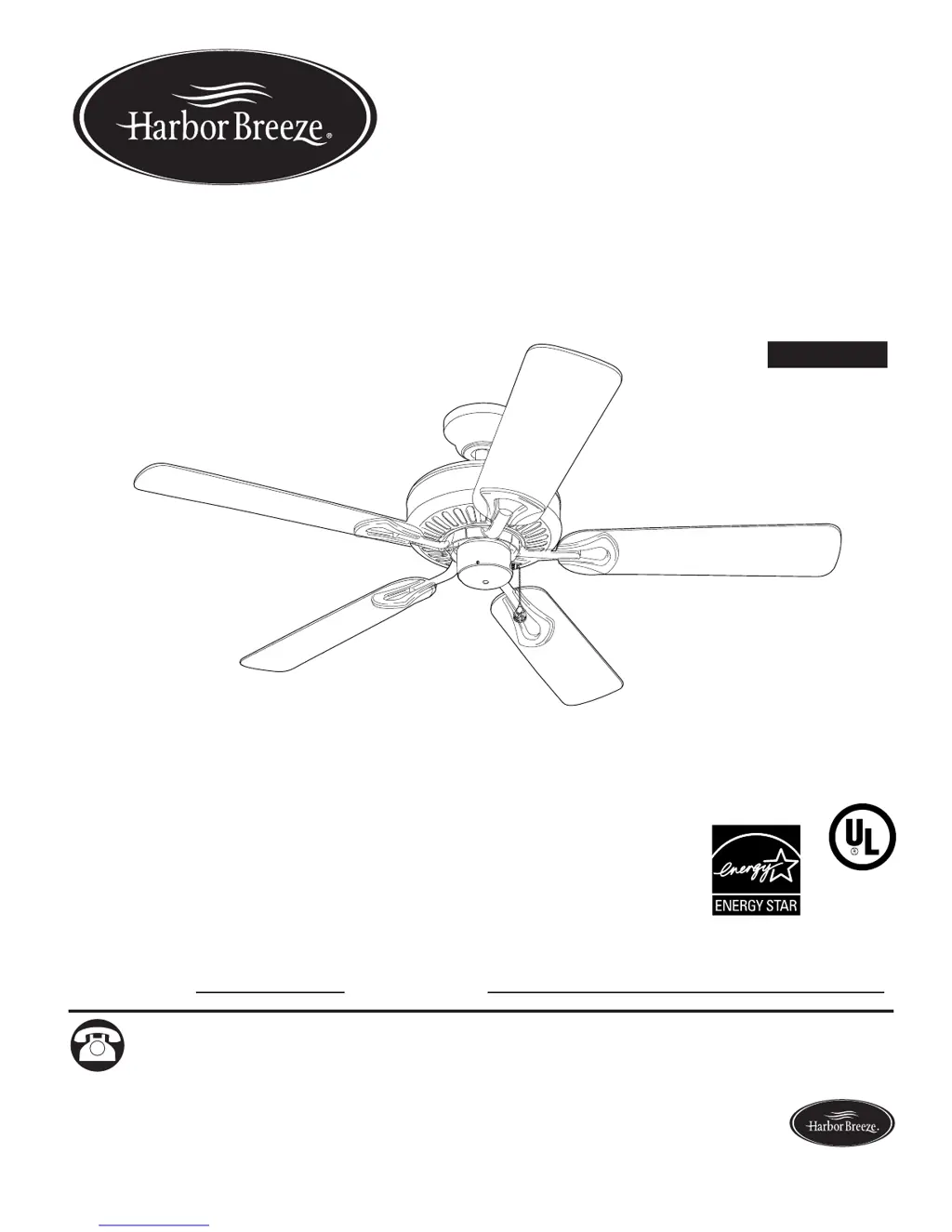
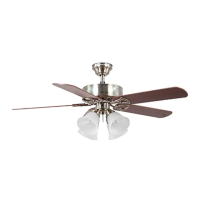
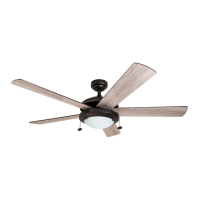
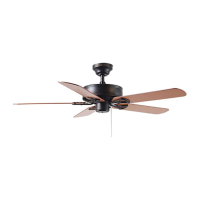
CLASSIC STYLE CEILING FAN
Español p. 18
MODEL #BDB52LW5N
BDB52ABZC5N
BDB52MBK5N
BDB52BNK5N
ATTACH YOUR RECEIPT HERE
Serial Number
Purchase Date
E192641
LISTED
Questions, problems, missing parts? Before returning to your retailer, call our customer
service department at 1-800-643-0067, 8 a.m. - 6 p.m., EST, Monday - Thursday, 8 a.m. - 5 p.m.,
EST, Friday.
1
Lowes.com/harborbreeze
Harbor Breeze® is a registered trademark
of LF, LLC. All Rights Reserved.
EB15397

Questions and Answers

  • B
    Barbara MasonAug 2, 2025
    What to do if my Harbor Breeze Fan does not move?
    • M
      mary07Aug 2, 2025
      If your Harbor Breeze fan isn't moving, first check that the reverse switch is fully engaged by pushing it firmly either up or down. Then, ensure that the power is on and that a fuse hasn't blown. If the issue persists, turn the power off, loosen the canopy, and check all wire connections for any faults.
  • J
    Jonathan BryantAug 12, 2025
    What to do if my Harbor Breeze Fan is noisy?
    • C
      carolbanksAug 12, 2025
      If your Harbor Breeze fan is operating noisily, several factors could be the cause. Start by checking that the plastic locking mechanisms are secure. If that doesn't solve the issue, inspect the blades for cracks and replace any cracked blade. If you are using a full range dimmer switch, replace it with an approved speed control device. Also, consider that if the fan is new, it may require a "break in" period of a few days, especially when running it at medium and high speeds.
  • A
    Ariana GonzalezAug 22, 2025
    Why is my Harbor Breeze BDB52LW5N Fan wobbling excessively?
    • R
      Robert McclureAug 22, 2025
      Excessive wobbling in your Harbor Breeze fan can stem from several issues. Begin by ensuring the plastic locking mechanisms are secure. Check that the blade arms are correctly attached and re-install them if necessary. Try switching one blade with a blade from the opposite side to address potential imbalances. Also, turn the power off and carefully loosen the canopy to verify that the mounting bracket is secure. Ensure that the fan is not too close to a vaulted ceiling; if it is, use a longer downrod or move the fan. Finally, make sure the set screw(s) on the motor housing yoke and the set screw on the hanging ball are tightened properly.

Summary

Safety Information

Dangers and Warnings

Highlights critical safety alerts including Dangers, Warnings, and Cautions regarding installation and fan usage to prevent injury or death.

Package Contents

Initial Installation

Downrod-Style Fan Mounting

Yoke and Downrod Assembly

Guides on detaching the yoke, inserting the downrod through the canopy, and securing it to the motor housing.

Downrod Wire Management

Explains how to thread wires through the downrod, cut excess wire length, and strip ends for connection.

Attaching Downrod to Bracket

Instructs on inserting the downrod ball end into the mounting bracket, aligning the slot with the tab to prevent wobble.

Closemount-Style Fan Mounting

Wiring

Connecting Fan and Ceiling Wires

Provides instructions for connecting BLACK, BLUE, WHITE, and GREEN wires using provided connectors, emphasizing proper grounding.

Securing Wire Connections

Details wrapping connections with electrical tape and ensuring no bare wires are visible before tucking into the outlet box.

Speed Control Switch Warning

Warns against using full range dimmer switches to control fan speed due to potential humming noise and risk of shock.

Final Installation

Operating Instructions

Troubleshooting

Fan Not Moving or Noisy

Addresses common issues like the fan not moving or operating noisily, offering causes and corrective actions.

Harbor Breeze BDB52LW5N Specifications

General IconGeneral
BrandHarbor Breeze
ModelBDB52LW5N
CategoryFan
LanguageEnglish

Related product manuals