EasyManua.ls Logo

Harbor Breeze E-BDB52LABZ5BC4N - User Manual

Harbor Breeze E-BDB52LABZ5BC4N
41 pages
Print Icon
To Next Page IconTo Next Page
Loading...
Harbor Breeze® is a registered trademark
of LF, LLC. All Rights Reserved.
ITEM #0152426
0156738
0158620
0204925
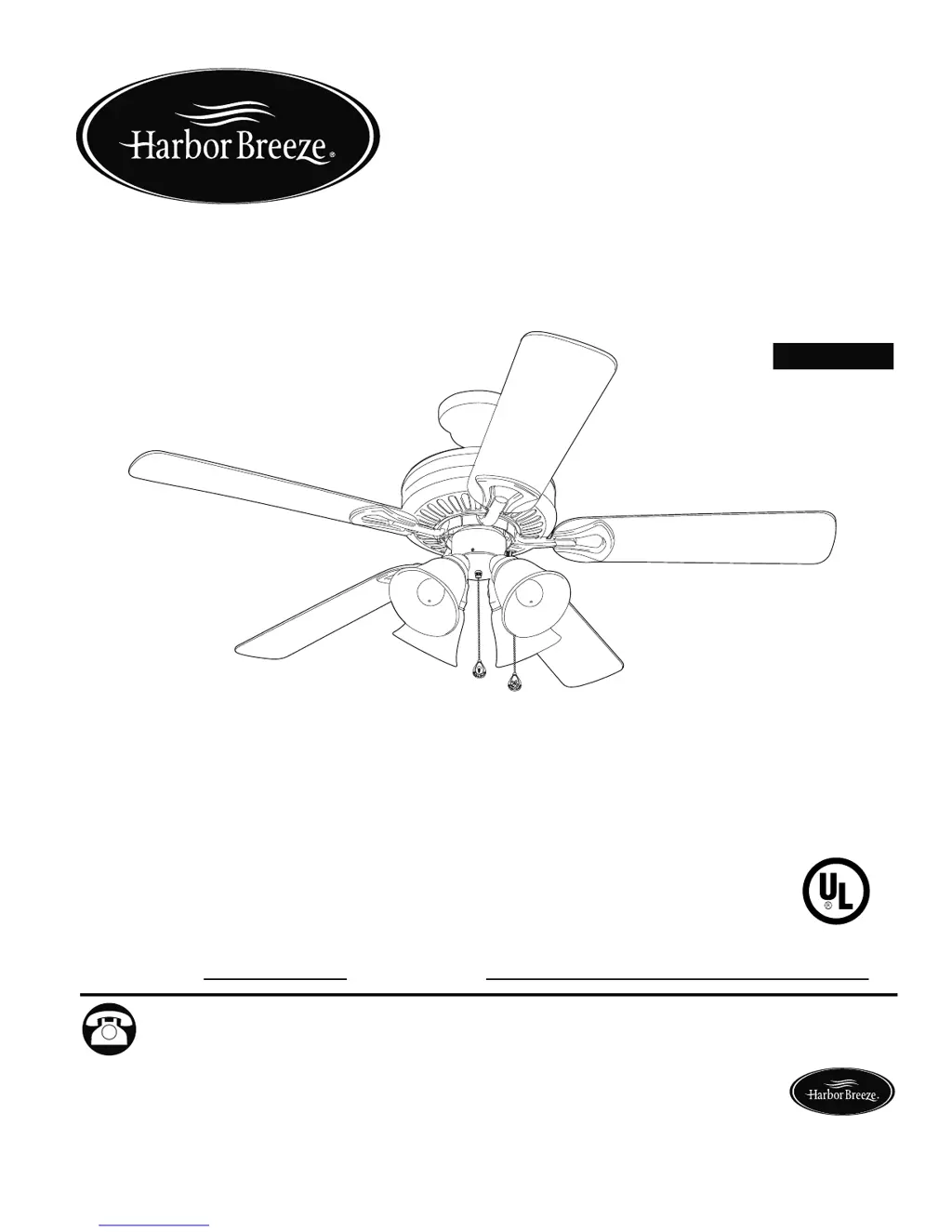
SPRINGFIELD II CEILING FAN
Español p. 21
1
MODEL #E-BDB52LABZ5BC4N
E-BDB52BNK5BC4N
E-BDB52LW5BC4N
E-BDB52MBK5BC4N
ATTACH YOUR RECEIPT HERE
Serial Number
Purchase Date
Questions, problems, missing parts? Before returning to your retailer, call our customer
service department at 1-800-643-0067, 8 a.m. - 6 p.m., EST, Monday - Thursday, 8 a.m. -
5 p.m., EST, Friday.
EB15409
Lowes.com/harborbreeze
E124404
LISTED

Questions and Answers

  • O
    owolfeAug 3, 2025
    What to do if my Harbor Breeze Fan is not working?
    • R
      Roger DavisAug 3, 2025
      If your Harbor Breeze Fan isn't moving, here are a few things to check: * Ensure the reverse switch is fully engaged by pushing it firmly either up or down. * Verify that the power is on and the fuse is not blown. Turn the power on or check the fuse. * Inspect the wire connections. Turn the power off, loosen the canopy, and check all connections.
  • C
    Christopher BurnsAug 9, 2025
    What to do if my Harbor Breeze E-BDB52LABZ5BC4N lights are not working?
    • S
      savannah33Aug 9, 2025
      If your Harbor Breeze Fan operates but the lights are not working, consider the following: * Make sure the bulbs are installed correctly by re-installing them. * Check the wires in the canopy and re-wire according to instructions if needed. * Ensure the wall switch to the fan is turned on. * Examine the wires in the switch housing and re-wire if necessary. * Verify that the light kit is not lamped with more than the allowable 190W. Use bulbs that total no more than 190W.
  • S
    Scott JonesAug 17, 2025
    Why is my Harbor Breeze E-BDB52LABZ5BC4N Fan wobbling excessively?
    • S
      Stephen AguilarAug 17, 2025
      Excessive wobbling in your Harbor Breeze Fan can occur due to several reasons: * Loose blades: Ensure all blade screws are tightened. * Incorrectly attached blade arms: Re-install the blade arms. * Unbalanced blades: Try switching one blade with a blade from the opposite side or use a balancing kit. * Insecurely mounted fan: Turn the power off and verify that the mounting bracket is secure. * Fan too close to a vaulted ceiling: Use a longer downrod or move the fan to another location. * Loose set screws on the motor housing yoke: Tighten the yoke set screws securely. * Loose set screw on the hanging ball: Carefully loosen and lower the canopy and verify that the set screw on the hanging ball is tightened securely.
  • C
    Carla JamesAug 26, 2025
    How to fix a noisy Harbor Breeze Fan?
    • S
      Steven KerrAug 26, 2025
      A noisy Harbor Breeze Fan can be caused by several factors. Check the following: 1. Loose blades: Tighten all blade screws. 2. Cracked blade: Replace the blade. 3. Full range dimmer switch: Replace it with an approved speed control device. 4. New fan: Allow the fan a “break in” period of a few days, especially when running the fan at Medium and High speeds.

Summary

Safety Information

Critical Safety Warnings

Essential safety advisories for installation and operation, including danger, warning, and caution statements.

Initial Installation

Mounting Method Selection

Guidance on selecting the appropriate mounting method for the fan.

Downrod-Style Fan Mounting

Closemount-Style Fan Mounting

Wiring

Wiring Diagrams for Control Options

Visual guides for different wiring configurations based on controls.

Wire Connection and Securing

Instructions for making and securing electrical wire connections.

Final Installation

Operating Instructions

Care and Maintenance

Troubleshooting

Common Problems and Corrective Actions

Guide to diagnosing and fixing common fan issues.

Harbor Breeze E-BDB52LABZ5BC4N Specifications

General IconGeneral
BrandHarbor Breeze
ModelE-BDB52LABZ5BC4N
TypeCeiling Fan
Blade Span52 inches
Number of Blades5
Light KitYes
Control TypeRemote Control
FinishBrushed Nickel
Motor Speeds3
Indoor/OutdoorIndoor
Blade ColorBrown
Reversible MotorYes
Light TypeLED
Mounting TypeDownrod
MaterialMetal
WarrantyLimited Lifetime
MotorAC

Related product manuals