EasyManua.ls Logo

Harbor Breeze RLG52WW5C3L - User Manual

Harbor Breeze RLG52WW5C3L
19 pages
Print Icon
To Next Page IconTo Next Page
Loading...
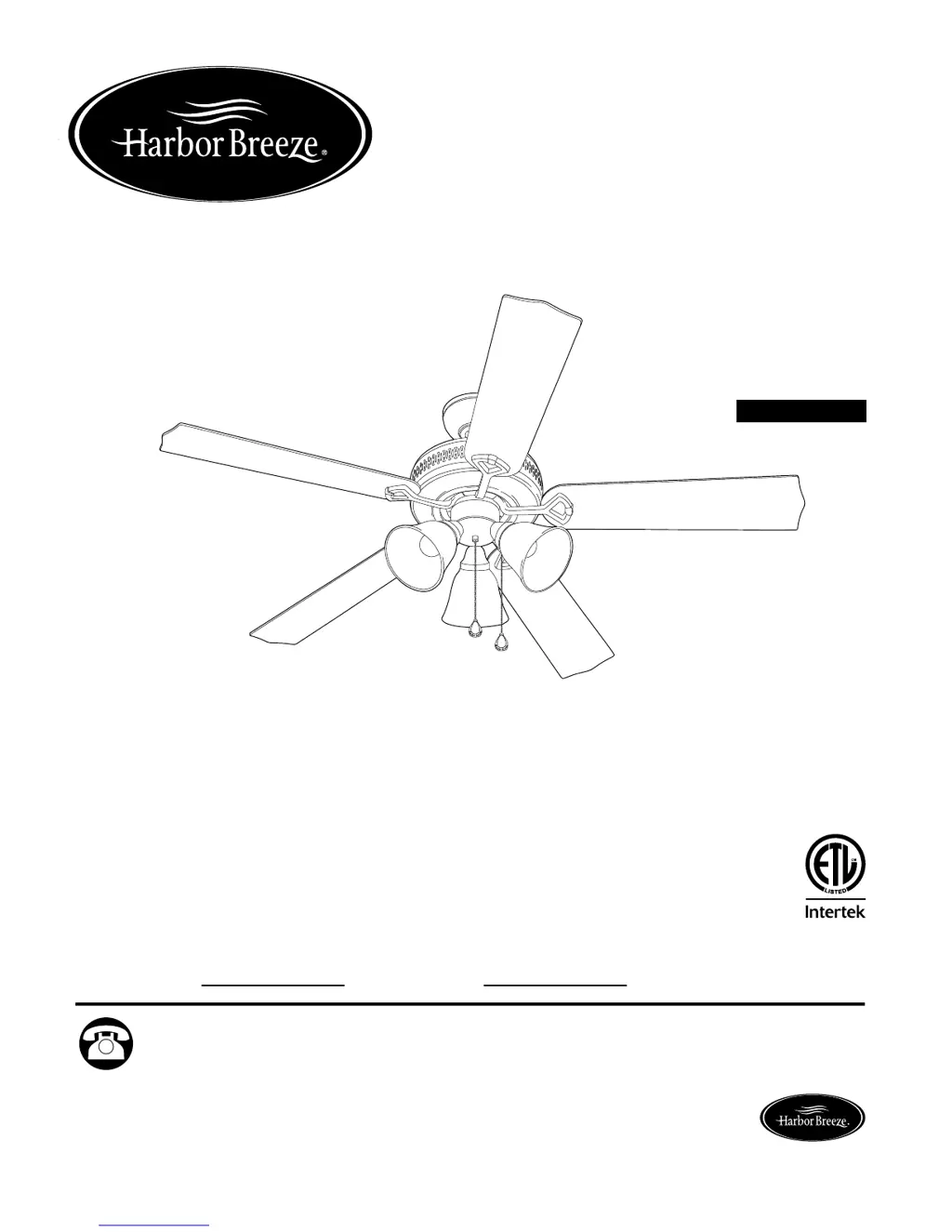
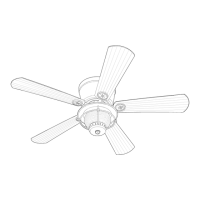
BARNSTAPLE BAY
CEILING FAN
Harbor Breeze® is a registered trademark
of LF, LLC. All Rights Reserved.
ITEM #0593742
0648637
0648638
Questions, problems, missing parts? Before returning to your retailer, call our customer
service department at 1-800-643-0067, 8 a.m. - 6 p.m., EST, Monday - Thursday, 8 a.m. -
5 p.m., EST, Friday.
ATTACH YOUR RECEIPT HERE
Serial Number
Purchase Date
1
Español p. 20
Lowes.com/harborbreeze
MODEL #RLG52NWZ5C3L
RLG52WW5C3L
RLG52BNK5C3L
AB1613
4007498

Questions and Answers

  • J
    Jermaine MahoneyAug 9, 2025
    What to do if my Harbor Breeze RLG52WW5C3L lights fail but the fan operates?
    • C
      Christine KelleyAug 9, 2025
      If your Harbor Breeze Fan operates but the lights do not, there are several things to check. Begin by ensuring the bulbs are correctly installed. Then, inspect the wiring in the canopy to ensure it's properly connected. Also, verify that the wall switch to the light is turned on. Check the molex connections in the light kit fitter to ensure they are properly connected. Finally, make sure the light kit is lamped with bulbs totaling no more than 190W, as exceeding this limit can cause the wattage limiting device to interrupt power to the light kit.
  • E
    Eric ChapmanAug 17, 2025
    How to troubleshoot a Harbor Breeze Fan that does not move?
    • H
      Heather HowardAug 17, 2025
      If your Harbor Breeze Fan does not move, check the following: Ensure the reverse switch is fully engaged by pushing it firmly either up or down. Verify that the power is on or check the fuse. If the power is on and the fuse is good, turn the power off, loosen the canopy, and check all wire connections.
  • V
    vargastravisAug 25, 2025
    Why is my Harbor Breeze RLG52WW5C3L wobbling excessively?
    • A
      Amber WilliamsAug 25, 2025
      Excessive wobbling in your Harbor Breeze Fan can occur due to several reasons: * Loose blades: Ensure all blade screws are tightened. * Incorrectly attached blade arms: Re-install the blade arms. * Unbalanced blades: Try switching one blade with a blade from the opposite side or use a balancing kit. * Insecure mounting: Turn the power off, carefully loosen the canopy, and verify that the mounting bracket is secure. * Proximity to vaulted ceiling: Use a longer downrod or move the fan to another location. * Loose set screws on the motor housing yoke: Tighten the yoke set screws securely. * Loose set screw on the hanging ball: Carefully loosen and lower the canopy, then verify that the set screw on the hanging ball is tightened securely.
  • R
    Ronald TerryAug 31, 2025
    How to fix a noisy Harbor Breeze Fan?
    • R
      Robert LewisAug 31, 2025
      A noisy Harbor Breeze Fan can be caused by several factors. First, ensure all blade screws are tightened, as loose blades can cause noise. If a blade is cracked, it should be replaced. If you are using a full range dimmer switch, replace it with an approved speed control device. Also, new fans sometimes require a 'break in' period of a few days, especially when running the fan at medium and high speeds.

Summary

SAFETY INFORMATION

DANGER

Outlet box must be securely attached to support fan weight. Failure can cause serious injury or death.

WARNING

Mount fan to approved outlet box for fan support. Use metal octagonal boxes only. Gloves may be needed for sharp edges.

CAUTION

Ensure outlet box is properly grounded. Check all screws, bolts, and nuts for security before installation.

PRODUCT CONTENTS AND PREPARATION

PACKAGE CONTENTS

Lists all parts included with the fan for assembly and installation.

HARDWARE CONTENTS

Details all hardware components provided for fan assembly and installation.

PREPARATION

Steps to take before assembly, including checking parts and ensuring a safe workspace.

INSTALLATION GUIDE

INITIAL INSTALLATION

Steps for initial setup, including turning off power and preparing the mounting bracket.

DOWNROD-STYLE FAN MOUNTING

Instructions for mounting the fan using a downrod, suitable for standard or angled ceilings.

CLOSEMOUNT-STYLE FAN MOUNTING

Instructions for mounting the fan directly to the ceiling, suitable for standard ceilings only.

WIRING

Detailed instructions for connecting the fan's wires to the house electrical system.

FINAL INSTALLATION

Steps to complete the fan assembly, including attaching blades and light kit.

OPERATING AND MAINTENANCE

OPERATING INSTRUCTIONS

How to use the fan pull chains for speed and light control, and the reverse switch.

CARE AND MAINTENANCE

Guidelines for cleaning and maintaining the fan to ensure longevity and performance.

TROUBLESHOOTING AND WARRANTY

TROUBLESHOOTING

Solutions for common fan problems like not moving, noise, wobbling, or light failure.

LIMITED LIFETIME WARRANTY

Information about the fan's warranty coverage, terms, and conditions.

REPLACEMENT PARTS LIST

A list of available replacement parts with their corresponding part numbers.

Harbor Breeze RLG52WW5C3L Specifications

General IconGeneral
BrandHarbor Breeze
ModelRLG52WW5C3L
CategoryFan
LanguageEnglish

Related product manuals