EasyManua.ls Logo

Harbor Breeze WCK52NWZ5D - User Manual

Harbor Breeze WCK52NWZ5D
18 pages
Print Icon
To Next Page IconTo Next Page
Loading...
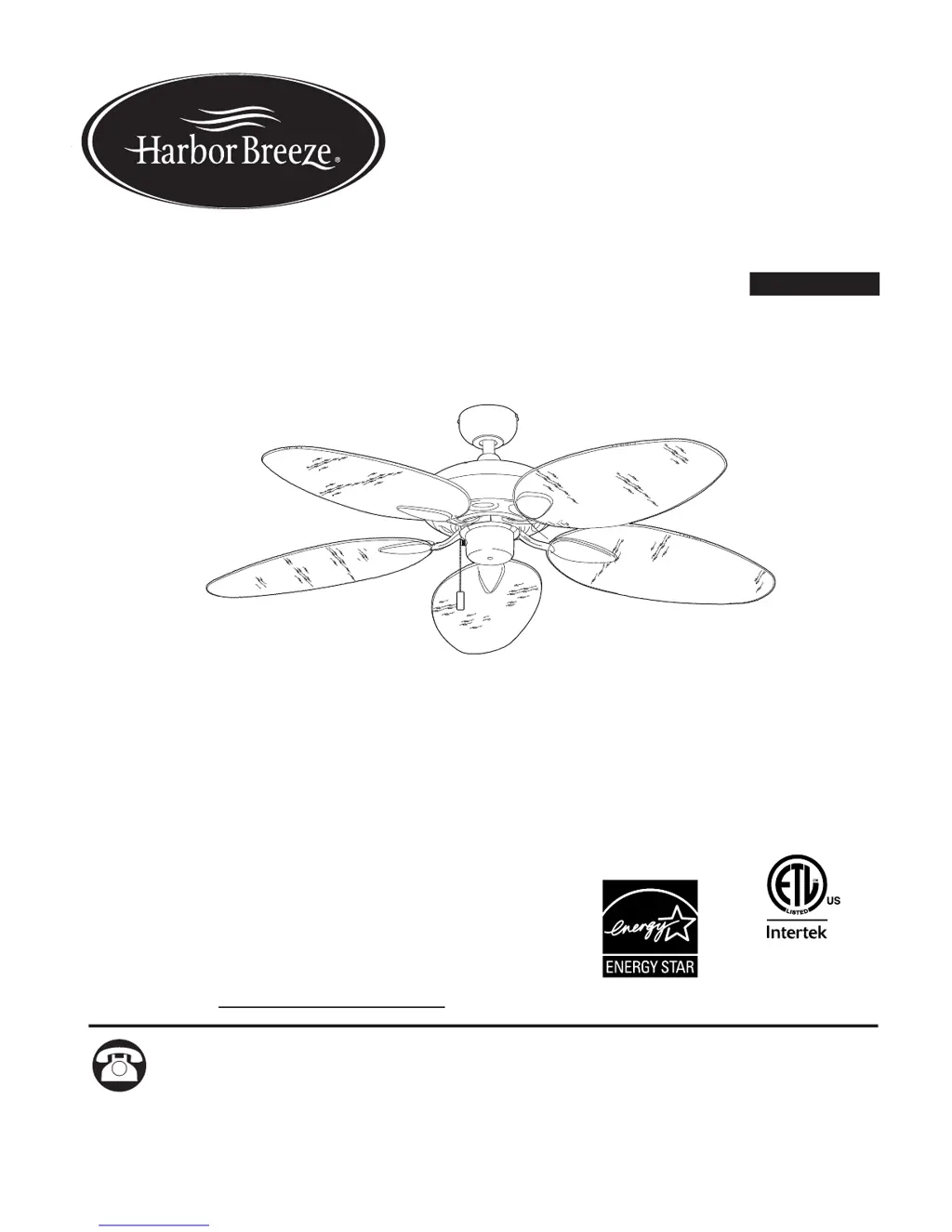
CANE BAY CEILING FAN
For
Damp Location
Harbor Breeze® is a registered trademark
of LF, LLC. All Rights Reserved.
ITEM #0883805
Questions, problems, missing parts? Before returning to your retailer, call our customer
service department at 1-800-643-0067, 8 a.m. - 6 p.m., EST, Monday - Thursday,
8 a.m. - 5 p.m., EST, Friday.
ATTACH YOUR RECEIPT HERE
Purchase Date
PH18453
1
Español p. 19
MODEL #WCK52NWZ5D

Questions and Answers

  • J
    Jason GarciaAug 3, 2025
    How to fix a Harbor Breeze WCK52NWZ5D Fan that won't turn on?
    • J
      Jennifer JonesAug 4, 2025
      If your Harbor Breeze Fan isn't moving, make sure the reverse switch is fully engaged by pushing it firmly either up or down. Check that the power is on and the fuse is working. Turn the power off and check all wire connections behind the canopy. Finally, check that the male and female plugs in the switch housing are properly connected.
  • F
    Felicia WalkerAug 14, 2025
    What to do if my Harbor Breeze WCK52NWZ5D Fan is wobbling too much?
    • K
      Kristy JonesAug 14, 2025
      To fix excessive wobbling in your Harbor Breeze Fan, first, tighten all blade screws. Then, check that the blade arms are correctly attached. Try switching one blade with a blade from the opposite side to balance them. Turn the power off and check that the mounting bracket is secure. If the fan is too close to a vaulted ceiling, use a longer downrod or move the fan. Make sure the set screws on the motor housing yoke and the hanging ball are tightened securely.
  • A
    Amy BennettAug 22, 2025
    Why is my Harbor Breeze WCK52NWZ5D so noisy?
    • J
      Jamie GoodwinAug 23, 2025
      If your Harbor Breeze Fan is making noise, start by checking if all blade screws are tightened. If a blade is cracked, it should be replaced. Also, if you're using a full range dimmer switch, replace it with an approved speed control device. New fans may also require a "break in" period of a few days, especially at medium and high speeds.

Summary

Safety Information

Preparation

Initial Installation

Turn Off Power

Crucial step to disconnect electricity before starting installation.

Downrod-Style Fan Mounting

Closemount-Style Fan Mounting

Secure Mounting Bracket

Attaching the mounting bracket to the outlet box using proper hardware.

Wiring

Fan and Light Controlled by Pull Chains

Wiring configuration for controlling both fan and light with pull chains.

Fan Controlled by Pull Chain, Light by Wall Switch

Wiring for controlling fan with pull chain and light with a wall switch.

Final Installation

Operating Instructions

Care and Maintenance

Troubleshooting

Harbor Breeze WCK52NWZ5D Specifications

General IconGeneral
BrandHarbor Breeze
ModelWCK52NWZ5D
TypeCeiling Fan
Blade Span52 inches
Number of Blades5
Motor TypeAC
Number of Speeds3
Reversible MotorYes
Light Kit IncludedYes
Control TypeRemote Control
Blade ColorWalnut
FinishNickel
Housing ColorNickel
MaterialMetal
Mounting OptionsDownrod Mount

Related product manuals