EasyManua.ls Logo

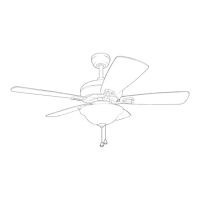
Harbor Breeze WELLSBORO 42072 - User Manual

Harbor Breeze WELLSBORO 42072
18 pages
Print Icon
To Next Page IconTo Next Page
Loading...
1
Questions, problems, missing parts? Before returning to your retailer, call our customer
service department at 1-800-643-0067, 8 a.m. - 8 p.m., EST, Monday - Sunday.
ATTACH YOUR RECEIPT HERE
Purchase Date _________________________
Harbor Breeze® is a registered trademark
of LF, LLC. All Rights Reserved.
BM19240
ITEM #1461038
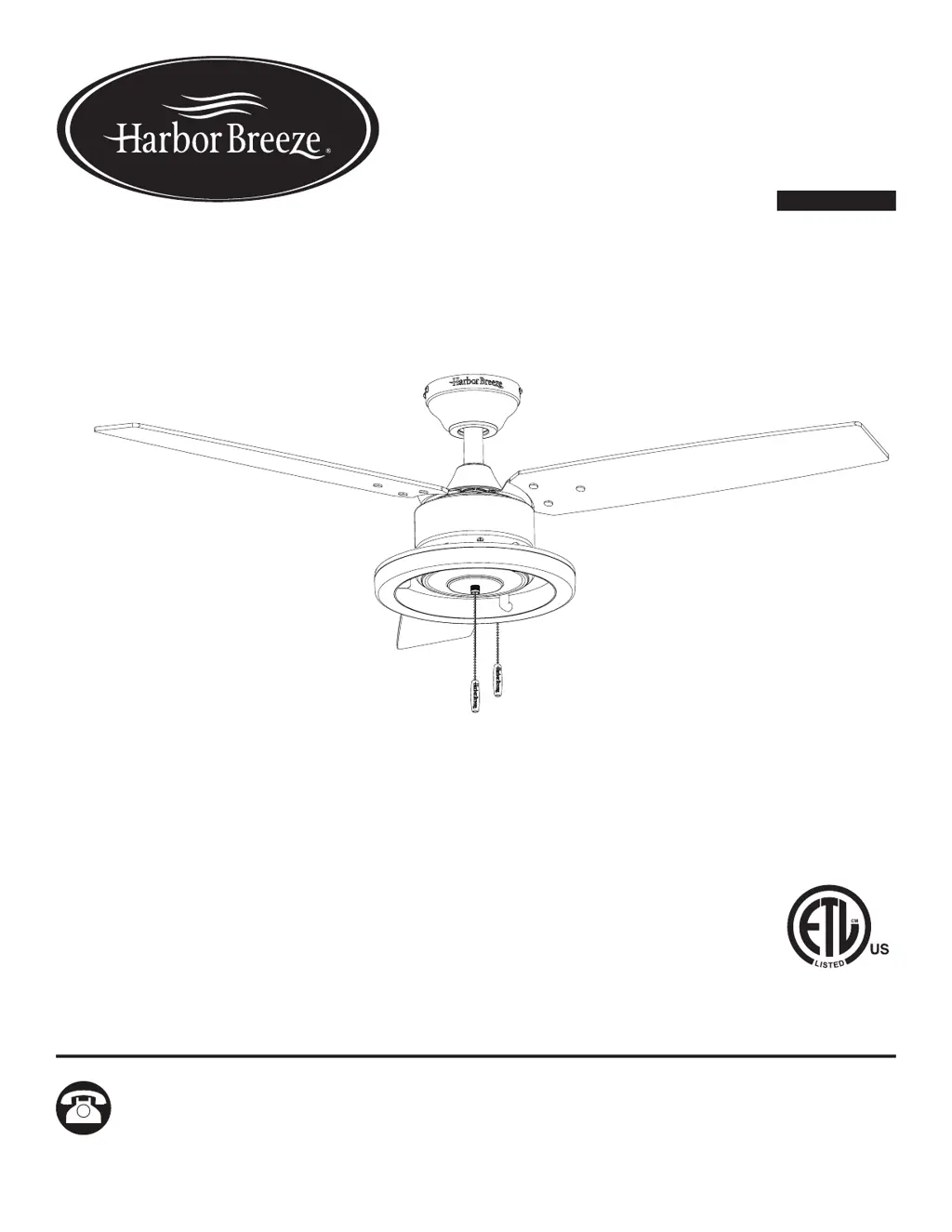
WELLSBORO
CEILING FAN
MODEL #42072
Español p. 19

Questions and Answers

  • M
    maureenjohnsonAug 5, 2025
    What to do if Harbor Breeze Fan works but the lights don't?
    • S
      skinnerstevenAug 5, 2025
      If your Harbor Breeze Fan is working but the lights are not, it might be due to: * Light kit wire plugs not connected properly: Ensure the 9-pin connectors in the light kit are connected correctly. * Faulty wire connection: Turn the power off and check all connections at the ceiling outlet box.
  • M
    mccormickjenniferAug 12, 2025
    Why is my Harbor Breeze WELLSBORO 42072 wobbling excessively?
    • D
      Dana OlsonAug 12, 2025
      Excessive wobbling in your Harbor Breeze Fan can occur due to several reasons: 1. Loose blades or blade arms: Check and tighten all screws that hold the fan blades to the blade arms and the blade arms to the motor. 2. Unbalanced blades: Try switching one blade with a blade from the opposite side. Alternatively, use a blade balancing kit. 3. Insecure fan mounting: Turn off the power and verify that the mounting bracket is securely attached to the electrical outlet box, ensuring it's flush against the box without any movement. 4. Fan too close to vaulted ceiling: You may need a longer downrod or consider moving the fan to a different location. 5. Loose set screw: Tighten the set screw on the yoke of the motor assembly.
  • S
    Stacey MillsAug 19, 2025
    What to do if my Harbor Breeze WELLSBORO 42072 Fan does not move?
    • J
      jsmithAug 19, 2025
      If your Harbor Breeze Fan isn't moving, consider these potential causes: * The reverse switch may not be engaged. Ensure it's firmly pushed to either the left or right. * The wall switch could be turned off. Make sure it is on. * The power might be off, or a fuse (breaker) could be blown. Check and turn the power on or replace the fuse. * There could be a faulty wire connection. Turn the power off and inspect all connections at the ceiling outlet box.
  • D
    Donald GriffinAug 27, 2025
    How to fix a noisy Harbor Breeze WELLSBORO 42072?
    • K
      Krystal SmithAug 27, 2025
      A noisy Harbor Breeze Fan can be caused by: * Loose blades: Check and tighten all screws that hold the fan blades to the blade arms and the motor. * Cracked blade: Replace the cracked blade. * Incompatible wall control: Avoid using a full-range dimmer switch to control the fan speed. * Insecure outlet box: Ensure the outlet box is secured to the building structure. * Insecure mounting bracket: Make sure the mounting bracket is secured to the outlet box and that the screws are tight.

Summary

Package Contents

Hardware Contents

Safety Information

Preparation

Initial Installation

Wiring

Final Installation

Operating Instructions

Fan and Light Control

Learn how to control fan speed and lights using the pull chains.

Seasonal Airflow Adjustment

Adjust fan direction for warmer or cooler weather using the reverse switch.

Care and Maintenance

Troubleshooting

Limited Lifetime Warranty

Replacement Parts List

Harbor Breeze WELLSBORO 42072 Specifications

General IconGeneral
BrandHarbor Breeze
ModelWELLSBORO 42072
TypeCeiling Fan
Blade Span52 inches
Number of Blades5
Motor TypeAC Motor
Light Kit IncludedYes
Control TypePull Chain
Mounting OptionsDownrod Mount
Remote Control IncludedNo
Indoor/OutdoorIndoor
ENERGY STAR CertifiedNo
Light TypeLED
Reversible MotorYes

Related product manuals