EasyManua.ls Logo

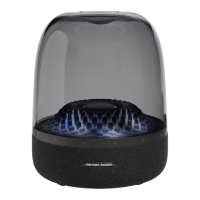
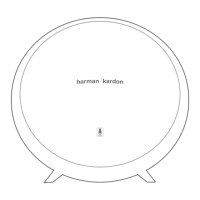
Harman Kardon AURA PLUS - User Manual

Harman Kardon AURA PLUS
12 pages
Print Icon
To Next Page IconTo Next Page
Loading...
Aura Plus
Wireless Speaker System
Owners Manual

Questions and Answers

  • A
    Amy FullerAug 7, 2025
    How to fix Harman Kardon AURA PLUS Speakers Aura when there is no sound?
    • C
      contreraslouisAug 7, 2025
      If there is no sound coming from your Harman Kardon Aura speakers, first ensure that the wall outlet or power strip is receiving power. Also, check that all switches for the outlet/power strip, as well as the unit itself, are turned ON.
  • K
    kmorrisAug 17, 2025
    Why does my Harman Kardon AURA PLUS Aura emit a loud hum?
    • W
      William SullivanAug 17, 2025
      If your Harman Kardon Aura speakers are emitting a loud hum or buzzing noise, first ensure that the input cable is properly connected. If the issue persists, try replacing the cable, as it may be faulty. As a last resort, the hum may be due to a ground loop caused by an unsuitable connection. Turn the Harman Kardon Aura off and connect it to another wall outlet.
  • E
    estokesAug 27, 2025
    What to do if Harman Kardon AURA PLUS Aura has static?
    • E
      Elizabeth MartinAug 27, 2025
      If you are experiencing distortion like static, crackling, or hissing sounds from your Harman Kardon Aura speakers, the audio source itself might be the problem. Try testing the speakers with a different audio source to rule out any issues with the original source. Also, the volume level from your auxiliary device might be too high. Check the source volume and reduce it if necessary.

Harman Kardon AURA PLUS Specifications

General IconGeneral
BrandHarman Kardon
ModelAURA PLUS
CategorySpeakers
LanguageEnglish

Related product manuals