13
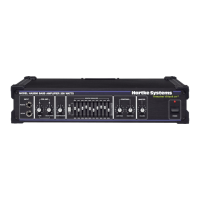
Setting Up and Using the Model 2000/3500
Setting up your Hartke Systems 2000/3500 Bass Amplifier is a simple procedure
which takes only a few minutes:
1. Remove all packing materials (save them in case of need for future service)
and decide where the amplifier is to be physically placed. To avoid potential
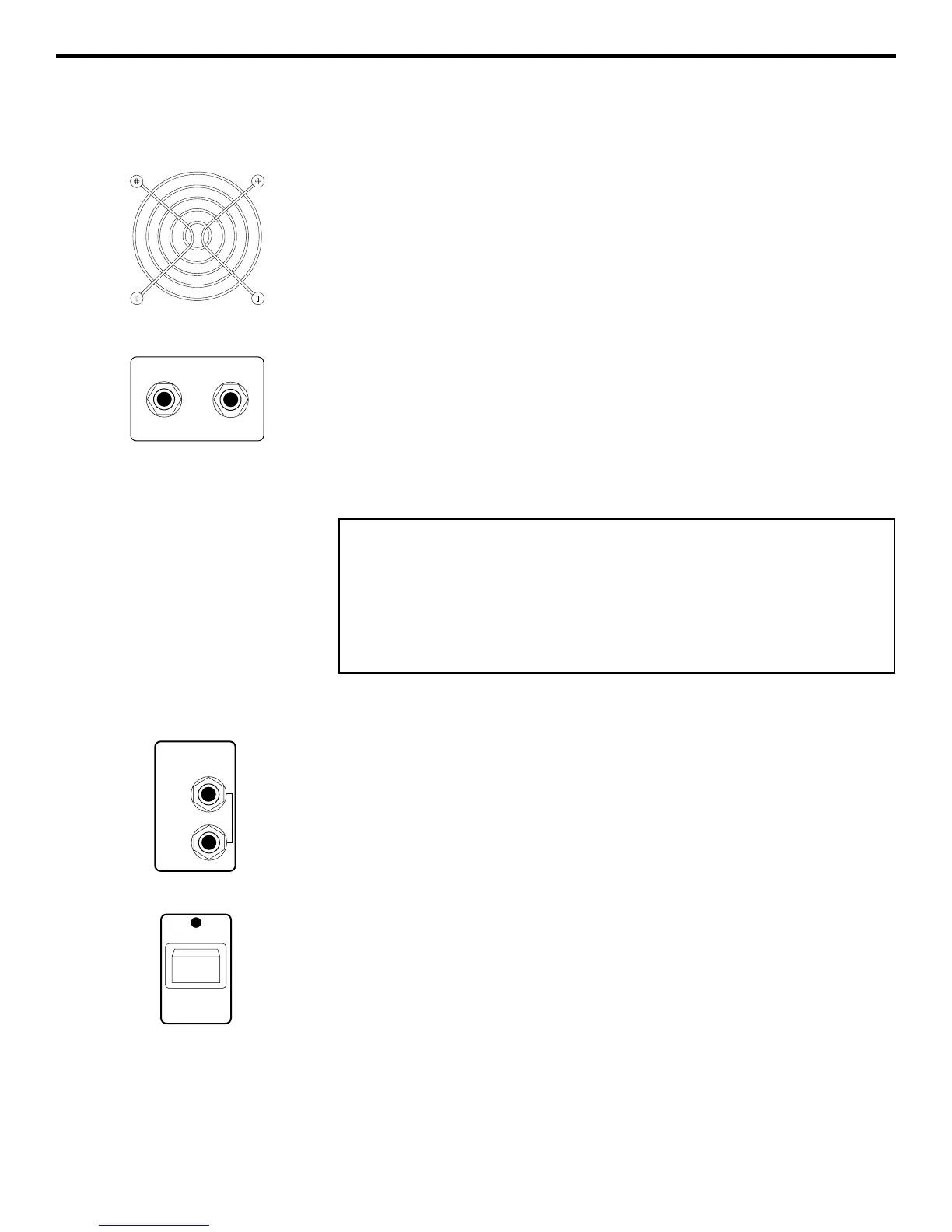
overheating problems, be sure that the rear panel is unobstructed and that there
is good ventilation around the entire unit, particularly behind the rear-panel fan.
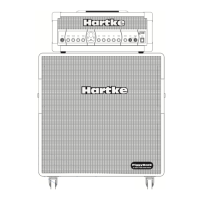
2. Begin by hooking up your bass cabinet or cabinets, using the 1/4” unbalanced
Speaker output connectors on the rear panel; it is never a good idea to power up
any amplifier that is not connected to loudspeakers. We recommend the use of
a single 4 ohm cabinet or two 8 ohm cabinets. Hartke amps are optimized for
use with Hartke bass cabinets, although other brands of speakers can be
substituted. Any appropriately rated bass cabinet with a minimum impedance of
4 ohms (that is, 4 ohms or greater) can be used. In order to ensure correct
phase correlation, the tip of the Model 2000/3500 speaker jack should be con-
nected to the “+” (hot) input of your loudspeaker, and the sleeve of the Model
2000/3500 speaker jack should be connected to the “-” (ground) input of your
loudspeaker.
3. Next, connect the 3-pin AC plug into any grounded AC socket. Don’t turn the
amplifier on just yet, though.
4. Use a standard music instrument cable to connect your bass to the appropri-
ate Input jack on the front panel (if your bass has active circuitry,* connect it to
the “Active” input; if not, connect it to the “Passive” input). On the front panel of
the Model 2000/3500, set the Master volume control to “0” (fully counterclock-
wise) and set both Pre-Amp A (Tube) and B (Solid State) knobs to “5” (the
twelve o’clock position). Set the Compression knob to its “Off” position (fully
counterclockwise—you’ll hear a click) and set both Contour knobs to their center
detented “0” position. Finally, set the graphic equalizer In/Out switch to its “Out”
position.
5. Press the front panel Power switch in order to turn on the amplifier.
After approximately three seconds, you’ll hear a click, indicating that the relay
protection circuitry has completed cycling and that power to the system has been
provided.
6. Set the output of your bass to maximum and then, while playing, slowly turn
the Master volume control up until the desired level is achieved. If you hear
distortion even at low amplifier Master volume settings, back off the output of
your bass (or check for a faulty cable).
* Bass guitars that have active circuitry normally require a battery for the
circuitry to be functional.
WARNING: Hartke amplifiers can deliver very high power levels. Driven
to full power, they can damage connected loudspeakers, regardless of
brand, size, or configuration. Care should be taken not to strain
connected loudspeakers as this can cause permanent damage and will
degrade the performance of the entire system. If you see connected
loudspeakers moving excessively, turn your system down immediately or
use the equalization and/or compression controls to reduce the amount
of subharmonic (extremely low frequency) signal.


 To Next Page