6
UNDO/REDO/CLEAR
During a performance you can quickly undo, redo, or clear audio from a memory location.
UNDO During overdubbing or playback, hold down the footswitch for 2 sec to undo or cancel the
most recent overdubbed recording.
REDO During playback, press and hold the footswitch for 2 sec to restore the overdubbed audio
that was just canceled.
CLEAR When the audio is stopped, press and hold the footswitch for 2 sec.
This will only clear audio that has not been saved.
Note: Redo is only for restoring an overdub. A dot will be displayed in the middle of the two digits on the
display to indicate that there is audio data that can be restored.
Stopping Playback
During playback or overdubbing, double-press the footswitch (press twice within 1 sec) to stop the audio.
Stop Modes
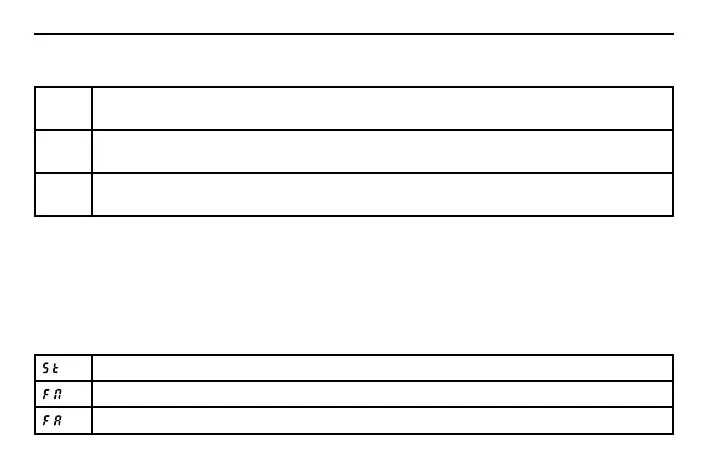
The HL77 has three Stop Modes for stopping a phrase or loop during playback.
The audio stops instantly when the footswitch is double-pressed.
The audio stops at the ending of the current loop when the footswitch is double-pressed.
The audio fades out and stops within 10 sec when the footswitch is double-pressed.
Operating the HL77



 To Next Page