11
Rhythm Tracks
Setting the Time Signature
You can change the time signature before you start recording a loop or phrase. It is not possible to
change the time signature once you have recorded audio to a memory location.
The default time signature for each memory location is 4/4.
To change the time signature to 3/4
Select an empty memory location
Turn on the rhythm track.
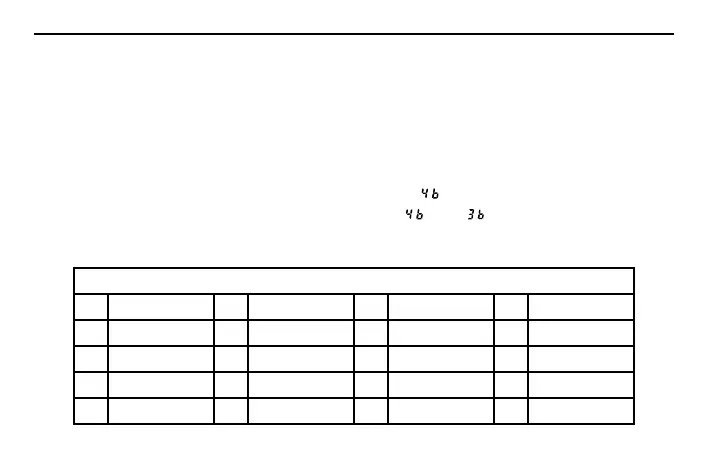
Press and hold the TAP TEMPO button until the display reads “
”.
Press the PATTERN UP or DOWN button to switch between “
” and “ ”.
Press the TAP TEMPO button to confirm the setting.
Note: Changing the time signature to 3/4 is only valid for the current memory location.
RHYTHM TRACKS
01 Metronome 06 Blues Rock 11 Hip-Hop 2 16 Latin
02 Hi-Hat 07 Swing 12 Pop 17 Latin 2
03 Rock 08 Country 13 Pop 2 18 Classic Rock
04 Rock 2 09 Country 2 14 Fast Rock 19 Reggae
05 Shuffle 10 Hip-Hop 15 Metal 20 Dance



 To Next Page