KIPW HEATER INSTALLATION MANUAL
|
PAGE 6
CONNECTING YOUR HEATER TO POWER
Pleasenote,thepowerunitprovided(CX170-U1-15)withyoursaunaisratedforsingle-groupconnection.Theinstructionsbelow
are for single group connections only.
Incoming Power
First, you will need to bring power to your power unit. Remove the power unit’s cover and pry
out the appropriate knockouts that will allow the wiring to enter and exit the unit.
Connectthepowercordtotheappropriateterminals,withthetwohotlinesconnecting
totheleft-mostL1andL2terminals,andthegroundconnectingtothegroundterminal.A
neutral line is not needed - this is only required if a light or ventilation fan is connected to the
powerunit,anapplicationthatisnotavailableintheU.S.market.
Outgoing Power
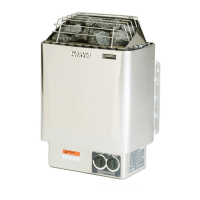
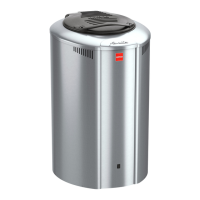
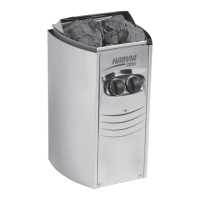
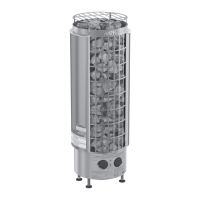
Next,you’llwanttorelaypowertotheheateritself.
First,connectthegroundatthepowerunittothegroundterminalattheheater.Next,
connectoutgoingL1toT1attheheater,andoutgoingL2toT3attheheater.Next,complete
thehigh-limitsafety-circuitbyconnectingA1atthepowerunittoT2attheheater,andA2
atthepowerunitunittoT4attheheater.Youmayusestrandsof12gawireforthehigh-limit
safety circuit connections.
***NOTE: If your heater arrived with copper jumpers pre-installed in the heater’s terminal block,
please remove and discard these. These are not needed.
Temperature Sensor
The temperature sensor mounts in your sauna and provides feedback to the power unit
regardingthetemperatureinyoursauna.Weadvisemountingthissensorapproximately14”tothesideoftheheater,and
approximately14”belowthehighestpointofthe
sauna.Usetheprovidedhardwaretomountthesensor.


 To Next Page
 Loading...