11
EN
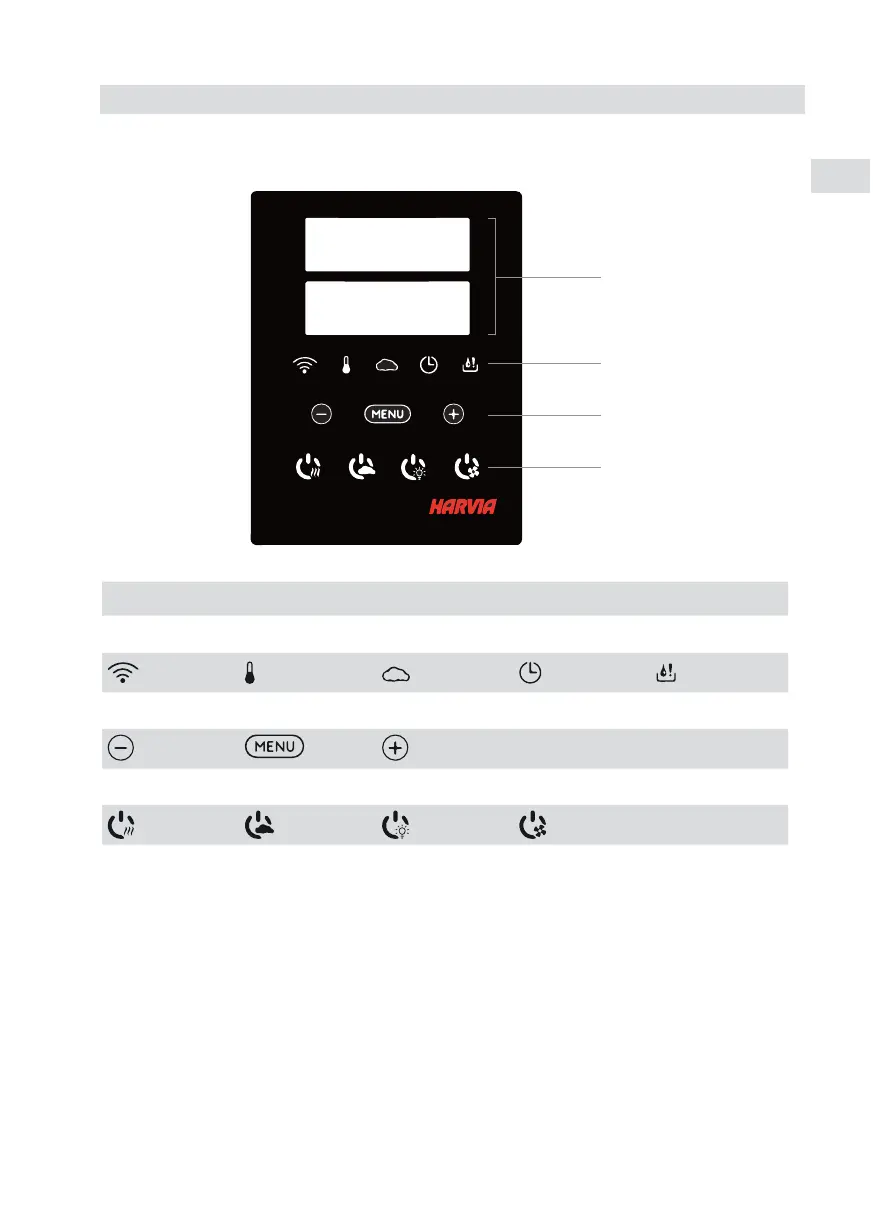
A B C D
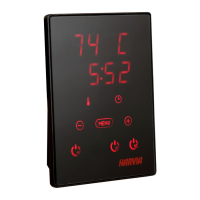
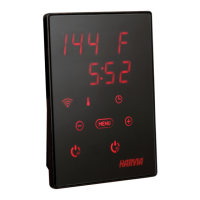
Display Indicator lights Menu and navigation
buttons
Operating buttons
WiFi connection Temperature Humidity On-time Water level warning
Value decrease* Mode change Value increase* * Press and hold to make the value change faster.
Heater I/O Steamer I/O Lighting I/O Fan I/O
A
B
C
D
Note! Available buttons depend on the features of the controlled device.
2. CONTROL PANEL INDICATOR LIGHTS AND BUTTONS


 To Next Page
 Loading...