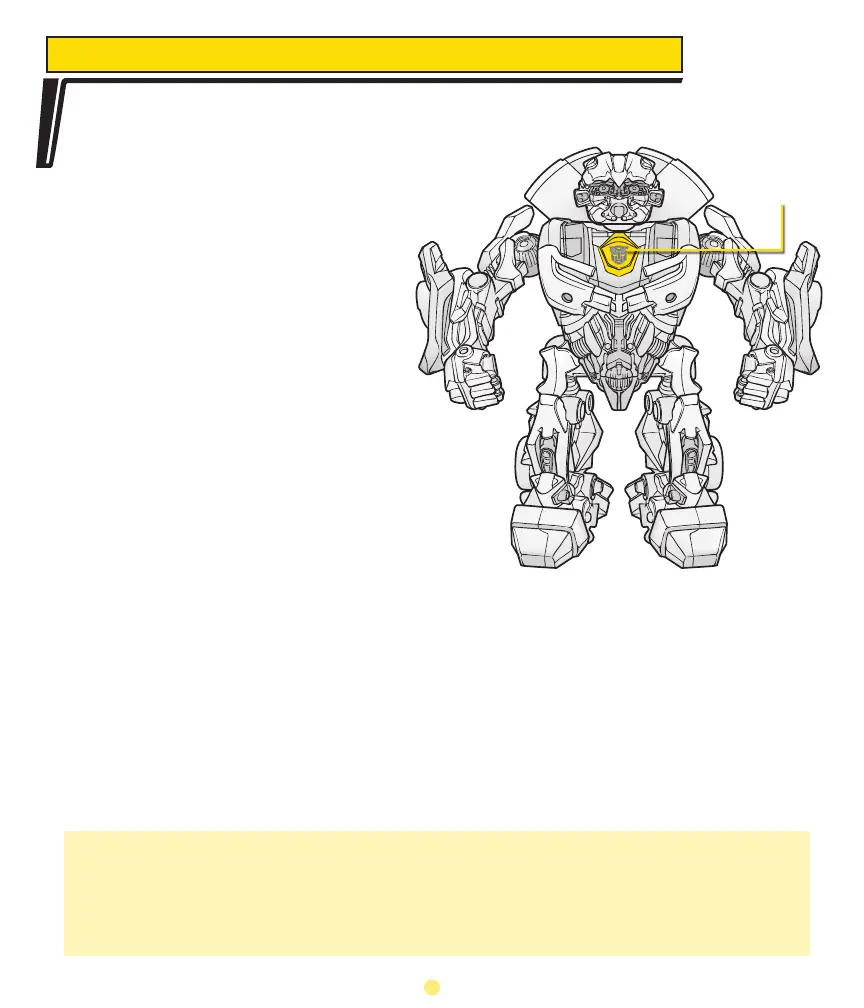
Your BEATMIX BUMBLEBEE musical companion has a memory for your music!
The toy is able to manually record music
and beats (in 5-second clips), and it will
also randomly record music and beats (in
3-second clips). These sound clips are
stored in its memory (up to 60 seconds).
The toy will then play the recordings
back, at random, depending on its
energy level.
To manually record music or beats,
first make sure that music or beats are
playing through the toy. (See p. 3.) Press
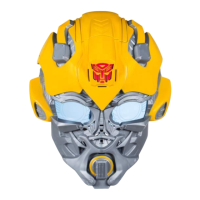
the Record Button (the Transformer™
logo in the center of the toy’s chest)
to activate the recorder for 5 seconds.
During recording, the Record Button will
turn green. The toy will stop recording
after 5 seconds. You will see the color
of the Transformer button change
automatically, to alert you that the toy is
recording:
• Ready to Record Button: constant red LED
• Recording: constant green LED, will turn back to red when done recording
Random recording will take place when you have music playing through the toy.
Don’t be surprised if, all of the sudden, the BEATMIX BUMBLEBEE™ toy decides
to “talk” to you with some music you recorded! To manually make the toy play back
samples, press the Record Button when it’s flashing orange.
RECORD / PLAY MUSIC
NOTE: Recorded sound clips in the internal memory disappear over time. If the toy
receives no new input within 15 minutes, it will start to erase recorded clips from its
memory. If the toy has not been exposed to music for 1-2 days, there won’t be any
recorded music in the memory. Pre-recorded sound effects that came with the toy,
however, will remain.
Press to
record
4



 To Next Page