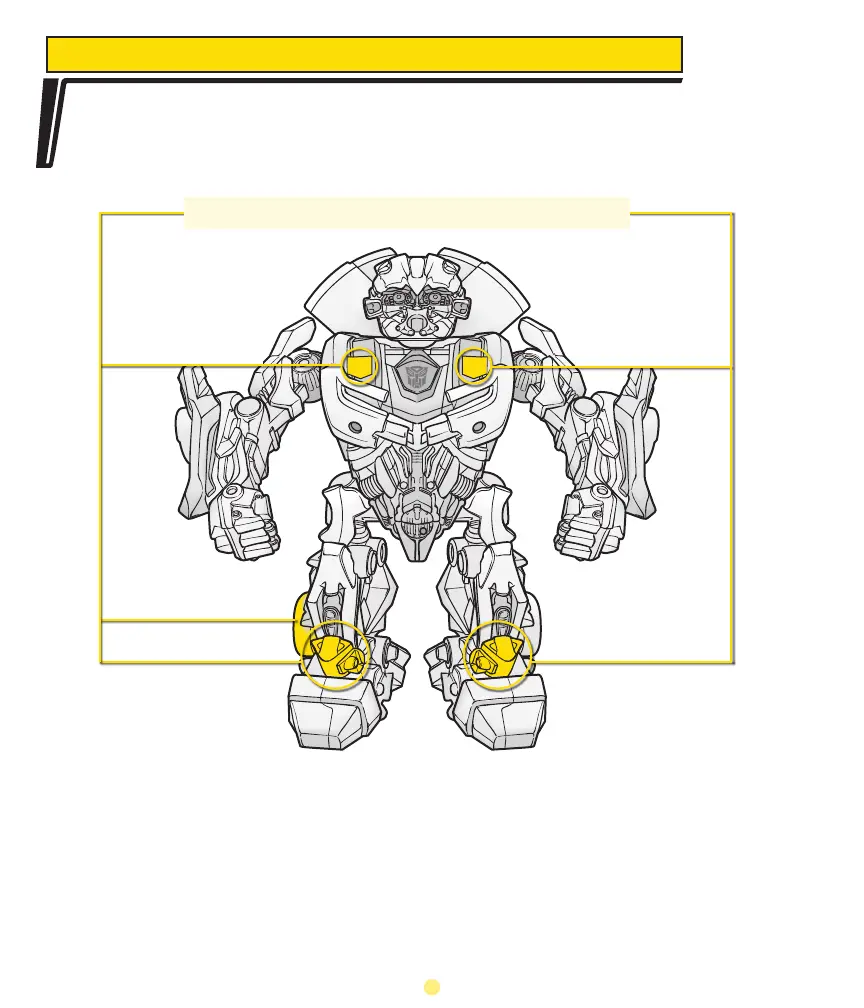
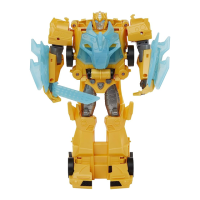
Your BEATMIX BUMBLEBEE toy is a beat machine! You can play with the beats
and sound effects with or without music playing through its speaker.
BEATS
And it doesn’t stop there! The toy’s arms have four positions and a different sound effect
for each position.
To hear sound effects in a continuous “loop mode,” press and hold the toy’s left foot
button for about three seconds while the toy’s eyes flash. The headlights will flash green
to confirm “loop mode.” Then press a button for a sound effect. To stop any beat or
effect, press that spot again. Push and hold the left foot again for two seconds, and the
headlights will flash red to confirm “single play mode.”
Interaction boosts the energy levels of the toy.
To activate a beat, press any of the following spots:
Right Chest Plate
Left Chest Plate
Right Ankle
Right Foot Left Foot
5



 To Next Page