5. Buttons and Indicators
9
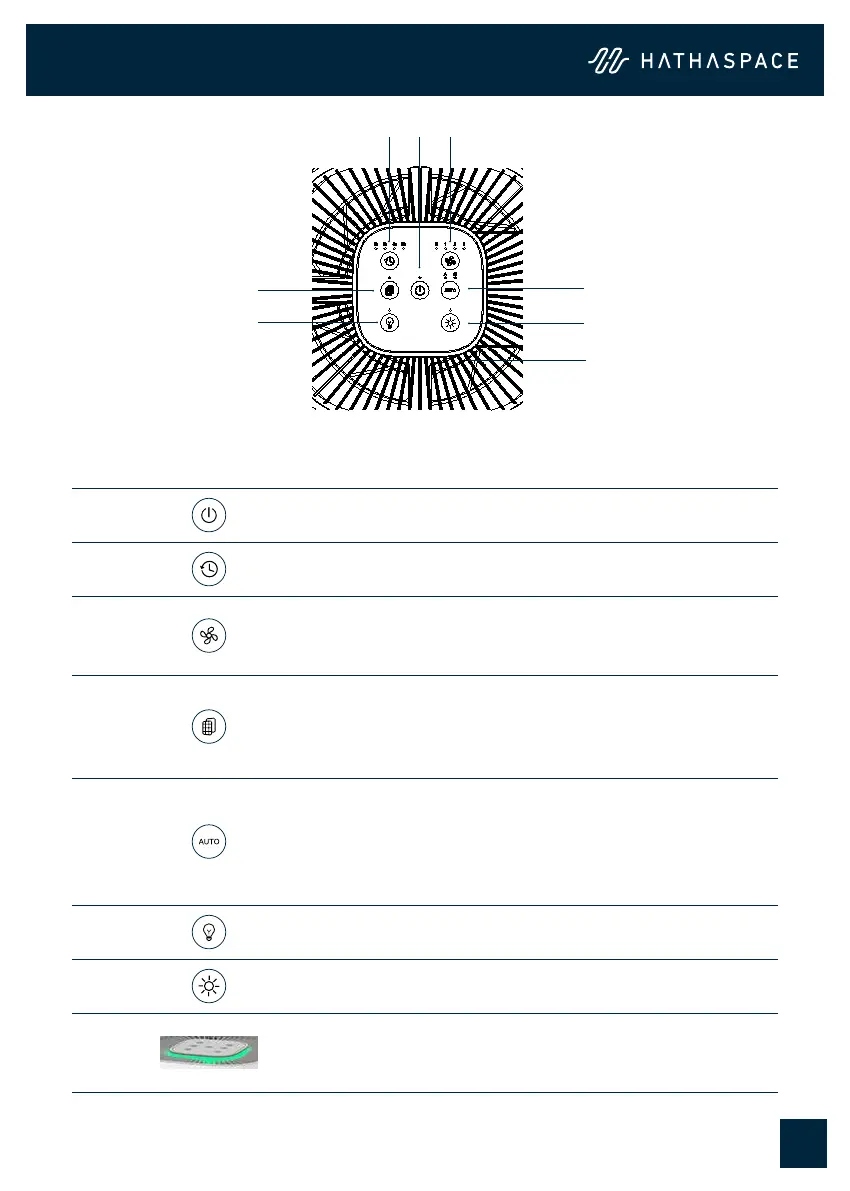
No. Icon Function
1 Power on/o
2 Timer button:1/2/4/8h
3
Fan speed buttons: Sleep mode, Levels 1, 2, 3
• Press the speed button to choose sleep mode. In
sleep mode, all other indicator lights are turned o.
4
Filter reset button
• After the unit has been used for 2000 hours, the unit
will remind the user to replace the lter when it is
powered on each time.
5
AUTO button and child lock button
• Short press the auto button to enter auto mode, and
long press 3 seconds to enter child lock mode. In
Auto mode, the fan speed will automatically adjust
according to the air quality.
6 Light turn/o button
7 Brightness Adjustment button
8
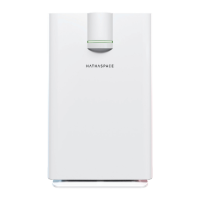
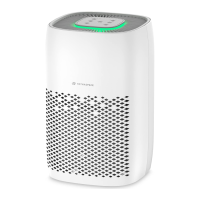
Air quality indicator (Green, yellow, red)
• When on auto function, the color of the light will
change based upon the air quality.
1 3
54
76
8
2
5.1 Control Panel


 To Next Page