11
Engaging the Drive Belt
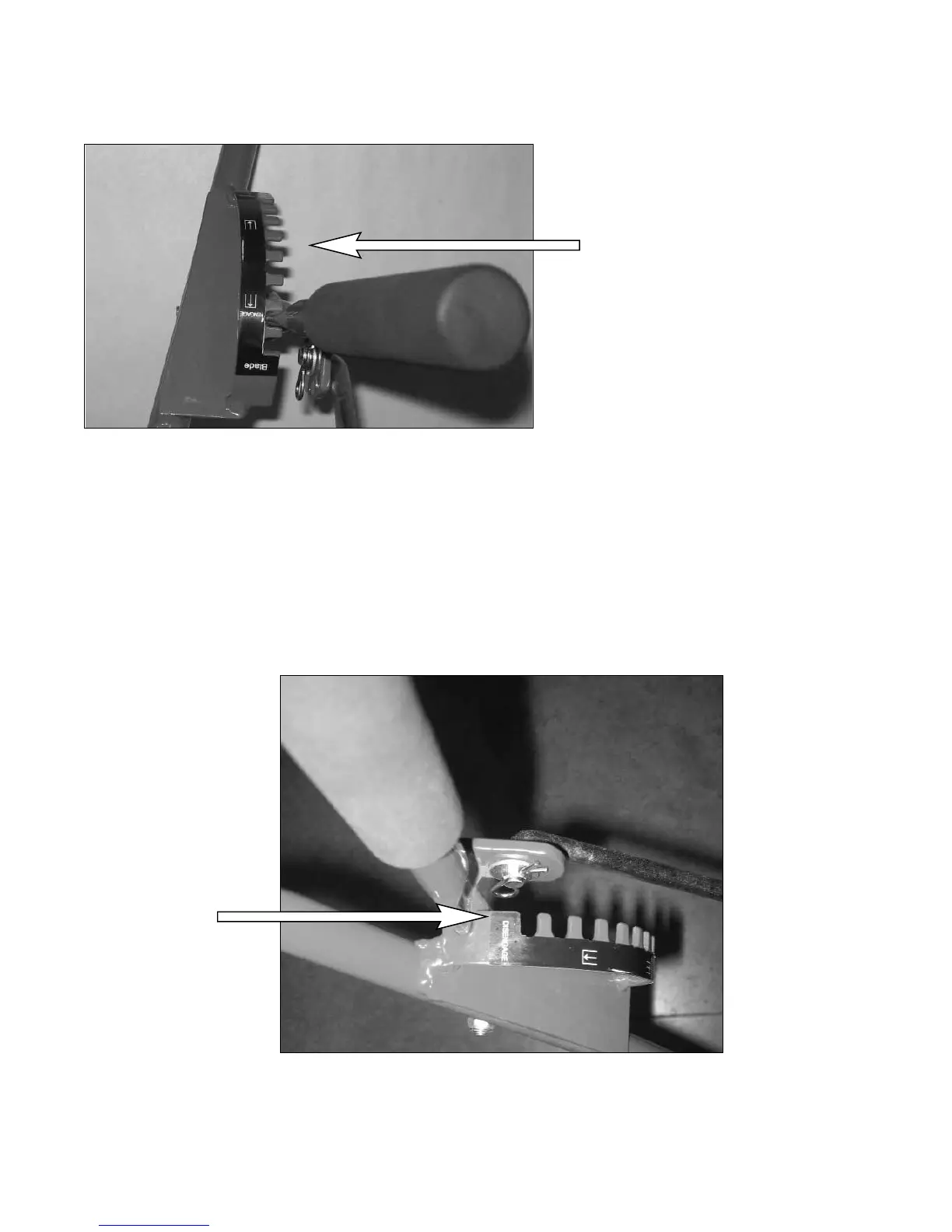
1. Move clutch and depth lever forward to engage drive belt and blade. (Fig 4)
2. The notches in the base of lever allow adjusting for depth or cut or height for trimming.
Stopping the Edger
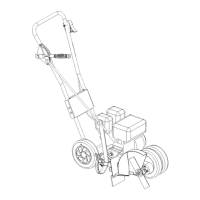
1. Disengage edger/trimmer clutch and depth lever.
2. Move the throttle control to “STOP” position. Make sure the blade is not rotating before leaving the operating
position. (Fig 5). Turn engine switch to “OFF” position.
Blade engagement
and depth lever
Figure 4
Figure 5
Disengage blade
by using last
slot on top


 To Next Page