Road Test and Performance Adjustment
To adjust the power wheel with the trailer connected:
A. Position vehicle on a hard, flat, dry surface.
B. Adjust the power wheel to midrange setting.
C. At a moderate speed (25 mph or less) push on the tow vehicle brake pedal in a normal manner.
A firm braking action should occur.
D. The red indicator light should illuminate from dim to bright during the stop.
E. If more trailer braking is required, increase the power wheel. If less trailer braking is required,
decrease the power wheel.
F. At a moderate speed (25 mph or less) energize the brake controller by slowly moving the
manual lever to the left. A much harder stop can always be obtained as the manual lever is not
affected by the power wheel setting. The red indicator light should illuminate from dim to
bright during the stop.
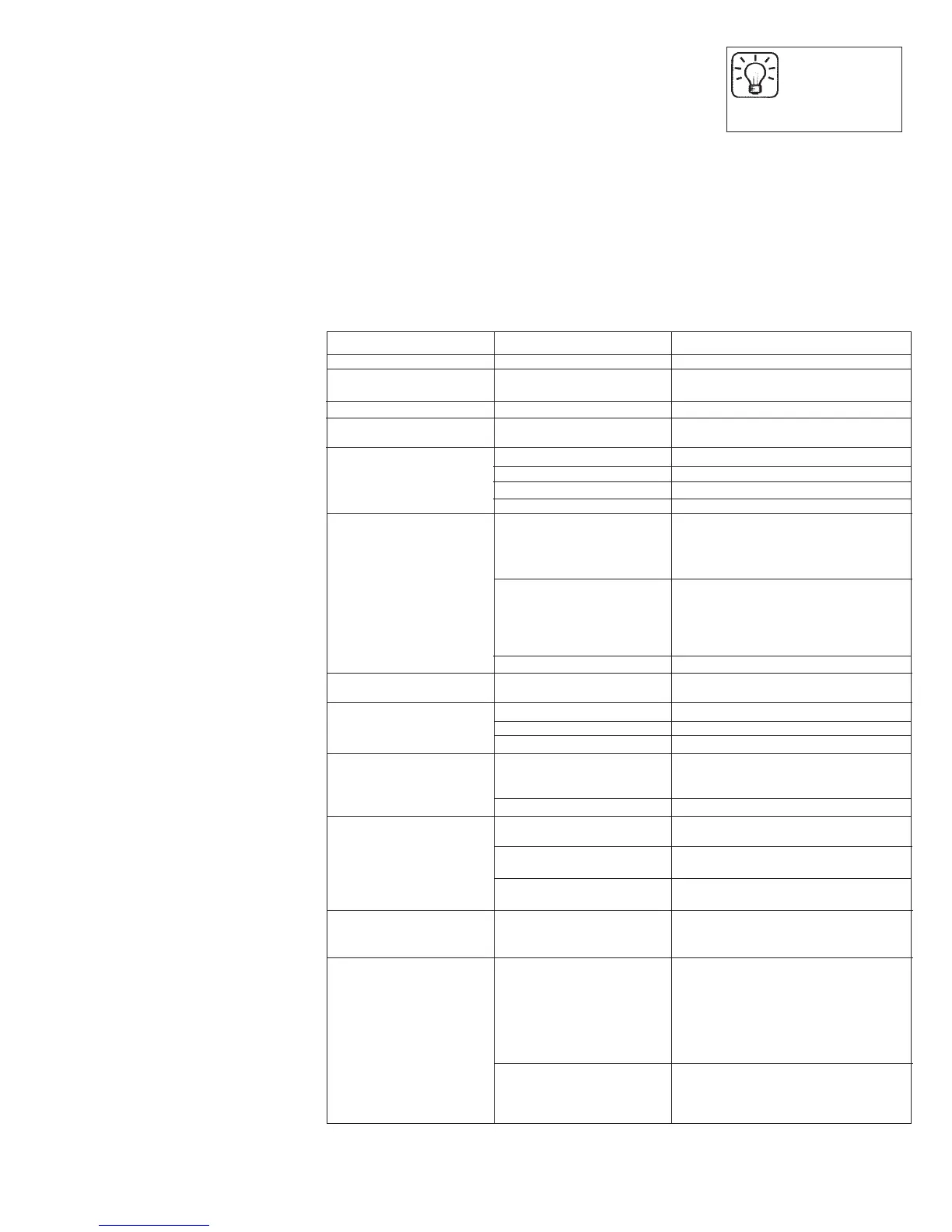
Trouble Shooting
Symptom Possible Cause Remedy
Trailer Brakes “Lock Up” Power wheel set too high Reduce power wheel setting
Pendulum leveling arm set Move pendulum arm to a less aggressive
too aggressive position. See adjusting pendulum section.
Low output to trailer brakes Power wheel set too low Increase power wheel setting
Pendulum leveling arm set Move pendulum arm to a more aggressive
too delayed position. See adjusting pendulum section.
Weak / Ineffective Brakes Overloaded trailer Check weight rating
Loose/poor quality connections Inspect connections / check with meter
Insufficient wire gauge Inspect/Replace
Trailer brakes out of adjustment Inspect and adjust as needed
No output to trailer brakes Improper Wiring Check color codes on all wires, If unsure,
(manual or automatic) contact your vehicle dealership or our
customer support department
at 1-800-892-2676.
Improperly grounded Ensure that the following are grounded:
• Controller (white wire)
• Tow vehicle connector
• Trailer umbilical cord
• Each brake magnet
Trailer brakes out of adjustment Inspect and adjust as needed
No output to trailer brakes Faulty Brake Light Circuit Troubleshoot / repair brake light circuit
(automatic only) on tow vehicle
Intermittent or surging brakes Improperly grounded Check and repair all ground connections
Out of Round brake drums Repair / replace
Worn wheel bearings Repair / replace
No output to trailer brakes, Direct short to ground Inspect and repair wiring
red indicator lights dim or either in tow vehicle
off when brakes are applied wiring or in trailer wiring
Faulty brake magnets Test / replace brake magnets
Reduced output to trailer Too many brake magnets are Energize III only handles 1-2 axles with brakes
brakes, red indicator light attached to controller Energize XPC only handles 1-3 axles with brakes
stops increasing in brightness Intermittent short to ground in Inspect and repair wiring
with increased braking tow vehicle or trailer wiring
requirements
Defective brake magnets Test / replace brake magnets
Trailer brakes lock up when Faulty break-away Test / replace switch
trailer connector cable switch
is attached.
Controller red indictor on Indicates presence of an Inspect wiring and breakaway switch
all the time unexpected 12V on the blue Ensure that there is no voltage on the
(output) wire due to one of blue wire when the brake pedal is not
the following: depressed.
• Faulty wiring
• Malfunctioning
breakaway switch
TIP:
Warm trailer brakes
tend to be more
responsive than cold brakes.
Indicates presence of an
unexpected 12 Volts on the red.
Inspect wiring. Ensure that there is no
voltage on the red wire when the brake
pedal is depressed.
If you are unable to completely remedy the symptoms using the troubleshooting
guide, contact our Technical Support Service at 1-800-892-2676.
19004-3H
Form# 7-2163
A. Disconnect the tow vehicle/trailer
electrical connector. Move the manual
slide lever (Figure 1) to the left. The
red indicator light must become
increasingly brighter and the tow
vehicle stop lamps must illuminate.
B. If the red indicator light does not
illuminate or glows dimly, the tow
vehicle has a short to ground in the
trailer brake circuit or the white ground
wire is not connected to ground. Check
and/or repair wiring and tow vehicle/
trailer connector.
C. If the stop lamps do not illuminate,
check the red stoplight wire
connection of the brake controller for
connections to the non-powered stop
lamp wire of the vehicle stop lamp
switch.
D. Connect the tow vehicle/trailer
electrical connector.
E. Move the manual lever to the left. The
red indicator light must illuminate
from dim to bright and the trailer stop
lamps must illuminate.
F. If the red indicator light does not
illuminate or glows dimly, check the
trailer brake magnets and trailer brake
circuit (including the tow vehicle/
trailer connector) for a short to ground.
G. If the trailer stop lamps do not
illuminate, check and repair trailer
wires, bulbs, bulb ground connections,
and the tow vehicle/trailer connector.
H. Also check the red stop lamp wire
connection of the brake controller for
connections to the non-powered stop
lamp wire of the vehicle stop lamp
switch.
Red Indicator Light
representation while brakes are
applied manually
1) Dim to bright red illumination:
• Controller operating normally with
power to the trailer brakes
2) Dim to No red illumination:
• Faulty white ground wire connection,
or faulty black battery (+) wire
connection, or blue wire is shorted to
ground.
Troubleshooting using the
manual slide
To verify the brake controller is prop-
erly wired, follow these steps:


 To Next Page
 Loading...