9. Display reads "Display Error x call 888-921-7665"
An internal problem has occurred in the AquaPod 2.0. Call the Hayward Technical Support depart-
ment (Monday through Friday, from 8AM to 8PM eastern time) to find out how to obtain a replace-
ment wireless remote display/keypad.
10. AquaPod 2.0 stops communicating with base station
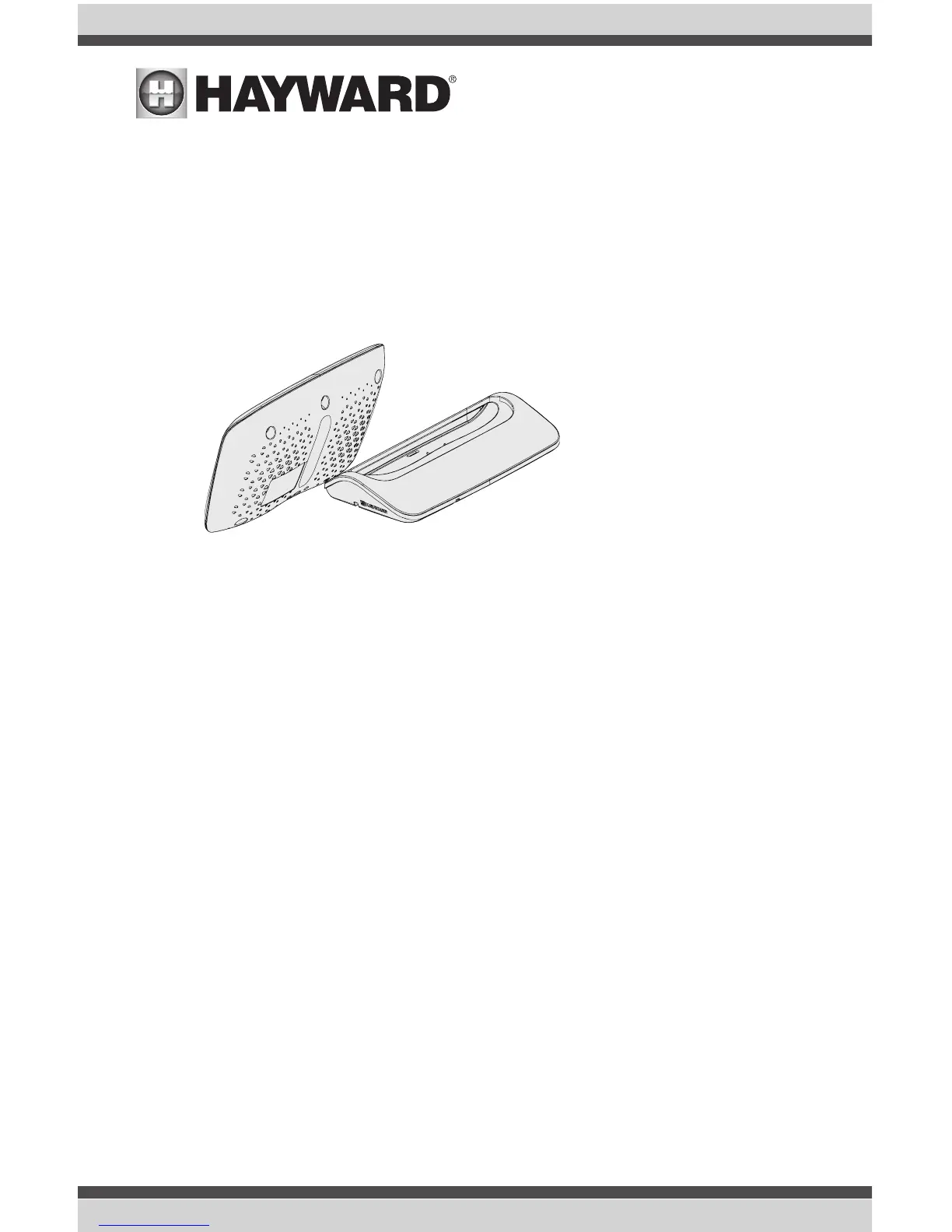
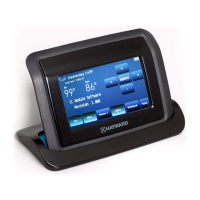
Perform a "soft reboot". To reboot the AquaPod 2.0, position it against the charging stand as
shown in the diagram below. When the two units align together as shown, the AquaPod 2.0 will
automatically shut down and restart.
11. Blank screen or erroneous display after "wake up"
If the AquaPod 2.0's screen is blank or displays the wrong information after "wake" up, press the
MENU button. This will refresh the display and should correct the problem.
12. "Refreshing Display" continuously displayed
If the pool control's power is off, the AquaPod 2.0 will display this message. In this case, returning
power to the pool control or "reteaching" (page 2-3) the AquaPod 2.0 will correct the problem.
13. Interference with 900MHz devices (baby monitors, video monitors, etc.)
To determine if there is a problem, be certain that the interference stops when the pool control
power is turned off. If so, try different channels on the affected device. Also, try changing the
AQL2-BASE-RF base station's wireless channel (see manual). Note that some interference may not
be able to be resolved.
14. Frequent "last keypress was not received" messages
This message may be due to interference with other 900MHz devices or because the AquaPod
2.0 is being used outside of the usable range. Follow step 13 above to determine if there is an
interference problem. If the AquaPod 2.0 is too far from the base station, consider locating the
base station closer by using the Remote Mount Kit.
Touch the AquaPod 2.0
against the charging base
as shown to perform a
"soft reboot"
9
USE ONLY HAYWARD GENUINE REPLACEMENT PARTS


 To Next Page