Range and Location
The AquaPod 2.0 must be used within 200 ft. (assuming the signal will have to travel through
walls) or 400 ft. (line of sight) from the Base Station which is typically mounted on the pool control
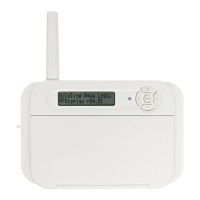
unit at the pool equipment pad. Note that the AQL2-BASE-RF Base Station can also be mounted
up to 500 ft. away from the pool control to shorten the distance between it and any wireless
remote. See the “Remote Mounting of the Base Station” section of the Base Station manual for
more details.
The AquaPod 2.0 communicates with the base station on the pool control unit using 900 MHz RF
(frequency hopping spread spectrum ) technology.
If the display information is not being updated on a regular basis or if the control is not respond-
ing to buttons being pressed, refer to the Troubleshooting section for assistance in resolving these
problems.
Operation
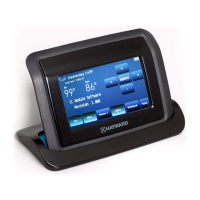
The AquaPod 2.0 remote control offers users the power to program all the operating parameters
of the pool control system remotely as well as viewing equipment status and temperatures. The
following information discusses the AquaPod 2.0's display and pushbuttons.
AquaPod 2.0 Display
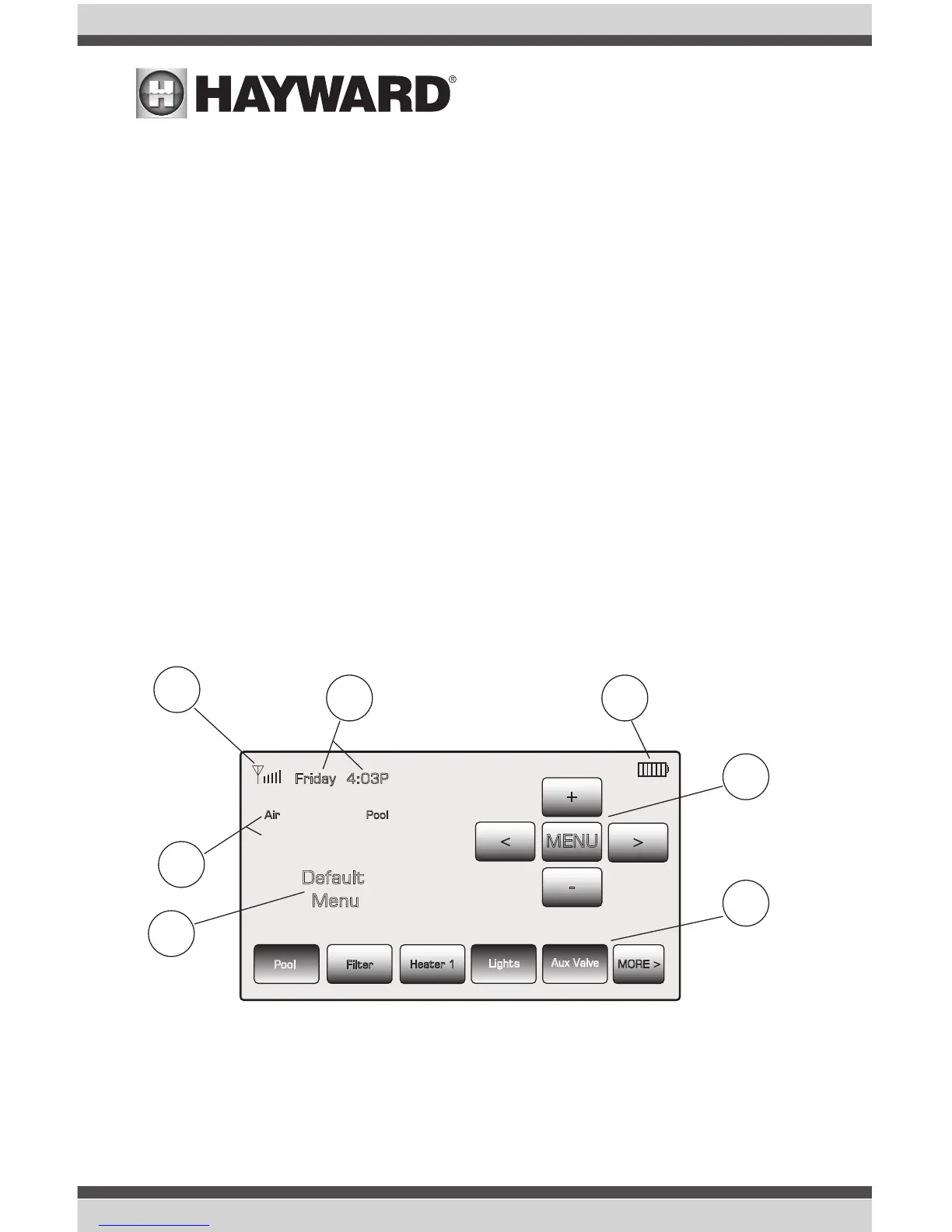
1. Signal Strength
The number of bars shown next to the antenna icon indicate the signal strength of the connection
between the AquaPod 2.0 and the AQL2-BASE-RF base station. If no bars are displayed, the signal
strength is too low for communication. Note that signal strength will decrease as the AquaPod 2.0
is moved further away from the AQL2-BASE-RF or if obstructions such as walls, fences, etc. are
located between the AquaPod 2.0 and AQL2-BASE-RF.
Friday
Filter
MORE >
MENU
<
<
+
-
PoolAir
84 88
Default
Menu
4:03P
Pool
Lights
Heater 1
Aux Valve
1
5
4
3
2
6
7
º º
USE ONLY HAYWARD GENUINE REPLACEMENT PARTS
4
USE ONLY HAYWARD GENUINE REPLACEMENT PARTS


 To Next Page