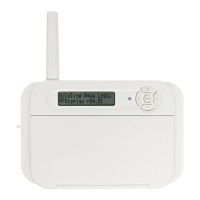
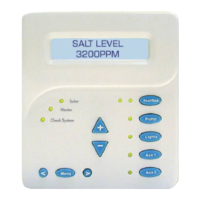
a. On the pool control local display/keypad, press the
“Menu” button (possibly multiple times) until “Set-
tings Menu” is displayed.
b. Press “<“ or “>” (again, possibly multiple times)
until “Teach Wireless” is displayed.
c. Press the “+” button to start the teaching process.
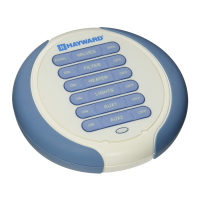
d. Touch and hold the MENU button on the AquaPod
2.0 for 4 seconds. The pool control display should
say “Teach Wireless: Successful”.
4. Installation is complete. You can now use the AquaPod 2.0 remote control.
Charging the AquaPod 2.0
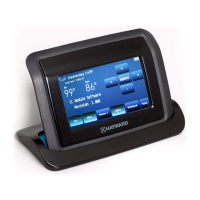
Plug the included charging stand into a standard 120VAC wall outlet, away from the pool area. It
is not recommended that you use an extension cord with this product near the pool. Charge the
AquaPod 2.0 at temperatures between 32ºF and 113ºF (0º - 45ºC). The AquaPod 2.0 can be used
while in the stand no matter what state the battery is in. A fully charged battery will provide about
300 one-minute uses under typical conditions.
About battery power
When the AquaPod 2.0 is not in the charging stand, the unit uses battery power and will take
steps to extend battery life. After one minute of no button presses by the user, the unit will briefly
display “Shutdown in 10 sec, touch to keep on". If no button is pressed within that time, it will
then display "Shutting down to save battery power” and will go into “sleep” mode. Once awake,
any subsequent button presses will perform their normal functions.
When the AquaPod 2.0 is in the charging stand, the unit uses wall power while it also charges the
battery. It will always be “awake”, as long as it's sitting in the charger.
Note that the battery will slowly lose charge if the unit is not plugged into charging stand even if it
is not used. The battery should be charged every 4-5 days, depending on usage.
The AquaPod 2.0 will display a series of information about its status and the status of the battery.
Refer to the “Operating Status” section of this manual for an explanation of each of these displays.
NOTE: The AquaPod 2.0 is not serviceable and should not be disassembled. The built-in Lithium
Ion battery pack is not replaceable and should offer at least 5 years of service.


 To Next Page