9
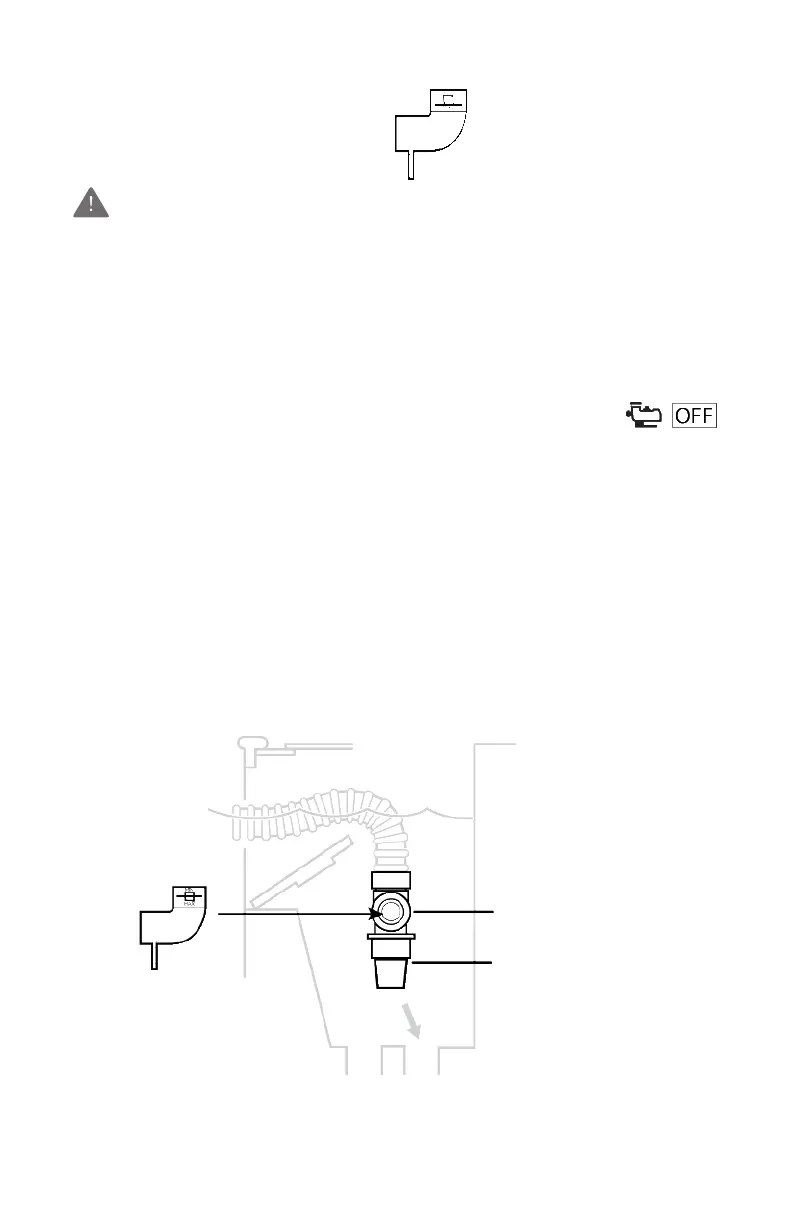
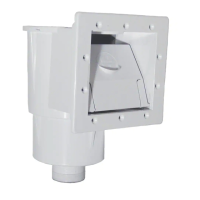
If the black disk is outside of the box on the “MAX” side and you
have connected your hose to the skimmer, reduce the vacuum/
water flow by using one of the following:
• Suction Valve(s) in the filter system
• Hayward Regulator Valve
• An optional Hayward Automatic Skimmer Vacuum Plate*
REGULATOR
VALVE
CONE ADAPTER
TO MAIN DRAIN
(if applicable)
TO PUMP
To install the Regulator Valve:
1. Remove the hose from the Skimmer Cone
2. Close the Regulator Valve by rotating the blue collar clockwise
until tight.
3. Insert the Valve into the Skimmer Cone and the hose end into the
Valve.
4. Turn the filter system on and allow it to eliminate any air in the
system.
5. Turn the blue collar clockwise until proper reading appears.
*Follow the installation instructions included with the Skimmer Vacuum Plate.
Reading Too High?



 To Next Page