8
INSTALLATION
Step 4
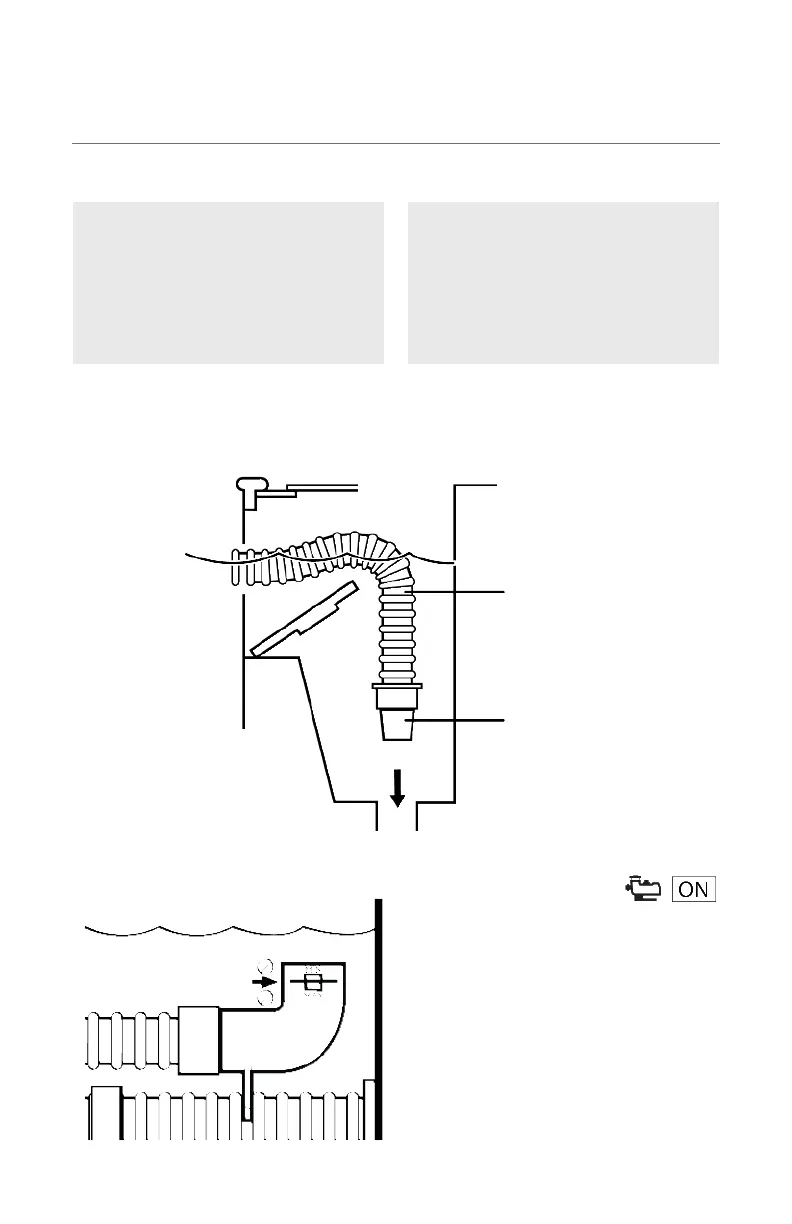
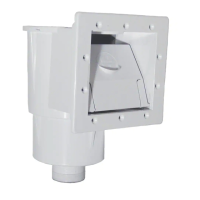
Connecting to Skimmer:
Connect the Skimmer Cone
adapter to tapered male end of
the vacuum hose.
Connecting to Hayward
Vac Lock:
Insert the hose end directly into
the Vac Lock without using the
cone.
Step 5
Check the water flow reading on
the Flow Gauge.
The black disk should be between
the “MIN” and “MAX” markings.
If the disk is in the proper location,
move on to step 6.
CLEANER HOSE
CONE
ADAPTER



 To Next Page