EasyManua.ls Logo

Hayward SwimPure Plus W3SWP9 - User Manual

Hayward SwimPure Plus W3SWP9
20 pages
Print Icon
To Next Page IconTo Next Page
Loading...
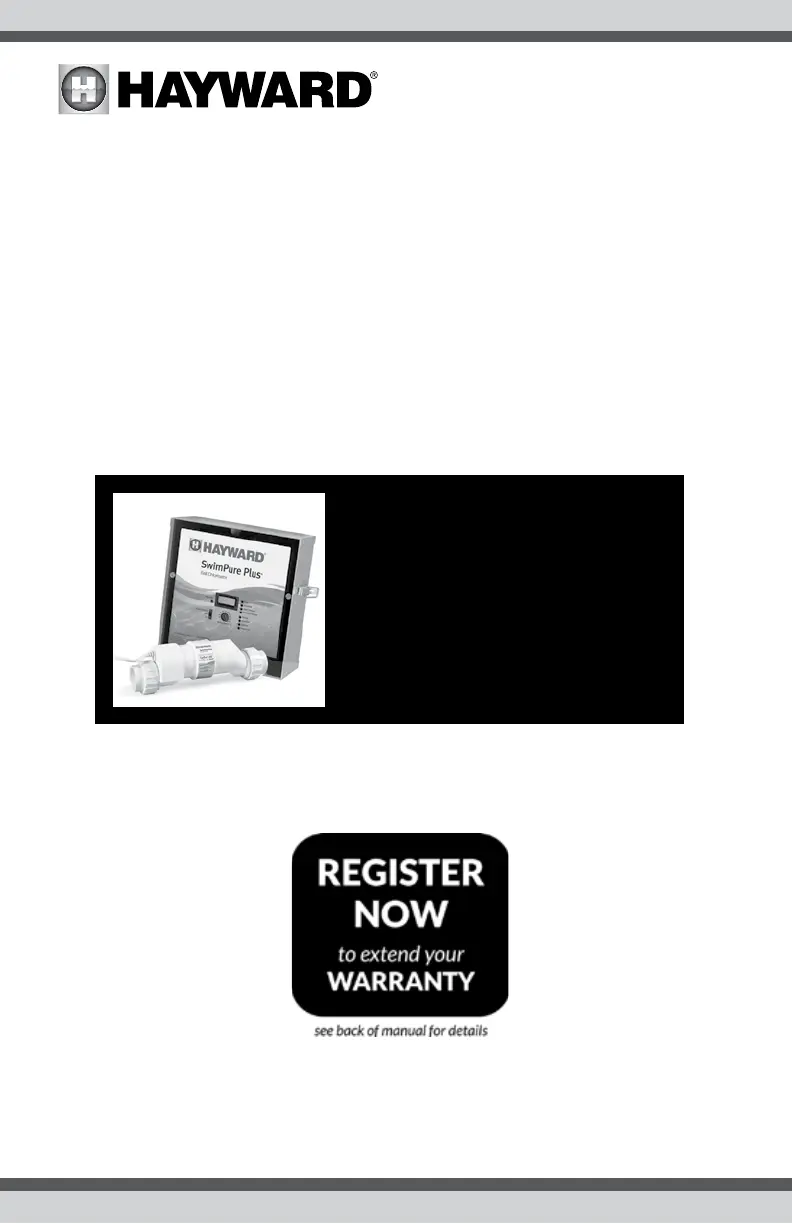
SwimPure Plus
Electronic Chlorine Generator
®
W3SWP15
W3SWP9
Hayward Pool Products
620 Division Street, Elizabeth NJ 07207
Phone: (908) 355-7995
www.hayward.com
092744 RevC
Owner’s Manual
Contents
Operation..............................2
Installation.......................11
Troubleshooting.................. 15
Warranty..............................18
USE ONLY HAYWARD GENUINE REPLACEMENT PARTS

Questions and Answers

  • B
    brianhartAug 13, 2025
    How to fix a decimal salt reading on my Hayward SwimPure Plus W3SWP9?
    • L
      lisa07Aug 13, 2025
      If your Hayward Portable Generator displays a decimal number instead of your usual salt reading, it may have switched to metric mode (g/L). To switch back to ppm, press the Diagnostic Button once. Slide your power switch from "Auto" to "Super Chlorinate" and back to "Auto". Wait 15 to 20 seconds. Your pool's salt level will be displayed in parts-per-million.
  • V
    Victoria HowellAug 16, 2025
    What does it mean when the "High Salt" LED is illuminated on my Hayward SwimPure Plus W3SWP9?
    • W
      wrightchaseAug 16, 2025
      If the "High Salt" LED is illuminated on your Hayward Portable Generator, be sure that the correct model Turbo Cell has been selected. Check the salt level in your pool/spa. If the salt level is too high, lower it by draining some pool water and replacing it with fresh water until the salt concentration reaches recommended levels.
  • G
    gracesmithAug 20, 2025
    What does it mean when the "Inspect Cell" LED is illuminated on my Hayward Portable Generator?
    • T
      Timothy TaylorAug 20, 2025
      If the "Inspect Cell" LED is illuminated on your Hayward Portable Generator, ensure the correct Turbo Cell model is selected. Remove and inspect the cell for scale. If scaled, clean the cell following the provided directions. If the pool has the proper salt amount and the LED remains illuminated, the cell may be worn and need replacement.
  • J
    James DixonAug 25, 2025
    How to stop the "Inspect Cell" LED from flashing on my Hayward Portable Generator?
    • K
      Katherine EsparzaAug 25, 2025
      If the "Inspect Cell" LED is flashing on your Hayward Portable Generator, ensure that the correct model Turbo Cell has been selected. Inspect and clean the cell according to the directions. Afterward, press the "diagnostic" button for 3 seconds to stop the LED from flashing.
  • D
    Daniel HullAug 28, 2025
    Why is the "Check Salt" LED illuminated or flashing on my Hayward Portable Generator?
    • J
      Jennifer MooreAug 28, 2025
      If the "Check Salt" LED is illuminated or flashing on your Hayward Portable Generator, ensure the correct Turbo Cell model has been selected. Check the salt level in your pool/spa. If the salt level is low, add salt according to the provided chart. Before adding large quantities of salt, have your salt level professionally checked.
  • S
    Sarah WilsonAug 31, 2025
    Why is the "Generating" LED flashing on my Hayward SwimPure Plus W3SWP9?
    • K
      kathy03Aug 31, 2025
      If the “Generating” LED is flashing on your Hayward Portable Generator, the pool water temperature is too high or low for operation. Override this by switching the main switch to SUPER CHLORINATE. The SwimPure Plus will run at maximum output for the remainder of the current pump cycle or 24 hours, whichever comes first.
  • M
    Michael BradfordSep 4, 2025
    What to do if the "No Flow" LED is illuminated on my Hayward Portable Generator?
    • J
      Jacqueline WuSep 5, 2025
      If the "No Flow" LED is illuminated on your Hayward Portable Generator, check that the flow switch is plugged into the connector on the bottom of the control unit and that the wire is not cut or damaged. Ensure at least 12" of straight pipe before the flow switch. If there is adequate flow and the LED remains on, check that the arrows on the flow switch are pointing in the direction of flow.
  • S
    steven36Sep 8, 2025
    How to troubleshoot if the "Power" LED is not on for my Hayward SwimPure Plus W3SWP9?
    • J
      John LeeSep 8, 2025
      If the "Power" LED is not on for your Hayward Portable Generator, check that either 120VAC or 240VAC input power is connected to the proper screw terminals at the SwimPure Plus control. Verify input voltage with a voltmeter. If there is input power, the fuse may have blown. The SwimPure Plus is protected by a 20 amp mini ATO fuse located on the circuit board above the cell connector.

Summary

Important Safety Instructions

Salt Level Management

Adding and Removing Salt

Provides instructions on how to adjust salt levels in the pool water.

System Configuration and Displays

System Maintenance Procedures

Cell Servicing and Cleaning

Instructions for inspecting, cleaning, and acid washing the electrolytic cell.

Installation Guide

Plumbing Connections

Electrical Wiring

Integration with Automation Systems

Troubleshooting Guide

Diagnostic Display Codes

Explains the information shown on the diagnostic display.

Common Problems and Solutions

Addresses frequent issues and provides solutions for the SwimPure Plus.

Limited Warranty Information

Warranty Exclusions

Lists conditions that void the product warranty.

Hayward SwimPure Plus W3SWP9 Specifications

General IconGeneral
BrandHayward
ModelSwimPure Plus W3SWP9
CategoryPortable Generator
LanguageEnglish

Related product manuals