1Sound Calibrator Type 4231
User Manual
Chapter 1
Introduction and Controls
1.1 Description
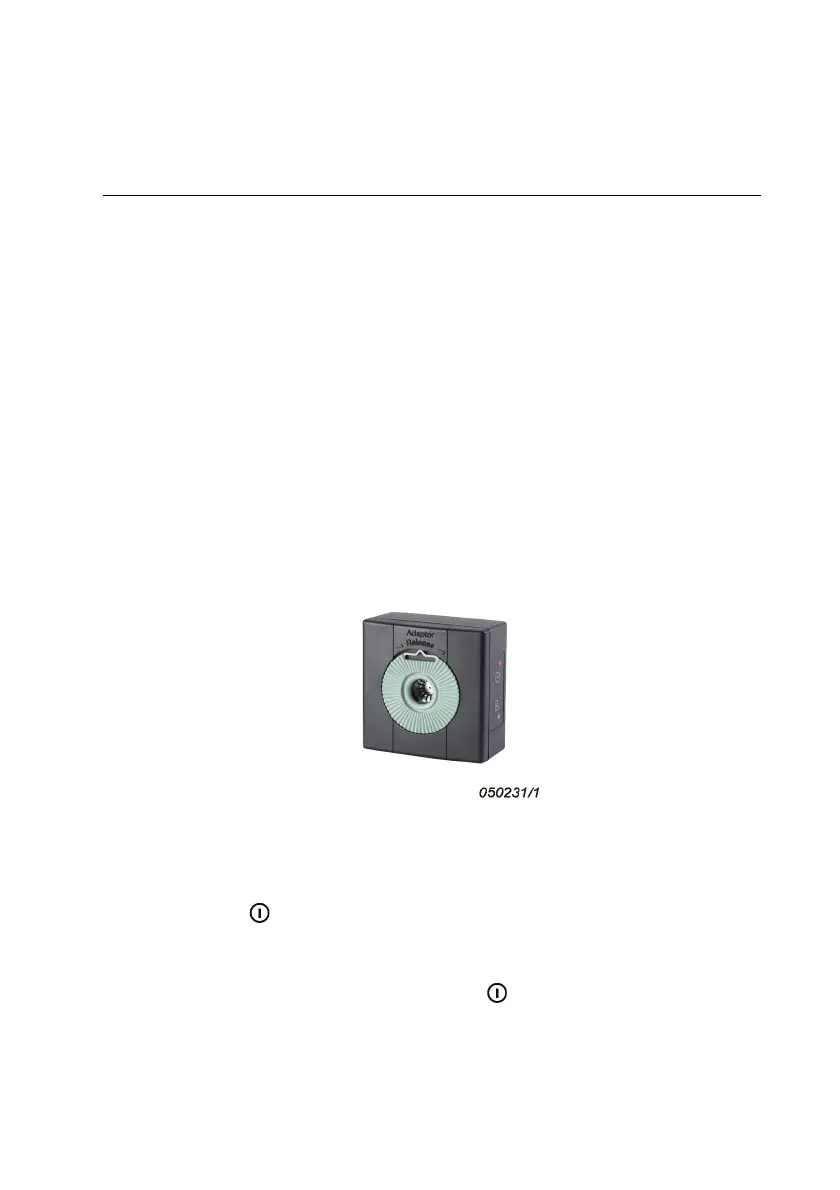
Sound Calibrator Type 4231 is used to calibrate sound level meters and
other sound measurement equipment. You can calibrate 1 diameter
microphones directly and 1/2 microphones using the adaptor
(UC 0210) supplied with the calibrator. With available adaptors (see
section 1.4.1), you can calibrate other microphones and instruments.
Fig.1.1 Sound Calibrator Type 4231
1.2 On/Off Button
Press the button (see Fig.1.1) to start the calibrator. To save the
batteries, the calibrator will automatically switch off again after a short
time if you have not fitted a microphone.
To switch the calibrator off, press the button again, or just remove
the calibrator from the microphone and wait a little before covering the
microphone opening.



 To Next Page