13
P2VA1/DA2510
HBMA2130-2.1 de/en
4 Commissioning
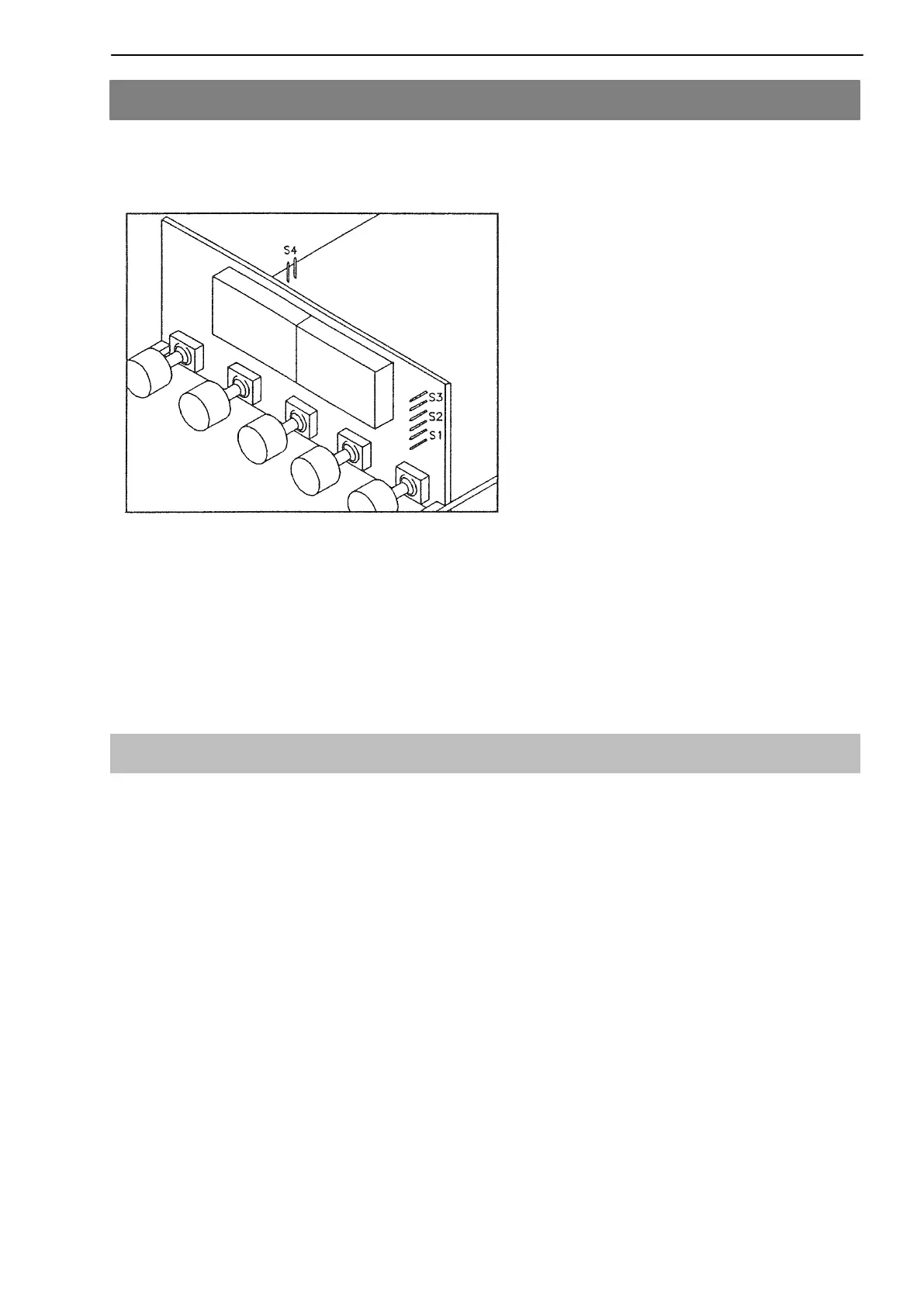
The DA2510 has been preset at the factory so that the P2V can be directly
operated. The internal S1 - S4 jumpers will not be changed.
• Jumper S2 remains removed (factory setting) for 24 V transducer excitation
• Jumper S2 remains removed (factory setting) for key release
• Jumper S3 remains inserted (factory setting) for maximum value display
• Jumper S4 remains removed (factory setting) for calibration
4.1 Setting up the measurement device
1. Select input signal:
- Key MENU ”inP” flashes
• Press the TARE key until the required display appears: ”0-10” (for P2VA1
with voltage output)
• Press the MENU key, ”Stor” appears briefly
2. Select decimal point position:
• Press the MENU key, until ”dEc.P” appears briefly
• Press the TARE key until the required position is reached:
”FFF.F” for 200 bar and 500 bar
”FFFF” for 1000 bar to 5000 bar
• Press the MENU key, ”Stor” appears briefly



 To Next Page