14
P2VA1/DA2510
HBM A2130-2.1 de/en
3. Scaling the measurement device:
• Press the MENU key until ”ScAL” appears briefly
• Press the TARE key until ”int” appears
• Press the MAX key, ”rd1” flashes briefly
• Enter start value rd1 (see table 1): Change with MAX and TARE
• Press the MENU key, ”rd2” appears briefly
• Enter end value rd2 (see table 1): Change with MAX and TARE
• Press the MENU key, ”Stor” appears briefly
If the transducer is not loaded but the display is not at zero, press TARE.
The settings are now completed.
4.2 Setting values for scaling
The following applies for the P2VA1:
As the zero point of the transduer is not at zero but at 0.5V, and the sensitivity
is therefore only 9.5V and not 10V, the display value must be zero negative
when under voltage.
Thus: rd1 = End value * 0.5 V / 9.5 V
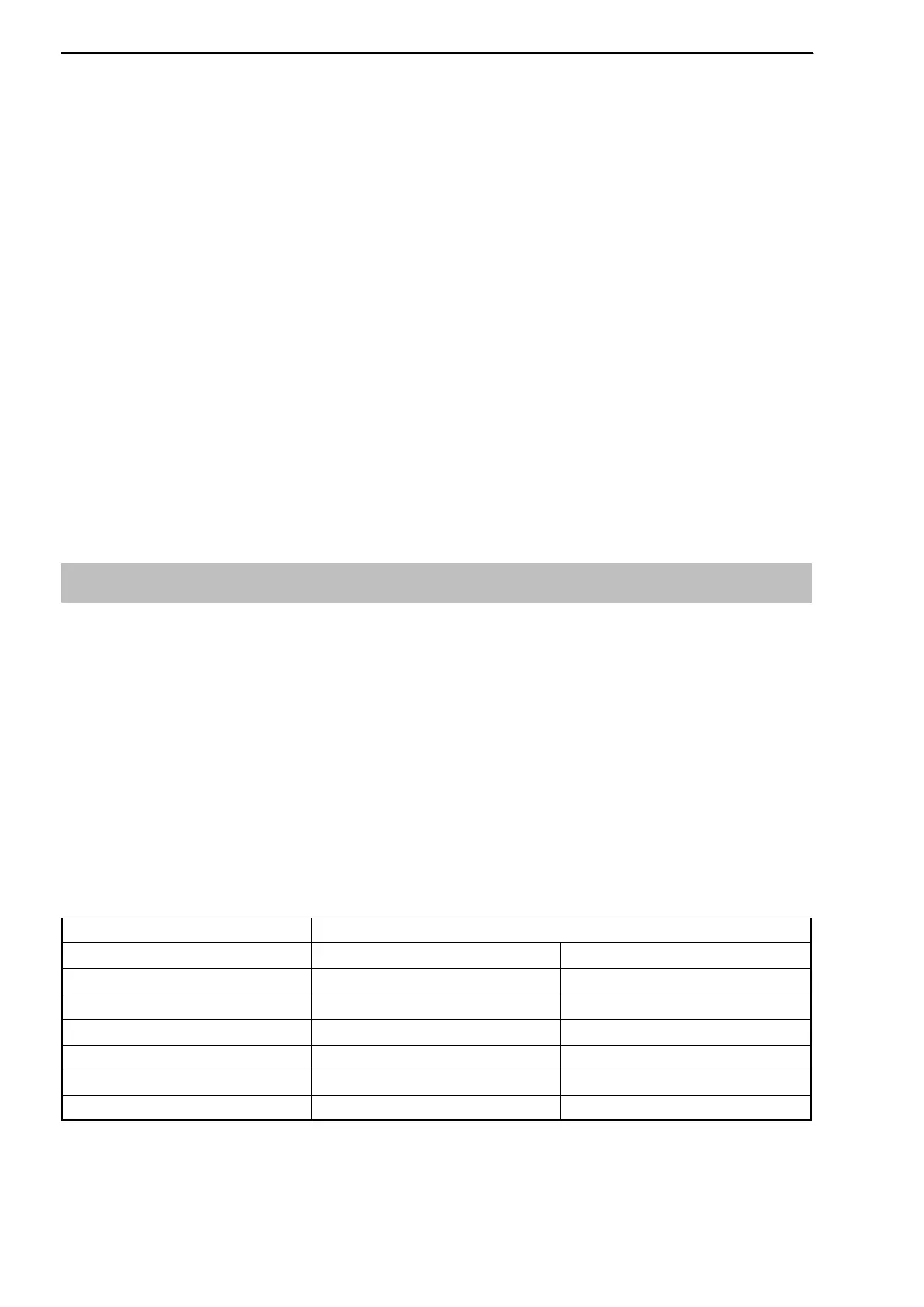
Table 1:
Values for rd1 and rd2, display overpressure
Values for display absolute pressure (in brackets)
full scale P2VA1
Display rd1 rd2
200.0 -10.5 (-9.5) 200.0 (201.0
500.0 -26.3 (-25.3) 500.0 (501.0
1000 -53 (-52) 1000 (1001)
2000 -105 (-104) 2000 (2001)
3000 -158 (-157) 3000 (3001)
5000 -263 (-262) 5000 (5001)



 To Next Page