QUICK START GUIDE
GETTING STARTED
Follow the quick steps to set up your smartwatch.
1
Go to www.headwatches.com/app from your
smartphone and download the app.
2
Connect USB plug of your smartwatch
on any USB connection to load the battery.
3
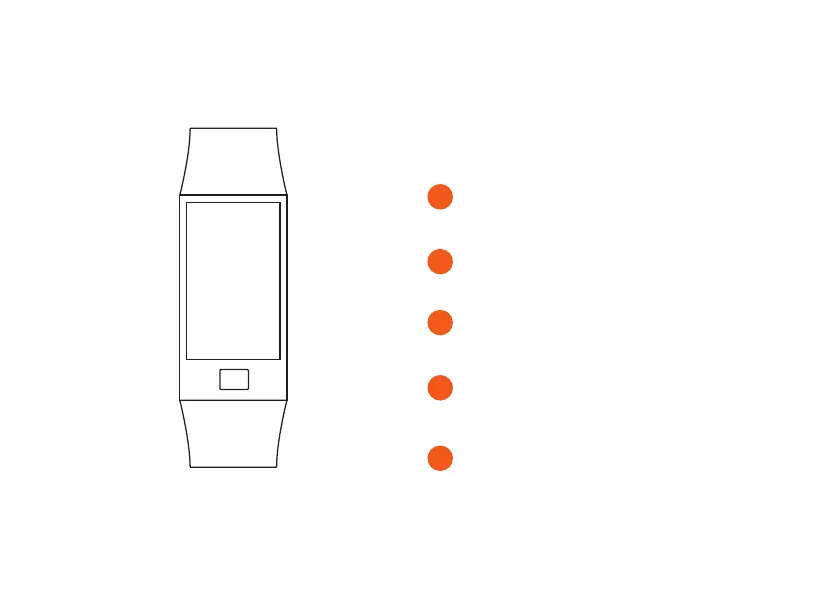
Press and hold the Touch Key to start your
smartwatch.
4
Pair your smartwatch with your smartphone via
Bluetooth.
5
When both devices are connected, you can start
using your smartwatch.
WELCOME


 To Next Page