VER1.0B1 HeartCheck HANDHELD ECG MONITOR
- 21 -
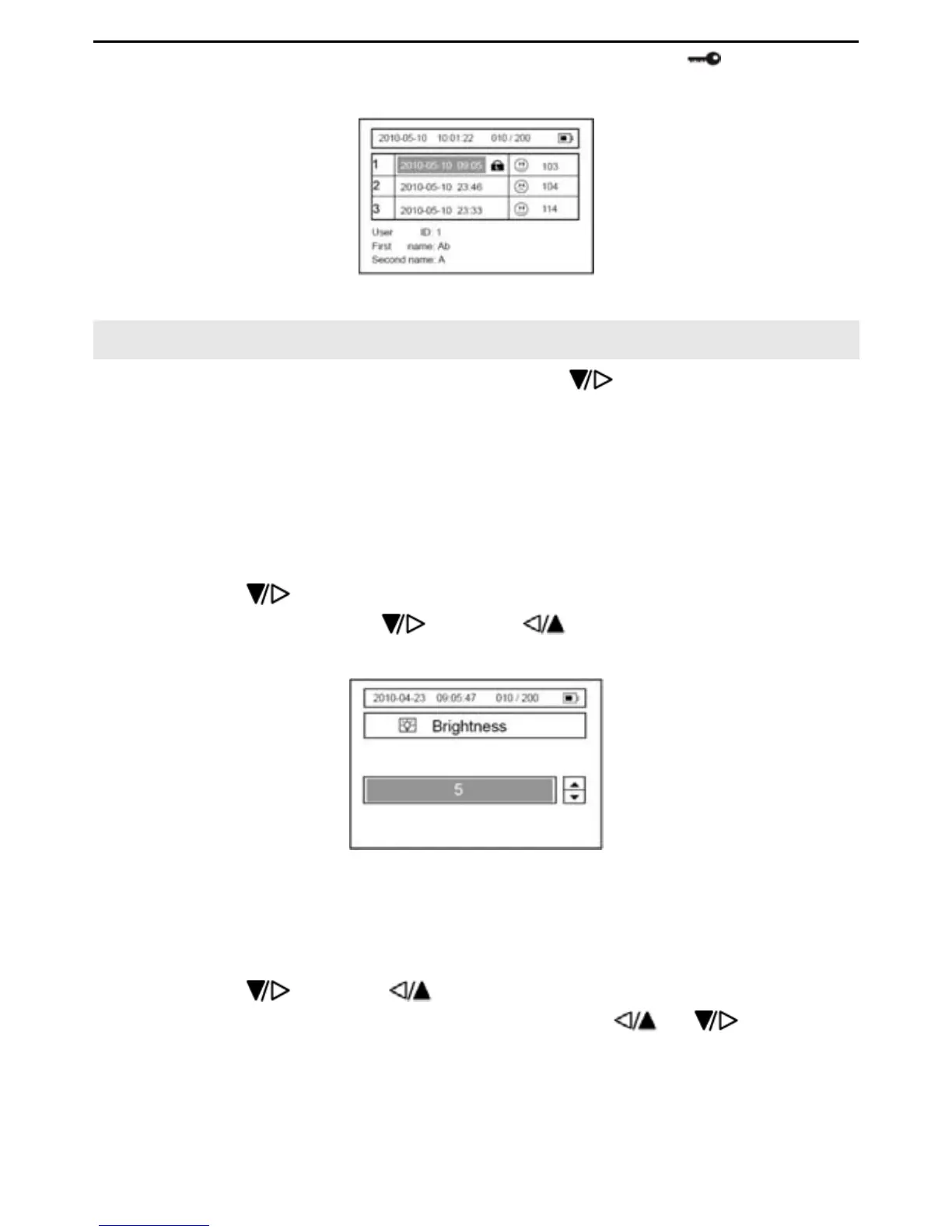
record can NOT be deleted. To unlock the records,select the icon again and
press the “OK” button.
Picture 5-5
6. System Settings
Select “Set Menu” in the main menu by pressing the button, and then press the
“OK” button to enter.
6.1 Date and Time Setting
Please refer to section 3 “Setting Date and Time”.
6.2 Brightness Setting
6.2.1 Press the button to select the “Brightness” item, and then press the “OK”
button to enter. Press the
button or to select the backlight level from
“Off” to “1, 2, 3…7”. Refer to Picture. 6-1.
Picture 6-1
6.2.2 Press the “OK” button to confirm, and return to the previous menu.
6.3 Beep Setting
6.3.1 Press the button or to select the “Beep” item. Then press the “OK”
button to enter, Select “On” or “Off” by pressing the
or button, refer
to picture 6-2.


 To Next Page