VER1.0B1 HeartCheck HANDHELD ECG MONITOR
- 23 -
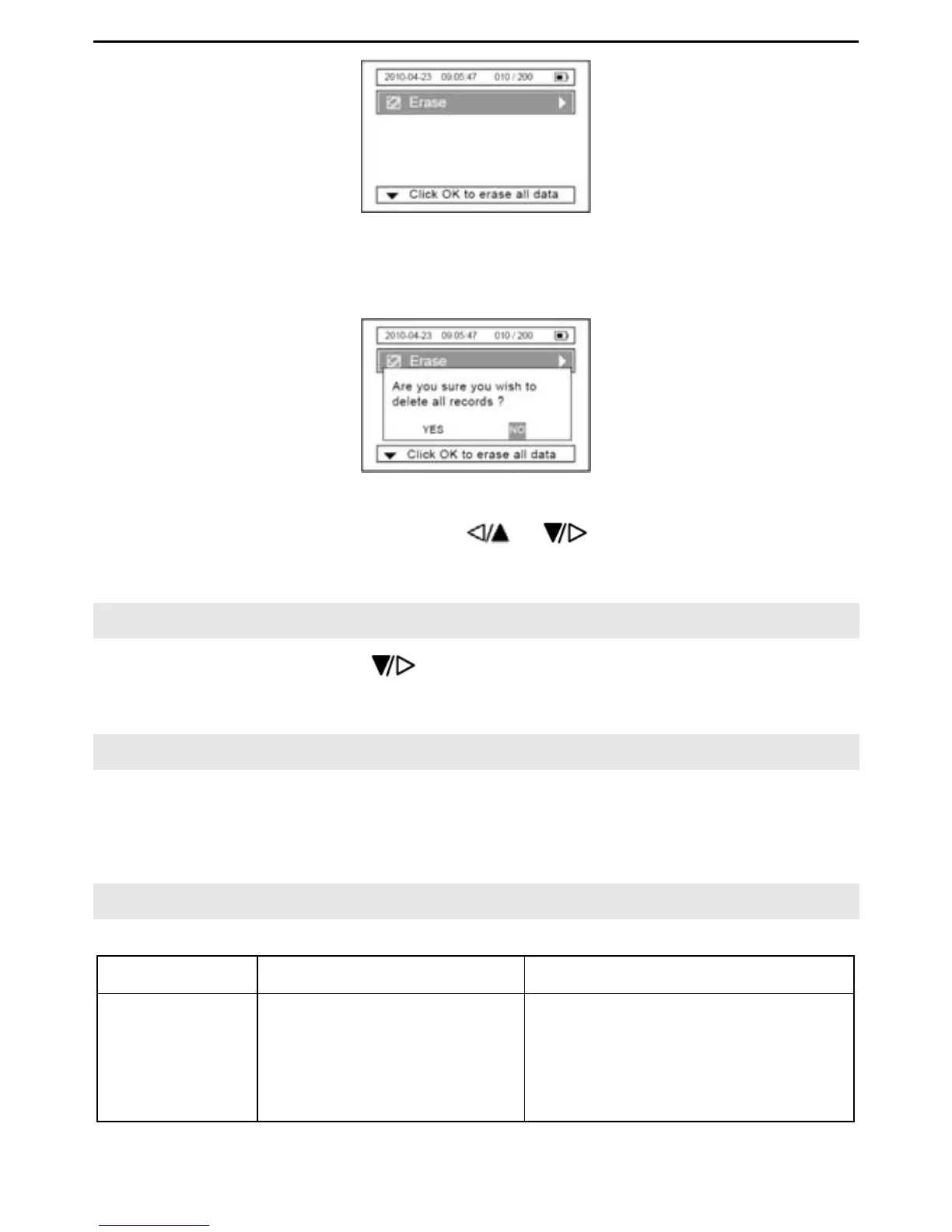
Picture 7-1
Press the “OK” button to erase all data.
Picture 7-2
Select either “YES” or “NO” by using the & buttons. If selecting “YES” all
data on the device will be deleted. Selecting “NO” will cancel the function.
8. Version
In the main menu, press the button to select the “Version”, item, information
about the device will be displayed.
9. Data Transmission
Before data transmission, make sure that the device is on and connected to a computer
by the data cable.
For data transmission operations refer to the accompanying Software User Manual.
10. Trouble Shooting
Problem Cause Solution
The device
can NOT be
turned on
1. The batteries are
drained or almost
drained.
2. The batteries are not
inserted properly.
3. The device is broken
1. Change batteries.
2. Reinstall batteries
3. Please contact the local
service center.


 To Next Page