EasyManua.ls Logo

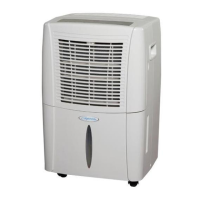
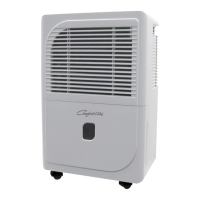
Heat Controller Comfort-aire BHD-301-D - User Manual

Heat Controller Comfort-aire BHD-301-D
27 pages
Print Icon
To Next Page IconTo Next Page
Loading...
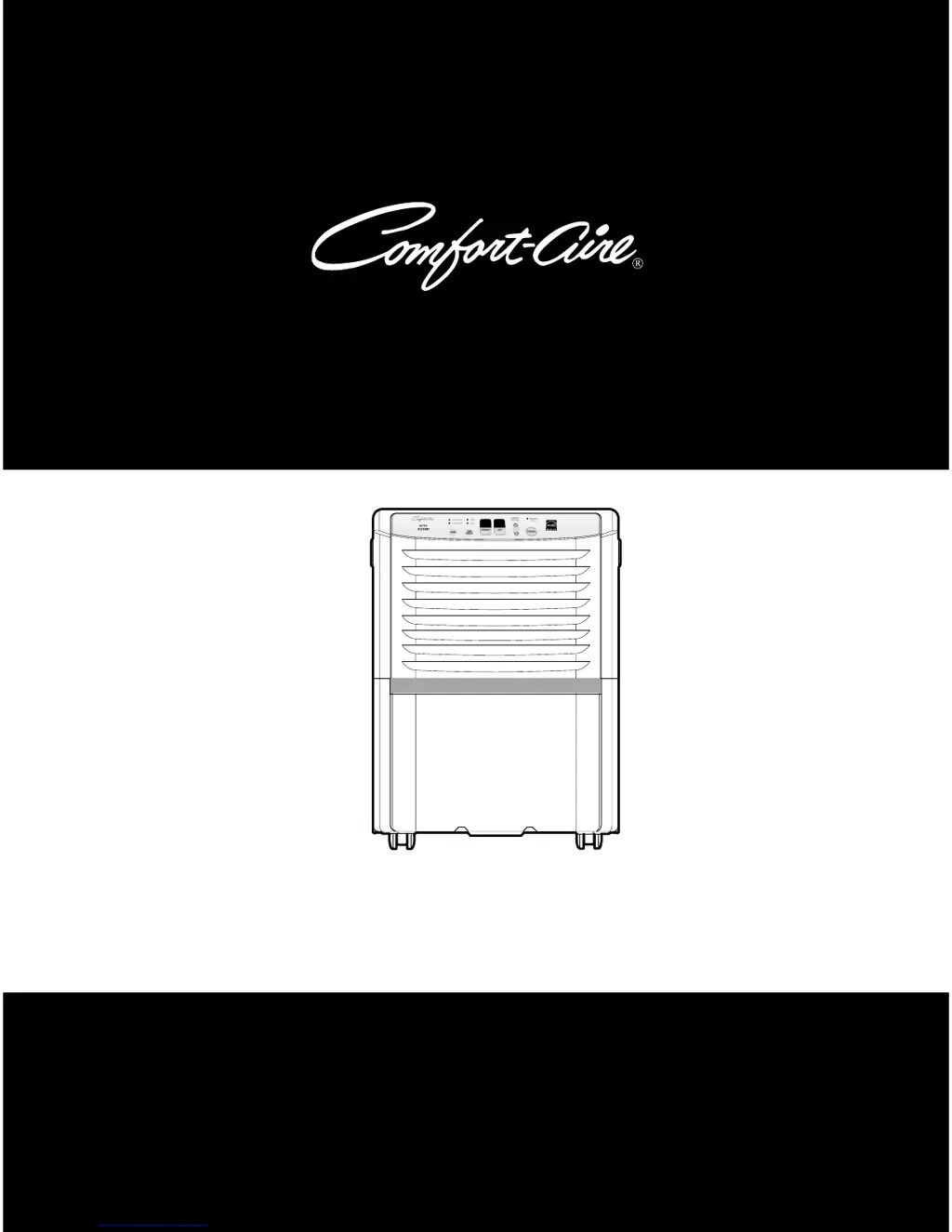
Dehumidifier
Service Manual
CAUTION
-Before servicing the unit, read the "safety precautions" in this manual.
-Only for authorized service personnel.
HEAT CONTROLLER, INC.
MODELS: BHD-301-D
BHD-501-D
BHD-651-D

Questions and Answers

  • W
    waltonrichardAug 14, 2025
    Why is my Heat Controller Dehumidifier so noisy?
    • M
      Mr. Justin MartinAug 14, 2025
      If your Heat Controller Dehumidifier is operating noisily, check the following: 1. If the fan is cracked, out of balance, or partially missing, replace it. 2. Remove any loose foreign material inside the housing. 3. Carefully adjust the tubing if it's hitting the frame. 4. Check the motor mount; tighten it if the fan blade is hitting the frame. 5. If there is internal compressor noise, replace the compressor. 6. Tighten any loose set screws. 7. If the motor assembly has worn bearings and knocking sounds continue or the motor is loose, replace the motor. If the motor hums or the noise appears internal while running, replace the motor assembly.
  • T
    Trevor AguirreAug 19, 2025
    Why is my Heat Controller Comfort-aire BHD-301-D Dehumidifier not dehumidifying enough?
    • B
      Brandon BrowningAug 19, 2025
      If your Heat Controller Dehumidifier isn't dehumidifying sufficiently, first, check if the relative humidity is low and turn off the dehumidifier if it is. Ensure good air circulation by moving the dehumidifier to a location with free and unobstructed airflow. Clean the evaporator and/or condenser assembly if they are clogged with dust and dirt. Clean the air filter if it's dirty. Finally, check the motor; repair or replace it if it's not operating.
  • S
    Steve KimAug 25, 2025
    What to do if my Heat Controller Dehumidifier is dripping water?
    • Q
      qreillyAug 25, 2025
      To address water drips from your Heat Controller Dehumidifier, ensure the bucket is correctly positioned on the hangers of the drain pan. Check for and repair any loose connections. Replace the bucket if it has a leak. Remember to turn off the unit before removing the bucket to empty it to prevent drips. Also, inspect the micro switch and float if the bucket overflows.
  • B
    Breanna WoodOct 29, 2025
    How to troubleshoot a Heat Controller Dehumidifier that does not start?
    • B
      Brandon ShawOct 29, 2025
      If your Heat Controller Dehumidifier isn't starting (neither the compressor nor the fan motor are working), first, check the power supply at the outlet and correct it if there's no power. Then, ensure the plug is properly installed in the outlet; reinstall or replace it if needed. Also, make sure the bucket isn't full; if the Auto Shut Off light is on, empty the bucket and replace it correctly. Check that the humidity control isn't set to the Off position; turn it towards Max. Inspect the wiring for any disconnections or looseness, and connect any loose wires, referring to the wiring diagram for terminal identification, and repair or replace any loose terminals. Finally, test the capacitor and replace it if it's not within ±10% of the manufacturer's rating or if it's shorted, open, or dama...
  • J
    James CarrollNov 3, 2025
    What to do if the compressor cycles on overload protector (OLP) in my Heat Controller Comfort-aire BHD-301-D?
    • E
      Edward AndersonNov 3, 2025
      If the compressor of your Heat Controller Dehumidifier cycles on the overload protector (OLP), start by checking the line voltage; it should be between 103.5V and 126.5V. If the voltage is outside this range, especially if intermittent, consider a new power supply. Ensure the dehumidifier has proper air circulation by moving it to a location with unobstructed airflow. Clean any dust or dirt from the Heat Exchange. If the motor isn't running, determine the cause and replace it if necessary. Check the electrical circuit for any short circuits or grounds and repair them. Allow 2 to 3 minutes for pressures to equalize before restarting the compressor. Test the capacitor and check the terminals for loose connections, repairing or replacing them as needed. Also, check the refrigeration system fo...
  • A
    ashleyturnerNov 8, 2025
    Why is the motor running but the compressor not running on my Heat Controller Comfort-aire BHD-301-D Dehumidifier?
    • V
      Victoria RuizNov 8, 2025
      If the motor in your Heat Controller Dehumidifier runs but the compressor doesn't, ensure the voltage is between 103.5V and 126.5V; if it's not, call an electrician. Inspect the wire connections; repair or replace any loose terminals, and refer to the wiring diagram to replace any disconnected wires or correct wiring errors. Check the rotary switch for continuity, using the wiring diagram for terminal identification, and replace the switch if the circuit is open. Note that the Defrost Control automatically shuts off the compressor if it senses frost build-up on the evaporator coil, while the fan continues to run to melt the frost; the compressor will restart automatically when the coil is defrosted. Check the capacitor and replace it if it's not within ±10% of the manufacturer's rating or ...

Summary

1. PREFACE

1.1 SAFETY PRECAUTIONS

Disconnect power before servicing; do not alter plug.

1.2 FEATURES AND DIMENSIONS

Details unit features like quiet operation and adjustable humidistat, plus dimensions.

1.3 SPECIFICATIONS

MODEL SPECIFICATIONS

Detailed specifications for different models, including capacity, power, and refrigerant.

1.4 CONTROL TYPE

CONTROL SYSTEM OVERVIEW

Explains the different control types (mechanical and electronic) used in the dehumidifier.

1.4.1 Mechanical Type Controls

Details mechanical controls like Auto Shut-Off and Humidity Control dial.

1.4.2 Electronic Type Controls

Explains electronic controls: Fan Speed, Timer, Bucket Full Indicator, Auto Restart, Power, Humidity Control.

1.5 HOW TO OPERATE DEHUMIDIFIER

1.5.1 WORKING PRINCIPLES

Explains the working principle: moist air over cold coil, condensation, and dry air discharge.

1.5.2 UNIT PLACEMENT GUIDELINES

Recommends placement with adequate space for air circulation in an enclosed area.

1.5.3 MICRO SWITCH FUNCTION

Details the micro switch function for automatic shut-off when the bucket is full.

1.5.4 AUTO DEFROST FUNCTION

Describes the automatic defrost cycle for clearing frost from cooling coils.

1.5.5 HUMIDITY CONTROLLER

Explains humidity control for mechanical and electronic types to set desired humidity levels.

2. CIRCUIT DIAGRAM

MODEL BHD-301-D CIRCUIT DIAGRAM

Electrical circuit diagram and component list for the BHD-301-D model.

WIRING DIAGRAM

MODELS BHD-501-D;BHD-651-D WIRING DIAGRAM

Wiring diagram and parts list for BHD-501-D and BHD-651-D models.

3. DISASSEMBLY INSTRUCTIONS

3.1 MECHANICAL PARTS DISASSEMBLY

Instructions for disassembling bucket, air filter, front/rear case, cabinet, and control box.

3.2 CONTROL PARTS

CONTROL COMPONENTS DISASSEMBLY

Steps for removing power cord, sensor, main PCB, capacitor, and micro switch assemblies.

3.2.6 CONTROL PANEL DISASSEMBLY

Instructions for disassembling mechanical and electronic control panels.

3.2.7 FAN AND MOTOR REMOVAL

Instructions for removing the fan and motor assemblies from the unit.

3.2.8 SHROUD AND DRAIN PAN REMOVAL

Steps to remove the shroud and drain pan, including refrigerant discharge.

3.3 REFRIGERATING CYCLE

3.3.1 CONDENSER, EVAPORATOR, CAPILLARY TUBE

Procedures for disassembling condenser, evaporator, and capillary tube components.

3.3.2 COMPRESSOR REMOVAL

Steps to discharge refrigerant and remove the compressor.

3.4 HOW TO REPLACE THE REFRIGERATION SYSTEM

REFRIGERATION SYSTEM REPLACEMENT PROCEDURE

Comprehensive guide on replacing refrigeration components, including evacuation and charging.

4. TROUBLESHOOTING GUIDE

COMMON ISSUES AND SOLUTIONS

Lists common problems like unit not starting, motor issues, and defrosting problems with their causes and remedies.

ADDITIONAL TROUBLESHOOTING TOPICS

Covers noisy operation, water drips, compressor cycling on overload protector, and voltage issues.

5. EXPLODED VIEWS

MODEL PARTS BREAKDOWN

Visual exploded views of BHD-301-D, BHD-501-D, and BHD-651-D models for part identification.

6. REPLACEMENT PARTS LIST

PARTS CATALOGUE BY MODEL

Comprehensive lists of replacement parts for BHD-301-D, BHD-501-D, and BHD-651-D models.

Heat Controller Comfort-aire BHD-301-D Specifications

General IconGeneral
Daily Moisture Removal Capacity30 pints
Coverage AreaUp to 1500 sq. ft.
Humidity ControlAdjustable humidistat
Voltage115V
Water Removalcontinuous drain option
RefrigerantR410A

Related product manuals