4 To see operational and troubleshooting information and videos,
go to www.hzsupport.com
208814-01
IMPORTANT CONSIDERATIONS
AVOID AIMING THE SENSOR AT:
• Below are examples of objects that might produce heat and may cause the motion sensor to trigger:
• Pools of Water • Air Conditioners • Dryer Vents
• Animals • Heating Vents • Automobile Trac
• Areas where pets or trac may trigger the motion sensor.
• Nearby large, light-colored objects reecting light may trigger the shut-o feature. Do not point other lights at the
motion sensor.
SEASONAL CHANGES:
e motion sensor works by sensing temperature changes across its eld of view. e closer the surrounding temperature
is to a person’s body heat, the less sensitive the sensor will appear. e greater the temperature dierence, the more sensi-
tive the sensor will appear. is is a normal part of the light sensor’s operation.
MANUAL MODE
Manual mode overrides the motion sensor and timer control so the light will
operate full bright. is feature only works at night and only for one night
at a time. e motion sensor will reset to motion sensing mode at 6 hours
or sunrise, whichever comes rst. Manual mode can be toggled on and o
using a wall switch.
• To turn manual mode on, switch the light o at the wall switch for 2 to 4
seconds and then back on.
• To turn manual mode o, switch the light o at the wall switch for 2 to 4
seconds and then back on.
Figure 5
Figure 7
Figure 6
Turn the switch
OFF for 2 to 4
seconds
Turn the
switch
back ON
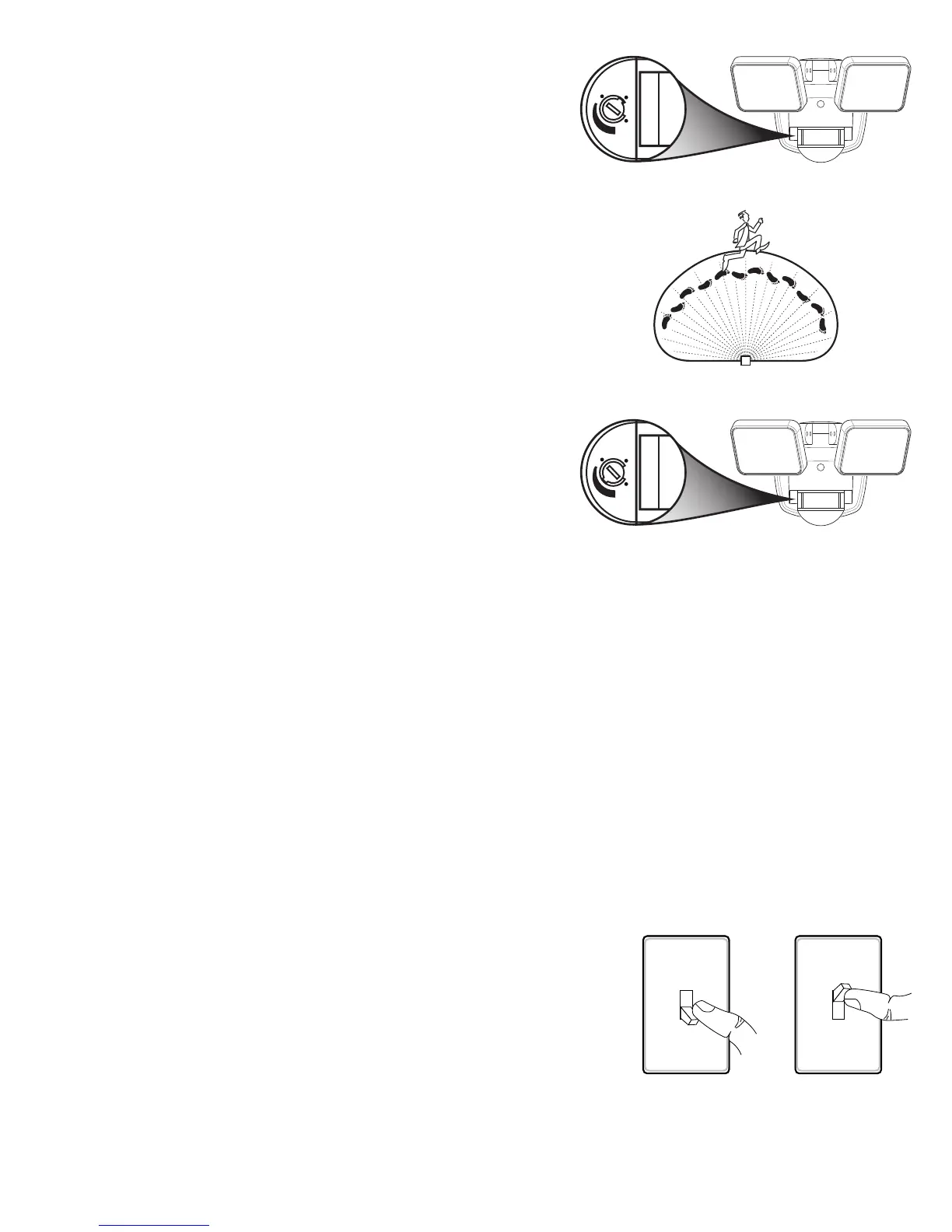
2. Turn the control dial to the TEST position (see Figure 5). Note:
When the control dial is set to the TEST position, the light xture
will operate during the day or night. e light will stay on for 8
seconds after all motion has stopped.
3. Walk through the coverage area noting where you are when the
lights turn on. Also, the red LED behind the motion sensor lens
will ash several times when motion is detected (see Figure 6).
4. Stop, wait for the light to turn o, and then begin walking again.
Continue this process until the detection zone has been established.
5. If needed, gently grasp the motion sensor and move it from side
to side or up and down to adjust the detection zone.
6. If needed, gently grasp the lamp heads and move them from side
to side or up and down to adjust the light coverage area.
7. Turn the control dial to set the amount of time you want the
lights to stay on after all motion has stopped (adjustble between
5 seconds and 5 minutes) (see Figure 7). Note: When set between
5 seconds and 5 minutes, the light xture will only work after
dark (sunset).



 To Next Page