# 3
D
EN
English
BOOST Button
1. Plug the supplied bower bord into the Main AC power outlet.
2. Plug the other side of the supplied bower bord to the charger AC Power (picture B).
3. Charger RP-DC50 turns ON automatically.
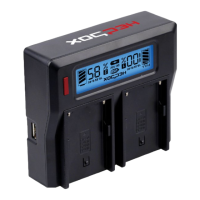
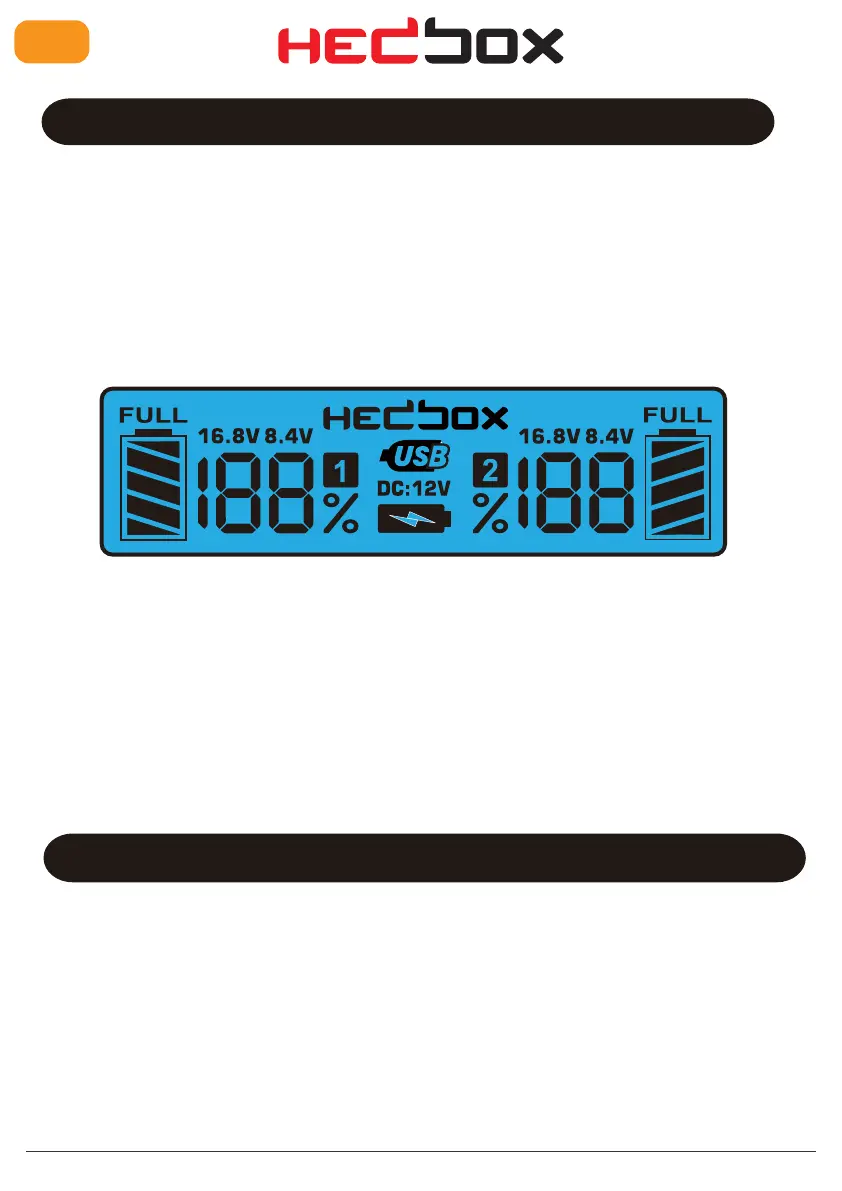
4. The LCD bcreen will illuminate blue, and the HEDBOX bogo will turn on (picture D).
5. Use the exchangeable battery bharger plate (purchase it separately) and gently put /slide
in one of the charging sockets.
6. Use the appropriate battery that you want to charge and put it on the battery charger plate.
7. The charging process starts with a full display of the charging process and battery capacity.
Operation
After installing the battery pack onto the charging socket, the RP-DC50 measures the internal
battery cell resistance and starts pre-charging.
• Please check that the DV Battery pack is compatible with RP-DC50 power voltage and current.
• Be sure that the battery charger plate firmly locks the battery in place.
• Observe the Charger LCD Monitor.
• If the battery is attached appropriately, it will illuminate the battery channel and current capacity.
• Please use the manual instructions of the battery pack that you want to charge.
• Read that manual carefully before using the battery with this RP-DC50 Battery Charger.
• We are not responsible for any damage caused by incorrect use or operation.
• Dual Digital LCD Battery Charger RP-DC50 has two charging modes: NORMAL and BOOST.
• When you turn ON the charger, the default charging mode is NORMAL.
• If you want to charge two (2) batteries simultaneously in a normal mod, the charger will provide
a charging power of 500mA per one charger slot.
• If you want to speed up the charging process and time, you can activate the BOOST mode.
Pressing the RED button on the top of the charger (On LCD, the boost ICON is displayed) will
provide 800mA per one battery slot.
• Charging two (2) batteries simultaneously in a fast charging mode (Boost) charger will give
a current of 800mA per channel.


 To Next Page
 Loading...