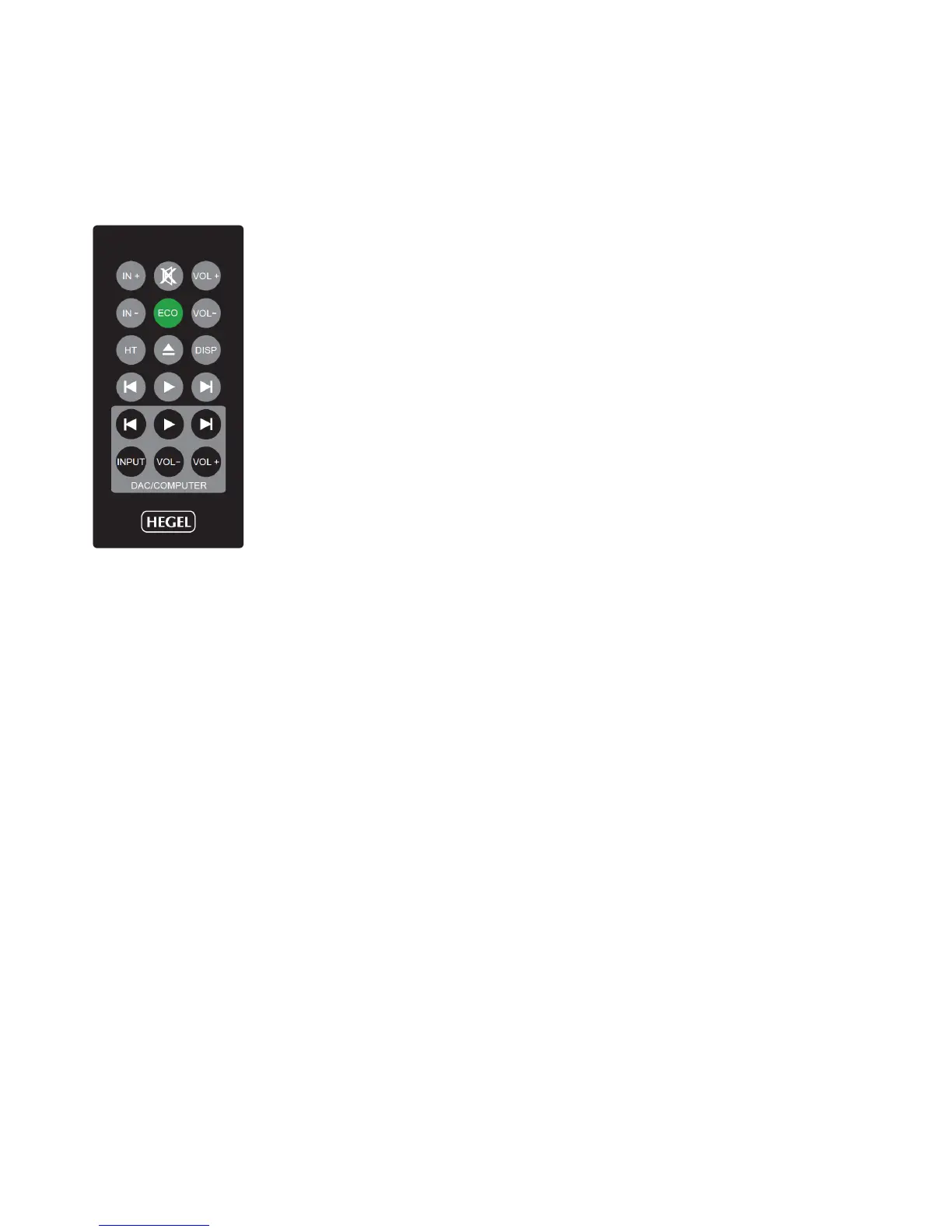
GENERAL USE – Remote Control (introduction)
The top four rows of buttons are Hegel system remote control functions that can be used to control most
Hegel ampliers and CD-players. Functionality may differ from model to model. The bottom two rows are
designated HD11 and computer controls.
Remote control buttons (starting top left)
1. Switches up to next input on your Hegel amplier
2. Mute for Hegel ampliers
3. Volume up for Hegel ampliers
4. Switches down to previous input on your Hegel amplier
5. ECO – will put certain Hegel equipment in low power mode (sleep)
6. Volume down for Hegel ampliers
7. Home Theatre input direct selection for certain Hegel ampliers
8. Stop/Eject for Hegel CD-players
9. Display on/off for certain Hegel products
10. Skip to previous track on Hegel CD-players
11. Play. Starts playback on Hegel CD-players
12. Skip to next track on Hegel CD-players
13. Skip to previous track on most computers/media players
14. Play/Pause on most computers/media players
15. Skip to next track on most computers/media players
16. Input source selector button for the HD11
17. Volume Down button. This functionality is not implemented in the HD11.
18. Volume Up button. This functionality is not implemented in the HD11.
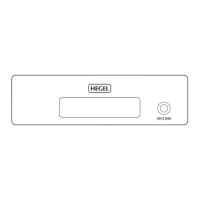
Using the remote control to operate your HD11
The main button you will use to operate your HD11 is the button INPUT (16).
Input:
When you press the INPUT-button (16), the HD11 will switch to the next input source in the following se-
quence: COAX1 – COAX2 – OPTICAL – USB – COAX1 – COAX2 and so on.
On power-up the HD11 will remember the last used input.


 To Next Page