20
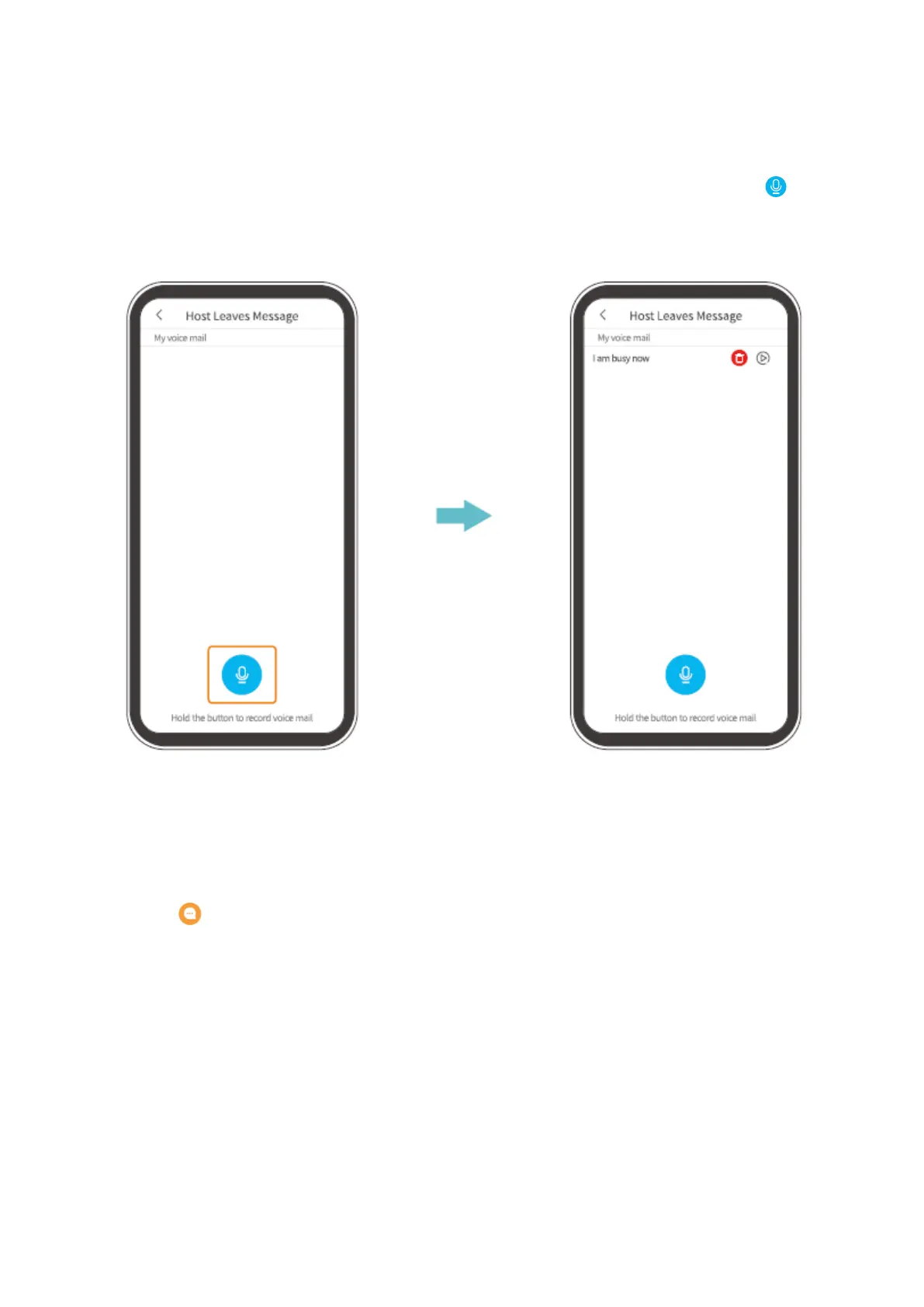
Step 1: Record a voice message
Go to Settings>Basic Function> Host leaves Message, then press and hold the icon to
record a voice message.
Step 2: Leave a voice message
When the visitor pressed the Doorbell Button, your mobile device will receive a call. Tap
the icon select a voice message, then the visitor will hear it through the doorbell.


 To Next Page