28
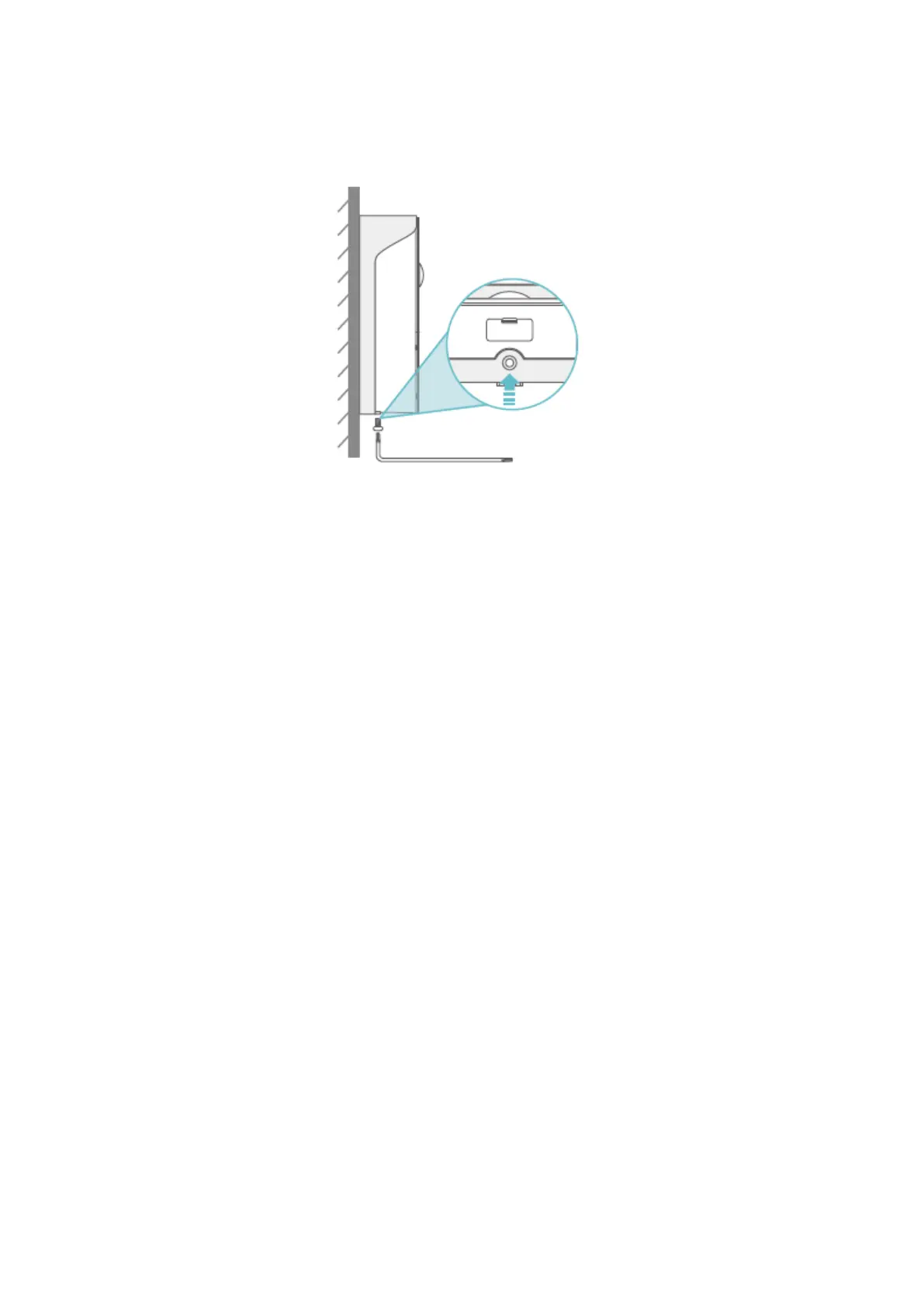
Step 3: Tighten the doorbell with the bracket through the M3x5 screw.
Tips:
• If the doorbell needs to be charged, please unscrew the M3x5 screw on the
bottom, then take out the doorbell from the bracket to charge it.
• You can install the Nameplate Holder on the top of the bracket to show your
room number or name.
• Please insert the Rubber Plug into the doorbell to prevent the connectors from
water when it’s used for outdoor.
Option 2: Wired Installation (Optional)
Important:
• Please switch off the circuit breaker at your hose first and we generally
recommend a professional to install the doorbell.
If you prefer to use the electrical wires to uninterruptedly supply power to the doorbell,
the copper wires in the package will be needed.


 To Next Page