EasyManua.ls Logo

Helmer iB120 - User Manual

Default Icon
30 pages
Print Icon
To Next Page IconTo Next Page
Loading...
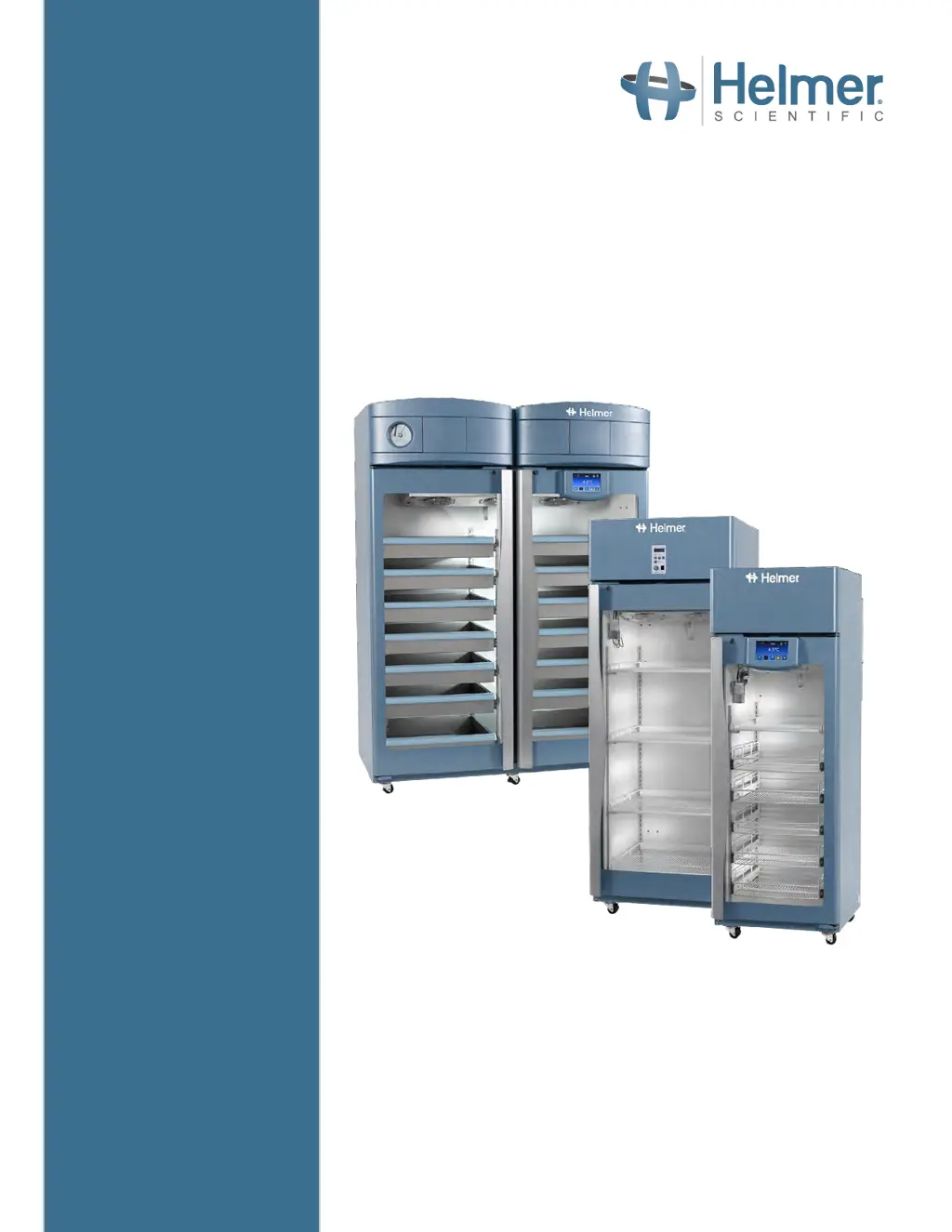
Refrigerator Operation Manual
i.Series
®
and Horizon Series™ - Upright
360372/B
Laboratory
i.Series
iLR111, iLR120, iLR125, iLR245,
iLR256
Horizon Series
HLR111, HLR120, HLR125, HLR245,
HLR256
Pharmacy
i.Series
iPR111, iPR120, iPR125, iPR245,
iPR256
Horizon Series
HPR111, HPR120, HPR125, HPR245,
HPR256
Blood Bank
i.Series
iB111, iB120, iB125, iB245, iB256
Horizon Series
HB111, HB120, HB125, HB245, HB256

Other manuals for Helmer iB120

Questions and Answers

  • J
    Jeremy FerrellSep 10, 2025
    How to improve the readability of the monitor display on my Helmer iB120?
    • B
      barnoldSep 10, 2025
      If the monitor display on your Helmer Refrigerator is hard to read, the screen brightness may be set too low. Try increasing the screen brightness.
  • K
    Kevin BurkeAug 25, 2025
    What to do if alarms are not audible on Helmer iB120 Refrigerator?
    • T
      Thomas SnyderAug 26, 2025
      If your Helmer Refrigerator is in an alarm condition but you can't hear the alarms, try these steps: First, reset the unit by turning off both main and battery power, then turning it back on. Next, check if the audible alarms have been muted by pressing the Mute button until the Mute timer shows no time delay. If these steps don't work, the alarm speaker might be faulty and needs replacement. If the issue persists, contact Helmer Technical Service.
  • C
    Caitlyn NelsonAug 27, 2025
    Why is the chamber temperature displayed incorrectly on my Helmer iB120?
    • H
      Heidi WhiteAug 27, 2025
      An inaccurate temperature display on your Helmer Refrigerator could stem from several causes. Begin by checking the product simulation solution level in the probe bottles and refilling them if necessary. Next, confirm the primary monitor probe is reading correctly and calibrate it if needed. If the issue persists, try resetting the monitoring system. If these steps do not resolve the issue, contact Helmer Technical Service.
  • D
    David CookeAug 27, 2025
    How to stop the Door Open alarm from sporadically activating on my Helmer iB120?
    • C
      Cristian WagnerAug 28, 2025
      If the Door Open alarm on your Helmer Refrigerator is activating sporadically, it could be due to several reasons. First, ensure the doors are closing completely by checking the hinge cams for damage and replacing them if necessary. Next, confirm the door gasket seals completely and replace it if needed. Also, test the door switch connections and secure them if necessary. If the issue continues, the door switch or switches may be faulty and need replacement. Finally, check the time delay for the Door Open alarm and adjust it if it's set to zero. If the issue persists, replace parts with those included in the control board kit, or replace the monitor/control board.
  • J
    jennafrenchAug 29, 2025
    Why is the AC Power Failure alarm active on my Helmer iB120 when it's plugged in?
    • L
      Laura WeissAug 29, 2025
      If the AC Power Failure alarm is active even when your Helmer Refrigerator is connected to power, check the following: First, verify the power at the outlet and repair or use a different outlet if necessary. Next, ensure the power cord is securely connected. Then, check the ON/OFF AC power switch inside the front lower panel, ensuring it is in the ON position and replacing it if faulty. Also, reset or replace the circuit breaker. If the problem continues, contact Helmer Technical Service.
  • C
    connormorrisNov 20, 2025
    Why is the chamber temperature not stable in my Helmer iB120?
    • R
      Roger HintonNov 21, 2025
      Several factors can prevent the chamber temperature from stabilizing. Start by checking the product simulation solution level in the bottles and refill if necessary. Then, calibrate the primary monitor probe. Ensure all products are within storage compartments and not blocking airflow, and confirm there's a 6” clearance below the evaporator fan and a 2” clearance around the unit. Also, verify the ambient air temperature is appropriate, the condenser grill is clean, and both the condensing unit fan and unit cooler fan are running. Finally, confirm the control probe provides accurate temperature readings and isn't faulty. If these steps don't resolve the issue, the compressor starting relay may be faulty, the compressor motor may have seized, or the refrigerant level may be too low. In this ...
  • T
    Timothy CordovaSep 18, 2025
    What causes excessive water in the evaporation tray of my Helmer iB120 Refrigerator?
    • S
      Sarah MillerSep 18, 2025
      Excessive water in the water evaporation tray of your Helmer Refrigerator can be due to several factors: The heater in the evaporation tray might be faulty; confirm it's hot and drawing the appropriate current (approximately 0.43 A to 0.55 A for 115 V refrigerators, or 0.21 A to 0.35 A for 230 V refrigerators). Also, humid air might be entering the chamber; confirm the refrigerator is level, and the doors are aligned, closing tightly, and sealing correctly. Correct issues as necessary.
  • C
    collinsmeredithSep 22, 2025
    Why is there excessive humidity on the doors of my Helmer iB120 Refrigerator?
    • M
      maddentonyaSep 22, 2025
      Excessive humidity on the doors of your Helmer Refrigerator can occur if humid air is entering the chamber. Confirm the refrigerator is level, and the doors are aligned, closing tightly, and sealing correctly. Correct issues as necessary. Additionally, the relative humidity around the refrigerator might be too high, so confirm the refrigerator is placed properly.
  • L
    Laura YoungSep 9, 2025
    What causes excessive water in the chamber of my Helmer Refrigerator?
    • W
      Walter DavilaSep 9, 2025
      Excessive water in the chamber of your Helmer Refrigerator can be caused by: * Humid air entering the chamber. Confirm the refrigerator is level, and the doors are aligned, closing tightly, and sealing correctly. Correct issues as necessary. * A loose connection between the unit cooler and the drain tube. Confirm the connection is secure and tighten it if necessary. * A plugged drain line. Confirm the drain tube is free of debris and remove debris if necessary.
  • R
    Robert MoranSep 5, 2025
    Why don't the automatic temperature tests work on my Helmer iB120?
    • R
      Ronald RamosSep 5, 2025
      If the automatic temperature tests are not working on your Helmer Refrigerator, first confirm the alarm setpoints are set at the appropriate values. Test the temperature alarms manually. Test the probe connections and secure the connections if necessary. Also, confirm the probe is providing accurate temperature readings. After that, confirm the probe is reading correctly and calibrate the probe if necessary. Confirm the probe is providing resistance in the range of 98 ? to 110 ?. Replace the probe if necessary. If the issue persists, replace parts with those included in the control board kit, or replace the monitor/control board.

Summary

About This Manual

Safety Precautions and Symbols

Explains safety symbols and precautions for safe operation.

Installation

Temperature Probes

Explains the setup and use of temperature probes.

i.Series Operation

Initial Power-Up

Steps for powering on the i.Series refrigerator for the first time.

Operation

Basic operational procedures for the i.Series refrigerator.

Set Alarm Parameters

Configuring alarm thresholds and settings for the i.Series.

Min;Max Temperature Monitoring

i.Series Access Control (Optional)

Set Up

Configure user accounts for controlled access to the refrigerator.

Horizon Series Operation

Initial Power Up

Steps for powering on the Horizon Series refrigerator.

Change Temperature Setpoint

How to adjust the temperature settings on the Horizon Series unit.

Set Alarm Setpoints (Parameters)

Configuring high and low temperature alarm setpoints.

Active Alarms

Displays active alarms and their corresponding visual indicators.

Horizon Series Access Control (Optional)

Setup

Programming the Access Control keypad and managing user codes.

Preventive Maintenance

Helmer iB120 Specifications

General IconGeneral
BrandHelmer
ModeliB120
CategoryRefrigerator
LanguageEnglish

Related product manuals