EasyManua.ls Logo

Helmer iLR111 - User Manual

Default Icon
30 pages
Print Icon
To Next Page IconTo Next Page
Loading...
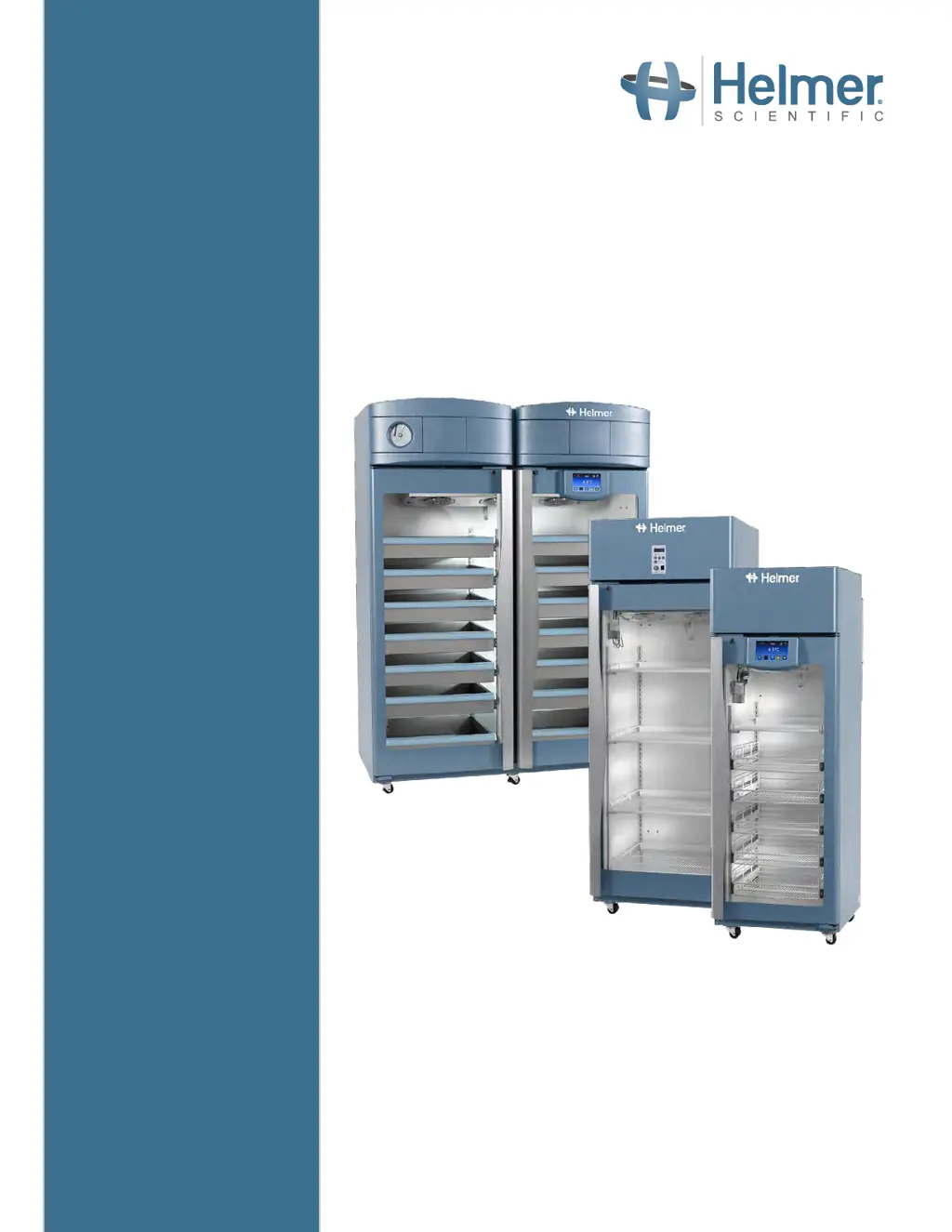
Refrigerator Operation Manual
i.Series
®
and Horizon Series™ - Upright
360372/B
Laboratory
i.Series
iLR111, iLR120, iLR125, iLR245,
iLR256
Horizon Series
HLR111, HLR120, HLR125, HLR245,
HLR256
Pharmacy
i.Series
iPR111, iPR120, iPR125, iPR245,
iPR256
Horizon Series
HPR111, HPR120, HPR125, HPR245,
HPR256
Blood Bank
i.Series
iB111, iB120, iB125, iB245, iB256
Horizon Series
HB111, HB120, HB125, HB245, HB256

Other manuals for Helmer iLR111

Questions and Answers

Summary

About This Manual

Safety Precautions and Symbols

Details important safety precautions and symbols used in the manual.

Installation

i.Series Operation

Initial Power-Up

Steps for connecting power and starting the i.Series refrigerator for the first time.

Operation

Overview of the i.C³ user interface, home screen, and screensaver.

Set Alarm Parameters

Instructions for configuring high/low temperature and other alarm settings.

Mute and Disable Active Alarms

Explains how to temporarily mute or permanently disable audible alarms.

Min;Max Temperature Monitoring

Horizon Series Operation

Initial Power Up

Steps for powering on the Horizon Series refrigerator and initial setup.

Change Temperature Setpoint

Procedure for adjusting the temperature setpoint on the Horizon Series unit.

Set Alarm Setpoints (Parameters)

How to configure high and low temperature alarm setpoints.

Active Alarms

Lists and describes active alarm conditions for the Horizon Series.

Product Specifications

Preventive Maintenance

Helmer iLR111 Specifications

General IconGeneral
TypeLaboratory Refrigerator
Capacity111 liters
Temperature Range+2°C to +8°C
ShelvesAdjustable
LockYes
ControllerDigital
Power Consumption1.2 kWh/24h
RefrigerantR600a
Power Supply220-240V

Related product manuals