EasyManua.ls Logo

Helmer iPR456 - User Manual

Default Icon
28 pages
Print Icon
To Next Page IconTo Next Page
Loading...
360378/A/C
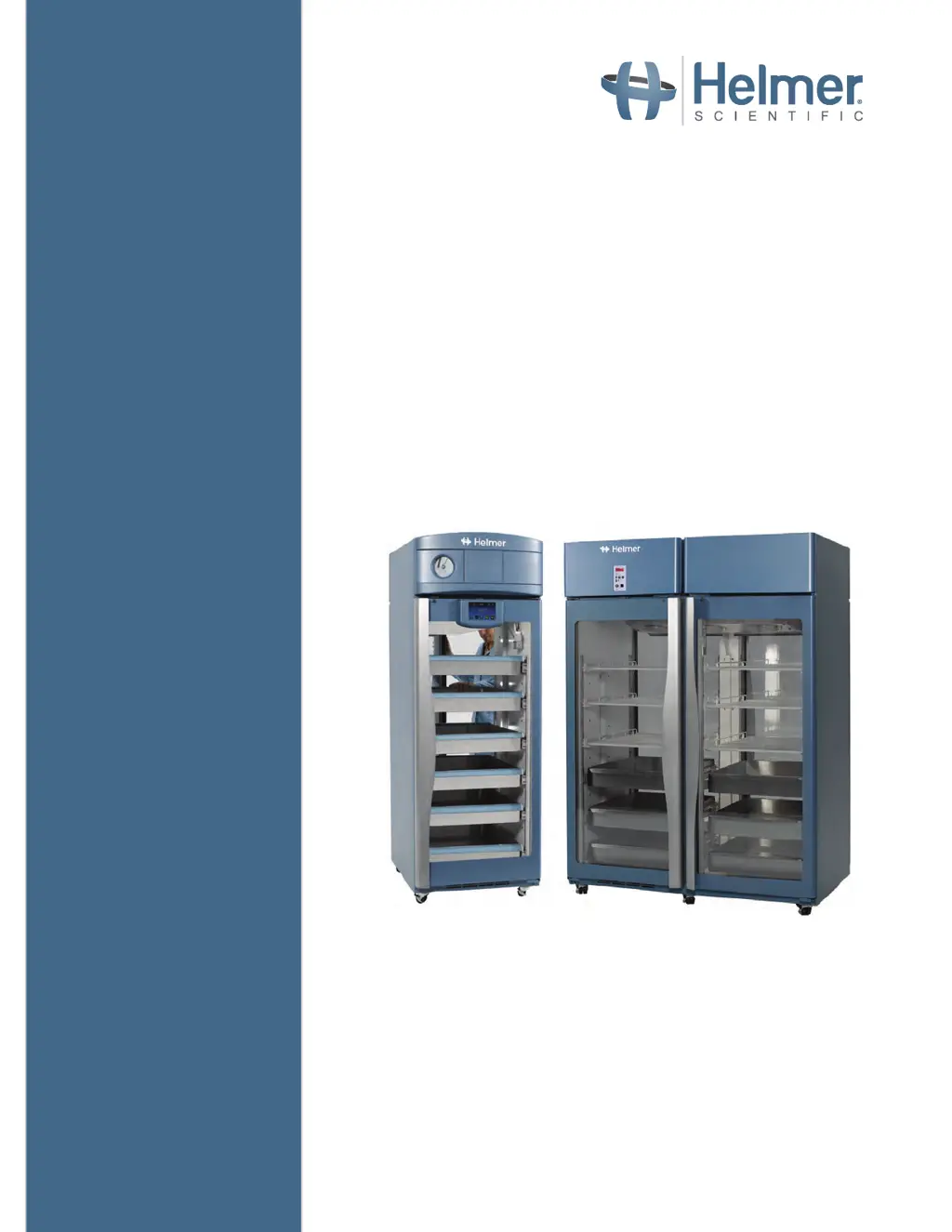
Refrigerator Operation Manual
i.Series
®
and Horizon Series™ - Pass- Thru
Pharmacy
i.Series
iPR225, iPR456
Horizon Series
HPR225, HPR456
Blood Bank
i.Series
iB225, iB456
Horizon Series
HB225, HB456
360378/C

Other manuals for Helmer iPR456

Questions and Answers

Summary

About this Manual

Safety Precautions and Symbols

Details safety symbols and their meanings used in the manual.

General Recommendations

Provides general guidelines for using the refrigerator, including intended use and initial loading.

Installation

Location

Specifies environmental and clearance requirements for refrigerator placement.

Placement and Leveling

Instructions for positioning the unit and ensuring it is level.

Temperature Probes

Guidance on handling, filling, and installing temperature probes.

Chart Recorder (If Included)

Instructions for setting up and operating the optional chart recorder.

i.Series Operation

Initial Power-Up

Steps for powering on the i.Series refrigerator for the first time.

Operation

Overview of the i.C³ interface, home screen, and screensaver.

Change Temperature Setpoint

Procedure to adjust the refrigerator's temperature setpoint via the i.C³ interface.

Set Alarm Parameters

How to configure alarm settings and time delays for various conditions.

Active Alarms

Explains the types of alarms and their corresponding descriptions in the i.Series.

Mute and Disable Active Alarms

Instructions on how to temporarily mute or permanently disable audible alarms.

Light Operation

How to control the interior LED lights and configure auto ON/OFF.

Min;Max Temperature Monitoring

i.Lock Interlock Feature

Horizon Series Operation

Initial Power Up

Steps for powering on the Horizon Series refrigerator.

Display Minimum and Maximum Monitor Temperature Recordings

How to view recorded minimum and maximum temperatures.

View recorded temperature timer

Explains how the timer tracks elapsed time for temperature recordings.

Clear minimum and maximum temperature recordings

Procedure to reset the recorded temperature data.

Change Temperature Setpoint

Steps to adjust the temperature setpoint on the Horizon Series unit.

Set Parameter Values

Guide to setting various parameters like temperature limits and offsets.

Set Temperature Units

How to switch between Celsius and Fahrenheit temperature display.

Temperature Calibration Offsets

Information on temperature offsets and recalibration procedures.

Set Alarm Setpoints (Parameters)

Process to adjust high and low temperature alarm setpoints.

Active Alarms

Describes active alarms, their indicators, and meanings for Horizon Series.

Mute and Disable Audible Alarms

Instructions for muting or disabling audible alarms on the Horizon Series.

Light Operation

How to operate the interior chamber light.

Product Specifications

Operating Standards

Environmental conditions under which the units are designed to operate.

Compliance

Safety Compliance

Details safety certifications and compliance with medical device directives.

Environmental Compliance

Information on RoHS and WEEE directives compliance.

EMC Compliance

States compliance with EMC standards for electromagnetic compatibility.

Appendix A

i.Series Parts

Labeled diagram and description of i.Series refrigerator components.

Appendix B

Horizon Series Parts

Labeled diagram and description of Horizon Series refrigerator components.

Helmer iPR456 Specifications

General IconGeneral
TypeLaboratory refrigerator
Capacity456 liters
Weight90 kg
Door LockYes
Energy ClassA+
Power Supply230V, 50Hz
ControlDigital
Alarm SystemVisual and audible alarm for high/low temperature
ShelvesAdjustable
DefrostAutomatic

Related product manuals