Helmer Scientic i.Series
®
and Horizon Series
™
Pass-Thru Refrigerator Operation Manual
360378/C 13
3.5 Active Alarms
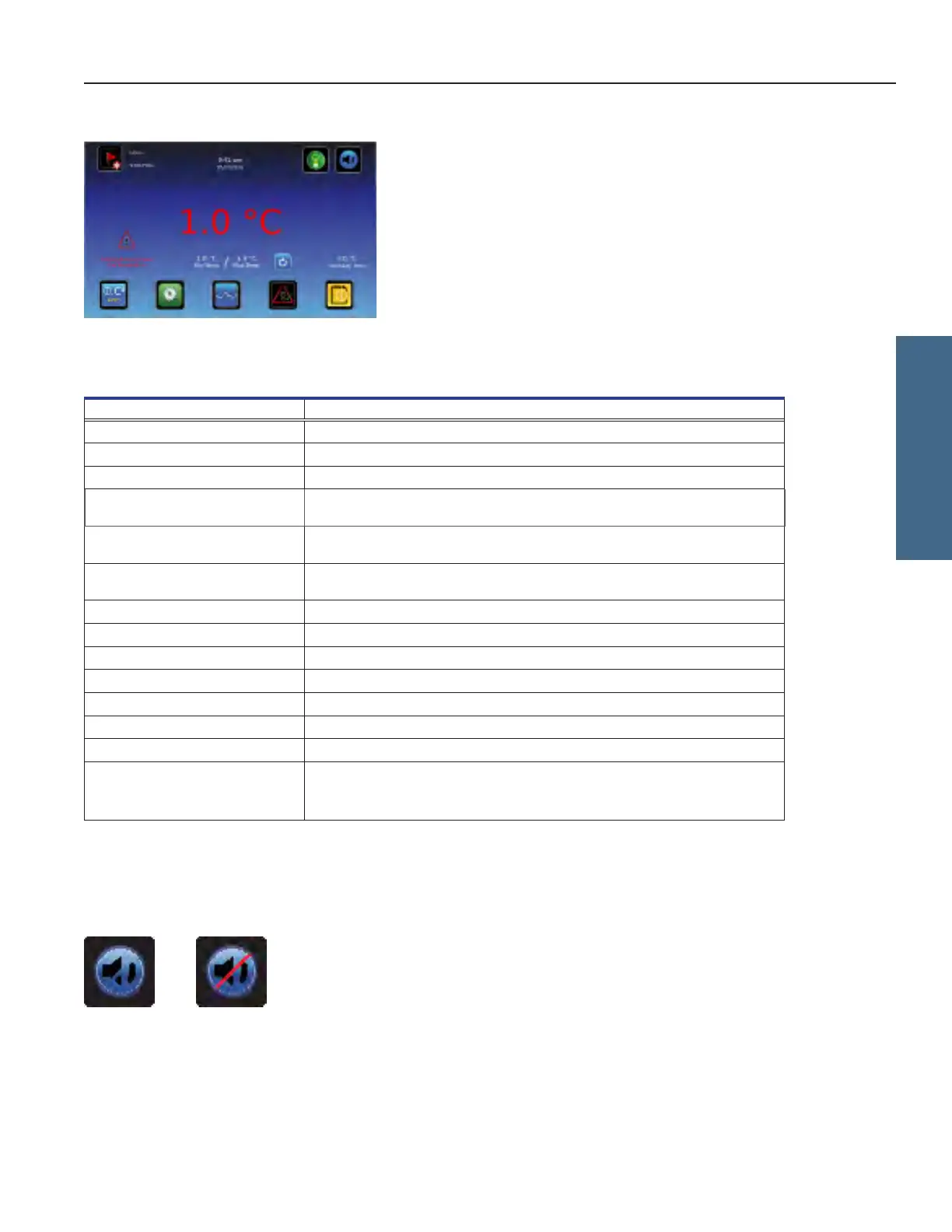
Home screen with active alarm
Table 1. i.Series Active Alarms
Alarm Description
Primary Monitor Probe High Temp Primary monitor probe reading is above high temperature alarm setpoint
Primary Monitor Probe Low Temp Primary monitor probe temperature reading is below low temperature alarm setpoint
Primary Monitor Probe Failure Primary monitor probe not functioning properly
Secondary Monitor Probe High Temp
(if installed)
Secondary monitor probe reading is above high temperature alarm setpoint
Secondary Monitor Probe Low Temp
(if installed)
Secondary monitor probe temperature reading is below low temperature alarm
setpoint
Secondary Monitor Probe Failure
(if installed)
Secondary monitor probe not functioning properly
Control Probe Failure Control probe not functioning properly
Compressor High Temperature Compressor temperature reading is above high temperature alarm setpoint
Compressor Probe Failure Compressor probe not functioning properly
Power Failure Power to unit has been disrupted
Door Open
Doorisopenbeyonduser-speciedduration
Low Battery Rechargeable battery voltage is low
No Battery Battery is not connected
Communication Failure Messages
1, 2, 3
1 Communication lost between i.C³ display board and control board
2 Communication lost between i.C³ display board and internal system memory
3 Corrupt database
3.6 Mute and Disable Active Alarms
Audible alarms may be muted by touching the Mute icon to set delay. Touching the Mute icon repeatedly will increase the Mute
delay timer incrementally between 5 - 60 minutes. The delay time remaining will be displayed in the bottom right corner of the icon.
If the alarm is still active after the mute delay has ended, the audible alarm will sound.
Unmuted Muted
i.Series Operation








 To Next Page