EasyManua.ls Logo

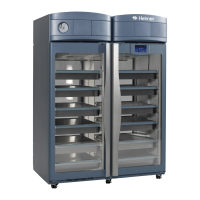
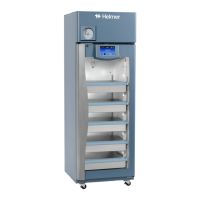
Helmer iPR456 - User Manual

Default Icon
28 pages
Print Icon
To Next Page IconTo Next Page
Loading...
360378/A/C
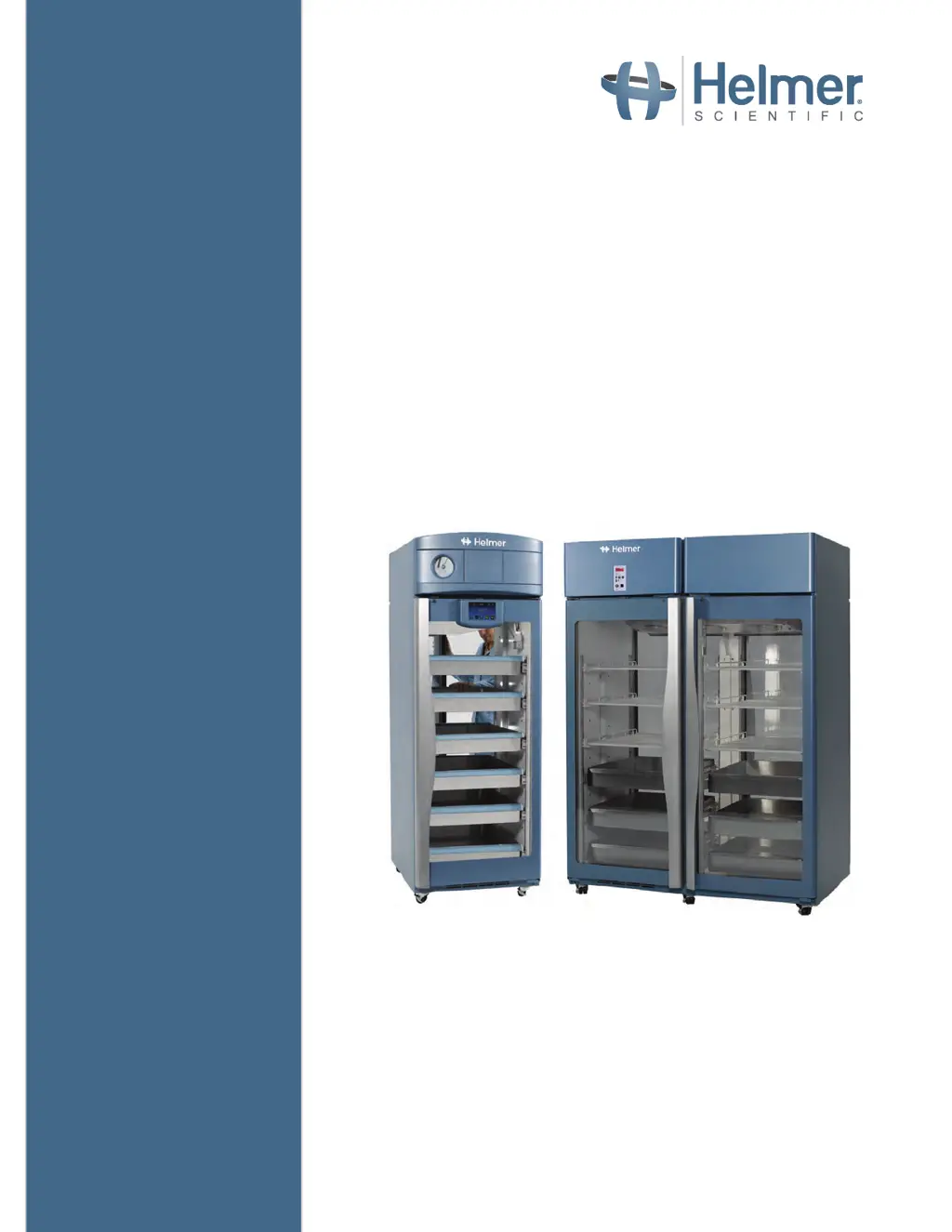
Refrigerator Operation Manual
i.Series
®
and Horizon Series™ - Pass- Thru
Pharmacy
i.Series
iPR225, iPR456
Horizon Series
HPR225, HPR456
Blood Bank
i.Series
iB225, iB456
Horizon Series
HB225, HB456
360378/C

Other manuals for Helmer iPR456

Questions and Answers

  • K
    Keith RobinsonAug 21, 2025
    What to do if the chamber temperature displayed is higher or lower than the actual temperature on my Helmer iPR456 Refrigerator?
    • J
      Jamie GarciaAug 21, 2025
      If the chamber temperature displayed on your Helmer Refrigerator is inaccurate, first check the level of product simulation solution in the probe bottles and refill if necessary. Next, ensure the upper monitor probe is reading correctly and calibrate it if needed. If the digital electronics are locked due to a power interruption, reset the monitoring system. If the issue persists, it could be due to a faulty component or loose internal connections, in which case you should contact Helmer Technical Service.
  • J
    John JonesSep 4, 2025
    Why does the compressor run continuously on my Helmer iPR456 Refrigerator?
    • E
      eric94Sep 4, 2025
      If the compressor in your Helmer Refrigerator runs continuously, it could be due to several reasons. First, check if the refrigerator setpoint is set too low and adjust it within the operating range if necessary. Second, confirm that the temperature control probe is providing accurate temperature readings. Third, verify the temperature control probe provides resistance in the range of 98 ? to 110 ? and replace it if necessary. Also, check if the temperature monitor/controller board or the compressor starting relay is operating correctly, and replace them if needed.
  • K
    keith00Sep 2, 2025
    What to do if the Helmer Refrigerator is connected to power, but the AC Power Failure alarm is active?
    • K
      Kristin RasmussenSep 2, 2025
      If the Helmer Refrigerator is connected to power but the AC Power Failure alarm is active, it could be due to several reasons. First, verify the power at the outlet and repair it or connect to a different outlet if needed. Second, ensure the power cord is securely connected. Third, the power supply board could be faulty, requiring replacement of the board or the temperature control transformer. For 230 V models, confirm the circuit breaker is seated and reset it if necessary.
  • D
    David RiosSep 1, 2025
    How to adjust the monitor display if it's hard to read on my Helmer Refrigerator?
    • E
      Elizabeth EsparzaSep 1, 2025
      To improve the readability of the monitor display on your Helmer Refrigerator, adjust the screen brightness.
  • C
    charles07Aug 30, 2025
    Why is the temperature alarm not active on my Helmer iPR456 Refrigerator?
    • A
      Angela RogersAug 30, 2025
      If the chamber temperature meets an alarm condition, but the appropriate temperature alarm is not active on your Helmer Refrigerator, check the current setpoints for the temperature alarms and change them if necessary.
  • C
    Carolyn UnderwoodAug 29, 2025
    What to do if a door does not open easily on my Helmer iPR456?
    • G
      gabriela69Aug 29, 2025
      If a door on your Helmer Refrigerator doesn't open easily, first check the hinges for any debris and clean them if necessary. Next, lubricate the pivots in the hinges using a general-purpose grease. Lastly, confirm the hinge cam is not damaged and replace it if necessary.
  • B
    Brianna CareyAug 27, 2025
    How to fix a drawer or basket that does not slide easily in my Helmer Refrigerator?
    • C
      Catherine PattersonAug 27, 2025
      If a drawer or basket in your Helmer Refrigerator doesn't slide easily, first confirm that both slides for the drawer or basket are mounted at the same height. If the issue persists, lubricate the bearings in the slides using a lightweight oil. Also, check the slides for debris and clean them if necessary. Finally, confirm the slide is operating correctly and replace it if faulty.
  • J
    jeromemuellerAug 26, 2025
    What does it mean when “Probe Failure” is displayed on the monitor of my Helmer Refrigerator?
    • K
      Kenneth ReynoldsAug 27, 2025
      If you see “Probe Failure” displayed on the monitor of your Helmer Refrigerator, check the continuity of the temperature probe wiring and connections, securing them if necessary. Also, confirm the probe is providing resistance in the range of 86 to 110 ?. If the issue persists, replace the probe. If the problem still continues, test CP board circuitry by removing the probe connector from the board and placing jumper across jumper pins. The display should show 4 °C +/- 2 °C. If not, contact Helmer Technical Service.
  • D
    Douglas VelazquezAug 25, 2025
    What to do if the i.Lock Interlock is not working on my Helmer iPR456 Refrigerator?
    • R
      Renee FrancoAug 25, 2025
      If the i.Lock Interlock on your Helmer Refrigerator isn't working, first ensure that the key switch is turned ON. Then, check for any obstructions preventing the door from closing completely and remove them. If the issue persists, the door switch may be broken and need replacement.
  • D
    David CowanAug 23, 2025
    Why does the chamber temperature not stabilize at the refrigerator setpoint in my Helmer iPR456 Refrigerator?
    • J
      Juan LopezAug 23, 2025
      If the chamber temperature of your Helmer Refrigerator won't stabilize, start by checking the condenser grill and cleaning it if it's dirty. Ensure adequate air circulation at the top of the chamber by removing any obstructions. Verify that the ambient air temperature around the refrigerator isn't too high and that the refrigerator is placed appropriately. Also, inspect refrigeration lines for leaks and check the refrigerant level, recharging if necessary. If these steps don't resolve the issue, it's possible that a component is faulty or internal connections are loose, and you should contact Helmer Technical Service.

Summary

About this Manual

Safety Precautions and Symbols

Details safety symbols and their meanings used in the manual.

General Recommendations

Provides general guidelines for using the refrigerator, including intended use and initial loading.

Installation

Location

Specifies environmental and clearance requirements for refrigerator placement.

Placement and Leveling

Instructions for positioning the unit and ensuring it is level.

Temperature Probes

Guidance on handling, filling, and installing temperature probes.

Chart Recorder (If Included)

Instructions for setting up and operating the optional chart recorder.

i.Series Operation

Initial Power-Up

Steps for powering on the i.Series refrigerator for the first time.

Operation

Overview of the i.C³ interface, home screen, and screensaver.

Change Temperature Setpoint

Procedure to adjust the refrigerator's temperature setpoint via the i.C³ interface.

Set Alarm Parameters

How to configure alarm settings and time delays for various conditions.

Active Alarms

Explains the types of alarms and their corresponding descriptions in the i.Series.

Mute and Disable Active Alarms

Instructions on how to temporarily mute or permanently disable audible alarms.

Light Operation

How to control the interior LED lights and configure auto ON/OFF.

Min;Max Temperature Monitoring

i.Lock Interlock Feature

Horizon Series Operation

Initial Power Up

Steps for powering on the Horizon Series refrigerator.

Display Minimum and Maximum Monitor Temperature Recordings

How to view recorded minimum and maximum temperatures.

View recorded temperature timer

Explains how the timer tracks elapsed time for temperature recordings.

Clear minimum and maximum temperature recordings

Procedure to reset the recorded temperature data.

Change Temperature Setpoint

Steps to adjust the temperature setpoint on the Horizon Series unit.

Set Parameter Values

Guide to setting various parameters like temperature limits and offsets.

Set Temperature Units

How to switch between Celsius and Fahrenheit temperature display.

Temperature Calibration Offsets

Information on temperature offsets and recalibration procedures.

Set Alarm Setpoints (Parameters)

Process to adjust high and low temperature alarm setpoints.

Active Alarms

Describes active alarms, their indicators, and meanings for Horizon Series.

Mute and Disable Audible Alarms

Instructions for muting or disabling audible alarms on the Horizon Series.

Light Operation

How to operate the interior chamber light.

Product Specifications

Operating Standards

Environmental conditions under which the units are designed to operate.

Compliance

Safety Compliance

Details safety certifications and compliance with medical device directives.

Environmental Compliance

Information on RoHS and WEEE directives compliance.

EMC Compliance

States compliance with EMC standards for electromagnetic compatibility.

Appendix A

i.Series Parts

Labeled diagram and description of i.Series refrigerator components.

Appendix B

Horizon Series Parts

Labeled diagram and description of Horizon Series refrigerator components.

Helmer iPR456 Specifications

General IconGeneral
TypeLaboratory refrigerator
Capacity456 liters
Weight90 kg
Door LockYes
Energy ClassA+
Power Supply230V, 50Hz
ControlDigital
Alarm SystemVisual and audible alarm for high/low temperature
ShelvesAdjustable
DefrostAutomatic

Related product manuals