Finding a POI
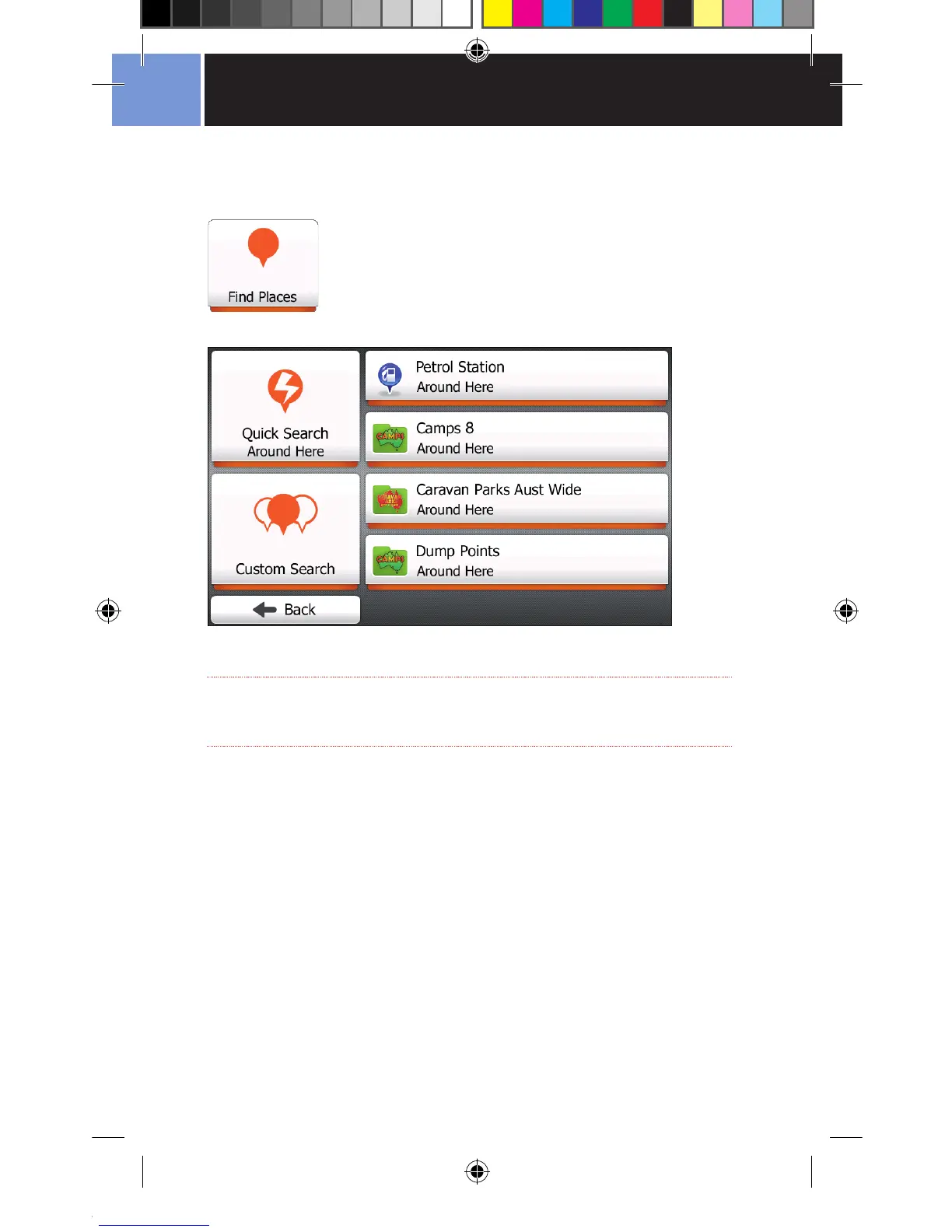
Tap the Find Places Button from the Find menu.
The Find Places Menu allows you to specify where you want to go by
searching a comprehensive list of POIs.
NOTE
The Find Places Screen will appear differently depending on the mode
you are currently in.
If you look at the example above, you will notice that the buttons have Around
Here as a subtext on the buttons.
Looking at the example below shows the Find Places screen with the button
subtext showing Along Route or At My Destination.



 To Next Page