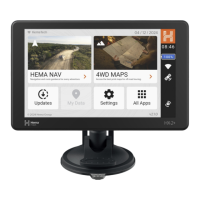
Parts of the HN7
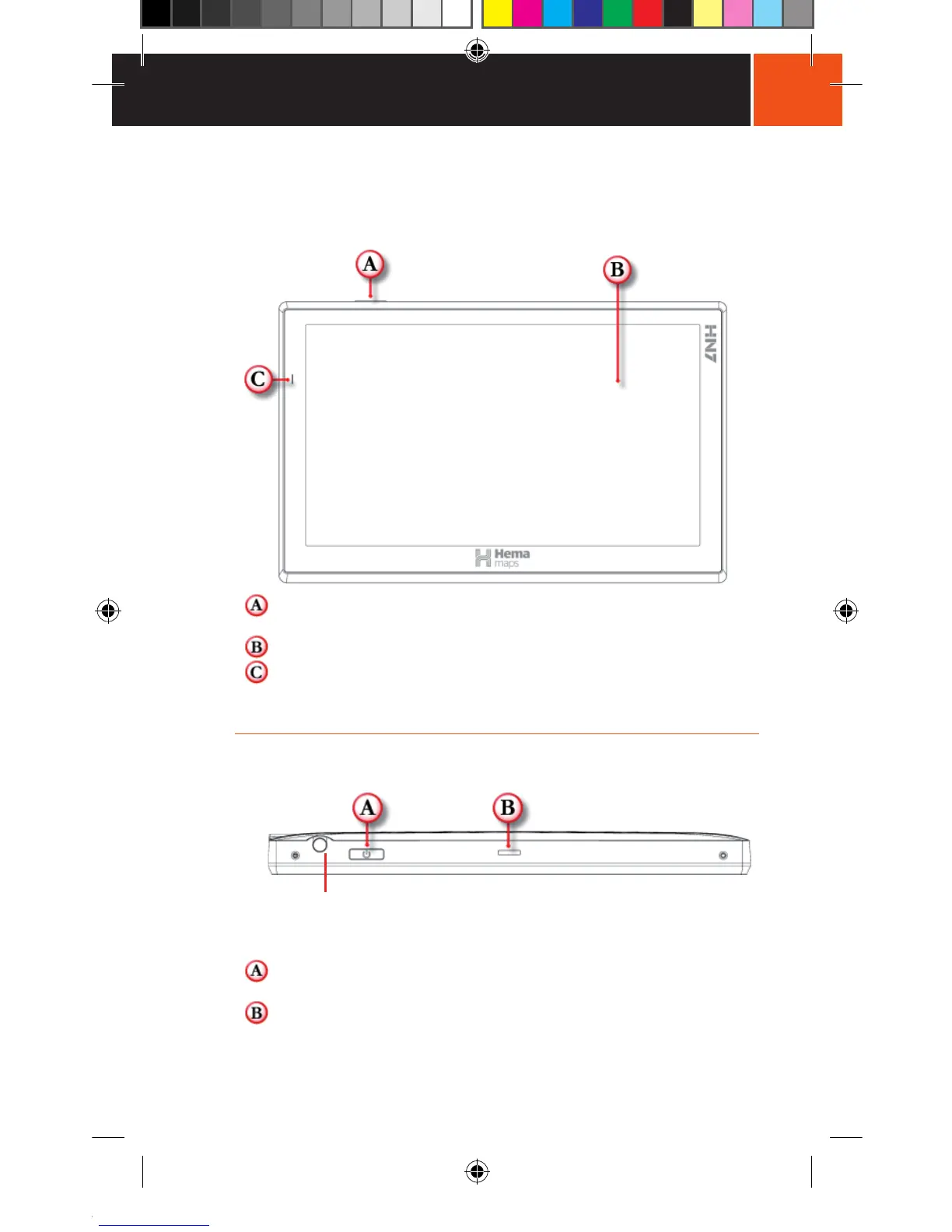
Front View
Power Button: Powers the NAVIGATOR ON/OFF or activates sleep
mode.
LCD Touch Screen Display: 7.0 inch LCD display.
LED Power Indicator: Glows red when charging and green
when fully charged. Will also glow green when the NAVIGATOR is
powered ON but not connected to a power source.
Top View
Note: This plug is not a Stylus. It has no function.
The Stylus is placed with the Soft Pouch which is located under the
cardboard plinth holding the HN7 in the box.
Power Button: Powers the NAVIGATOR ON/OFF or activates sleep
mode.
Top Mounting cradle slot: Locates and secures the device within the
mounting cradle.


 To Next Page