9
EN
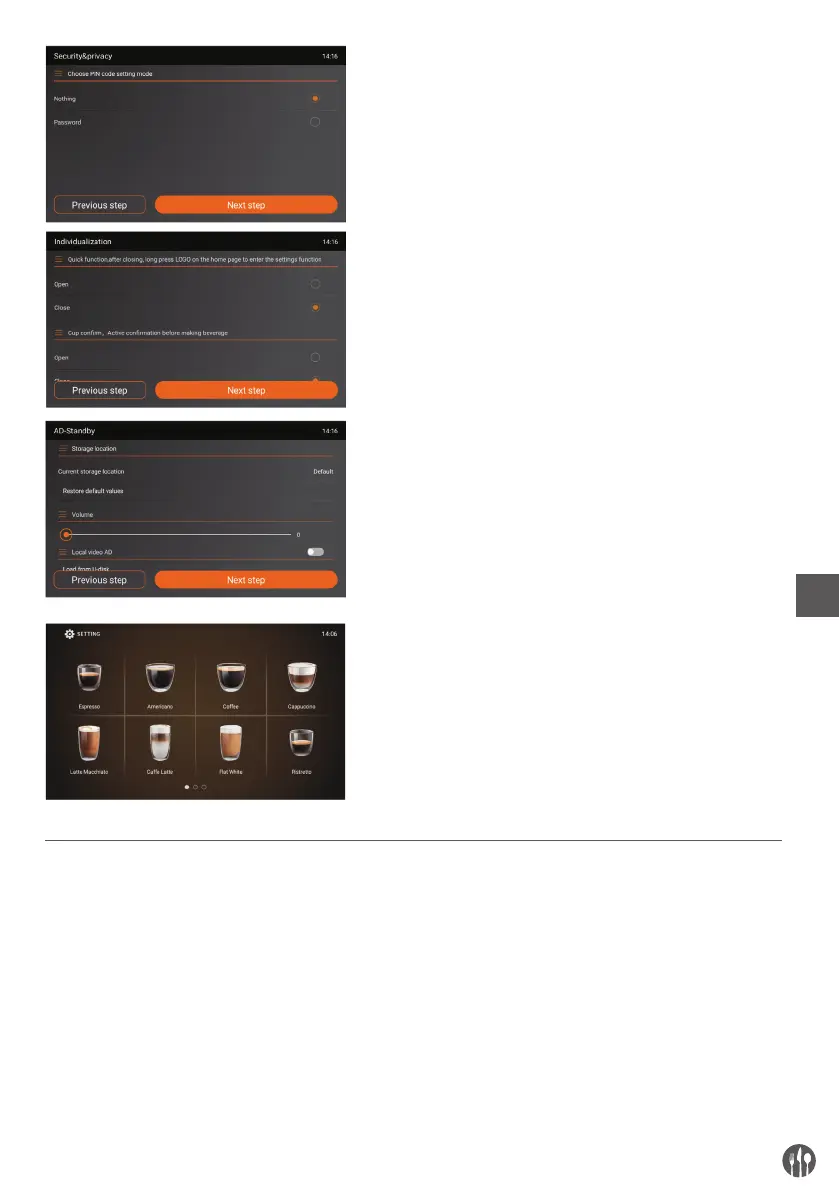
Security & privacy
Individualization
AD-Standby
Setting done and enter
‘Beverage Interface’ status
GRINDING WHEEL ADJUSTMENT
Please adjust the fineness of coffee bean powder
according to the coffee beans. Please don’t adjust
the grinding wheel when the grinder is running, or
the grinder will be damaged. During making cof-
fee, if the coffee outflows very slowly or completely
does not outflow, please set it to the rough mode 4
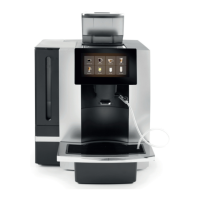
or 5. The rotary selector on the top of the appliance
adjusts the degree of grinding from fine (mode1)
to coarse (mode5) as required. Factory setting is
mode 3. If your coffee beans are in dark color, it is
recommended to set to the rough mode 4 or 5.
The adjustment of grinding wheel will be effective
only after making two or more cups of coffee.


 To Next Page