11
EN
MAKING CAPPUCCINO
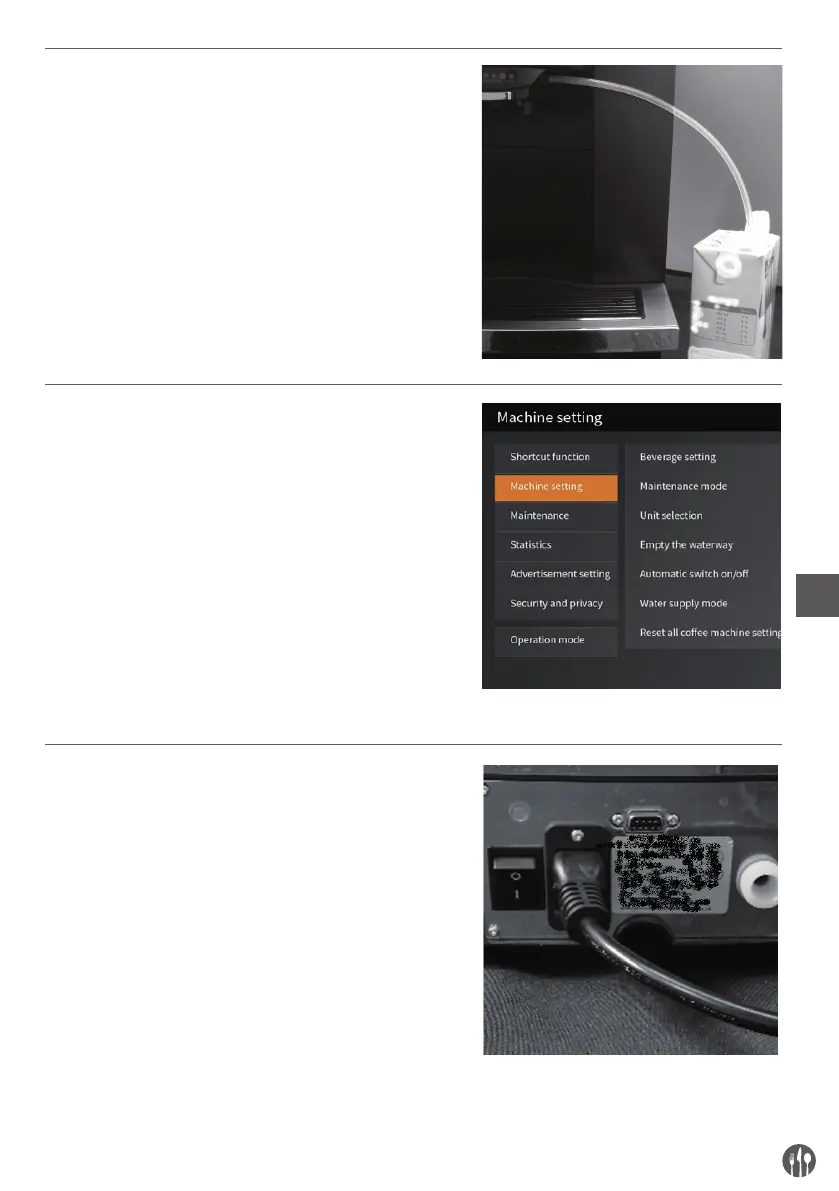
Firmly connect the milk pipe with milk frother and milk box.
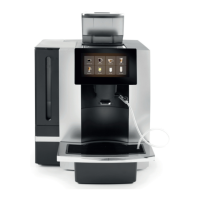
Touch the ‘cappuccino’ icon for cappuccino function.
When the screen displays ‘enjoy’, it means the cappuccino is
ready, “please enjoy”.
PROGRAM SETTING
Ensure the coffee machine in ‘Beverage Interface’ status, there
are two methods as below to access to the program setting:
1, Press the “SETTING” at the top left corner of the status bar for
3 seconds;
2, Flick a finger up from the screen bottom to find the shortcut
menu, and press “Setting” to access to program setting.
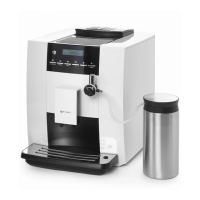
Setting content:
Including Shortcut function setting, Machine setting,
Maintenance setting, Statistic, Advertising setting, Security and
privacy and so on.
AUTOMATIC WATER INLET MODE SETTING
• The factory settings for water supply is water tank.
Step1: water pipe connection
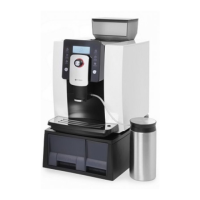
• Install the connector with 1/2 screw-thread side and 1/4 side
on the connector of coffee machine.
• Connect the 1/4 water tube with coffee machine and purified
water supply.


 To Next Page