Stereo Pairing
o
Creating a Stereo Pair
Two HEOS 1 speakers that have been grouped together (see above) can
be saved as a persistent stereo pair where one speaker outputs the left
channel of audio and the other speaker outputs the right channel of audio.
Paired HEOS 1 speakers will then appear as a single Room (with two
speakers playing music) in the Rooms list.
1
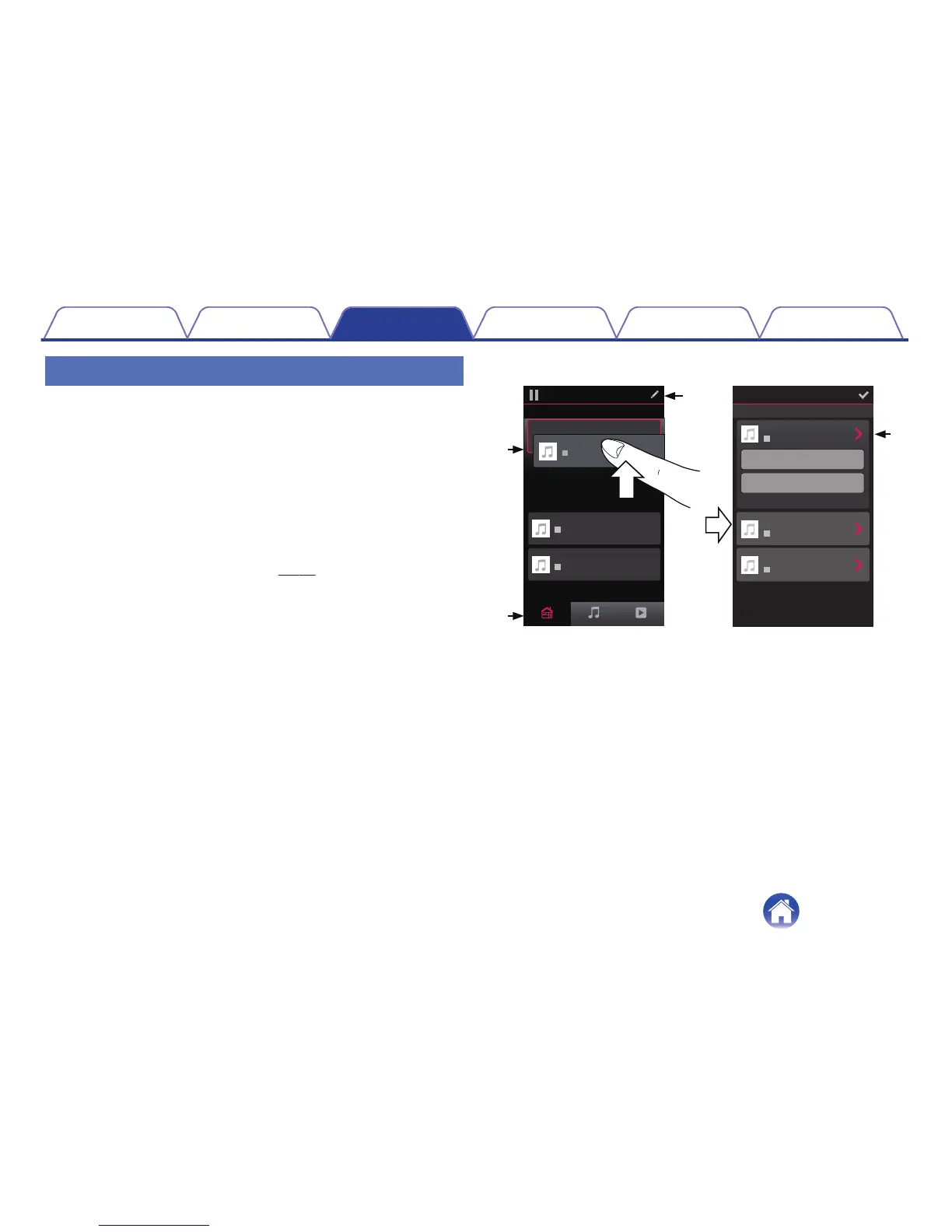
Tap the “Rooms” tab.
2
Create a group containing ONLY two HEOS 1 speakers
(see “Grouping Rooms” (v p. 25)).
3
Tap the Pencil e icon to enter Edit mode.
4
Tap on the Group of two HEOS 1 speakers to Edit the
Group.
.


 To Next Page