2
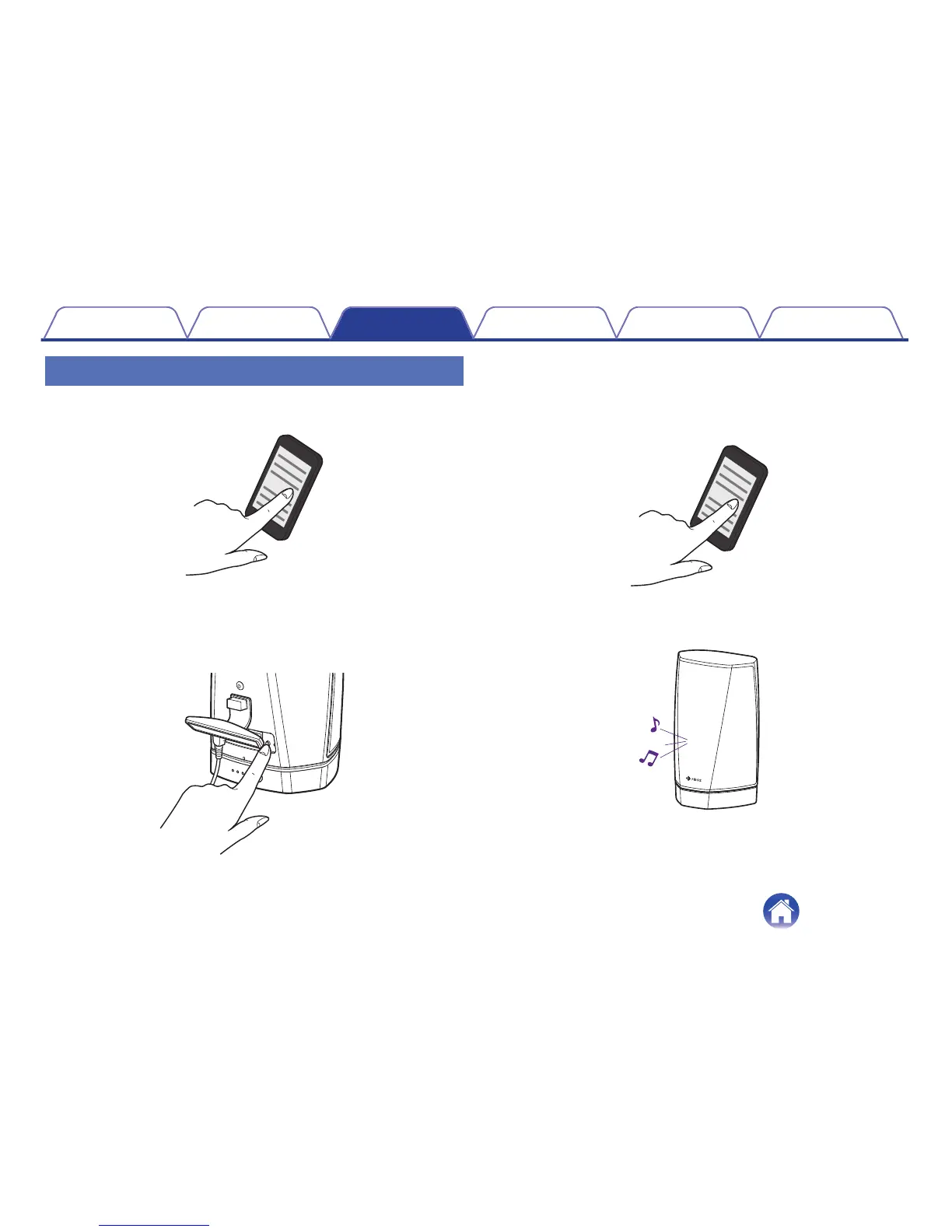
Press and hold the Connect button located on the back
of the HEOS 1 speaker (under the right side of the cap)
for 3 seconds and release the button when you hear
the pairing tone.
.
3
Select “HEOS 1” from the list of available Bluetooth
devices. In a few seconds you will hear a fast tone from
the speaker indicating that it is connected to your
device.
.
4
Play music using any app on your device. The sound
will now play from the HEOS 1 speaker.
.
Contents
Setup Use Troubleshooting Status LED Appendix
45


 To Next Page