Side 30
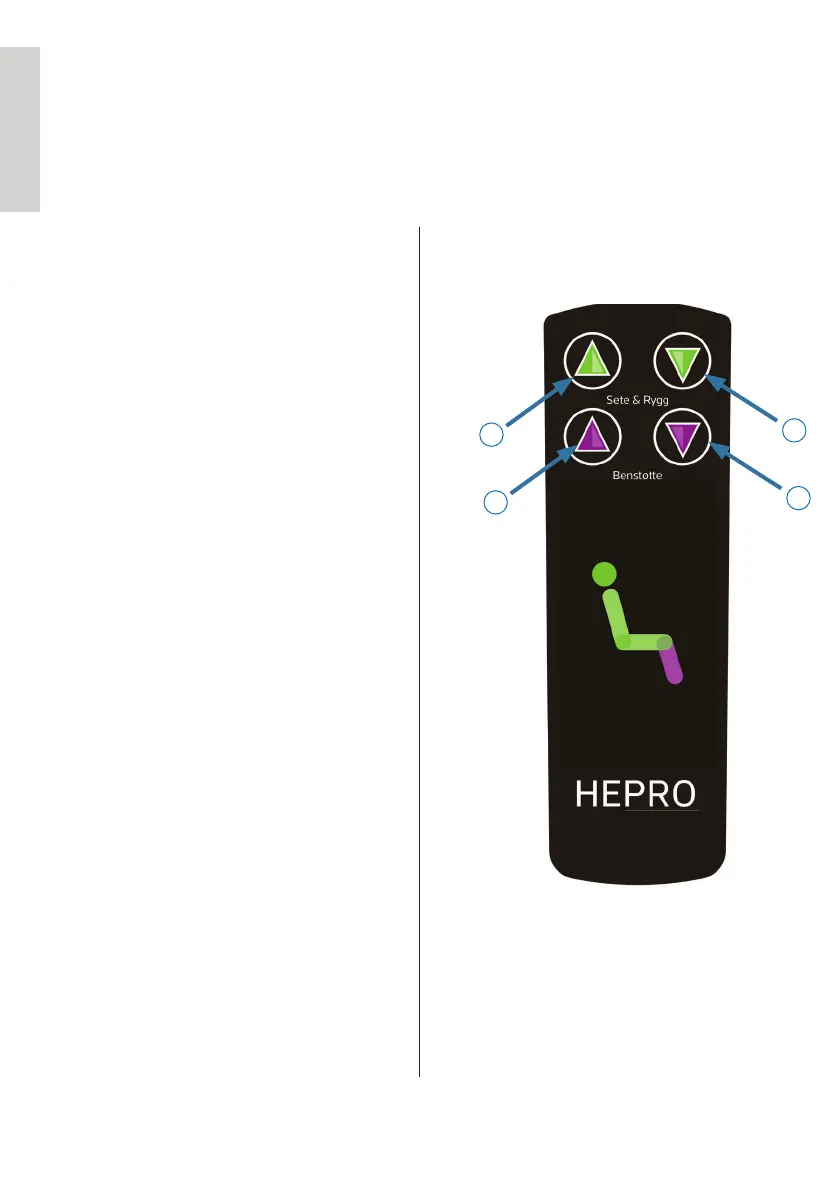
3 Use of remote control
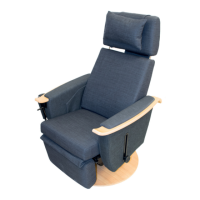
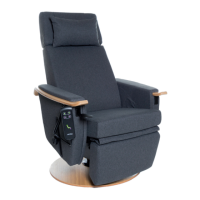
e Aurora rise-recliner is operated
using the remote. e remote is easily
accessible, hanging on the outside
of the armrest, on the right side as
standard.
3.1 Aurora standard
A – Lifting the chair
When button A is held in, the chair
rises. If the back and leg supports are
in use, they are re-aligned before the
operation begins.
B – Default position
When button B is held, the chair
returns from a risen position to its
default position.
C – Leg support up
When button C is held in, the leg
support are raised up and out.
Remember, in order for the leg support
to be operable, the chair must be in its
default position. If the leg support does
not work, please return the chair to its
default position first by pressing button
B.
D – Leg support down
When button D is held in, this returns
the leg support back to default posision.
C
D
A
B
ENGLISH


 To Next Page