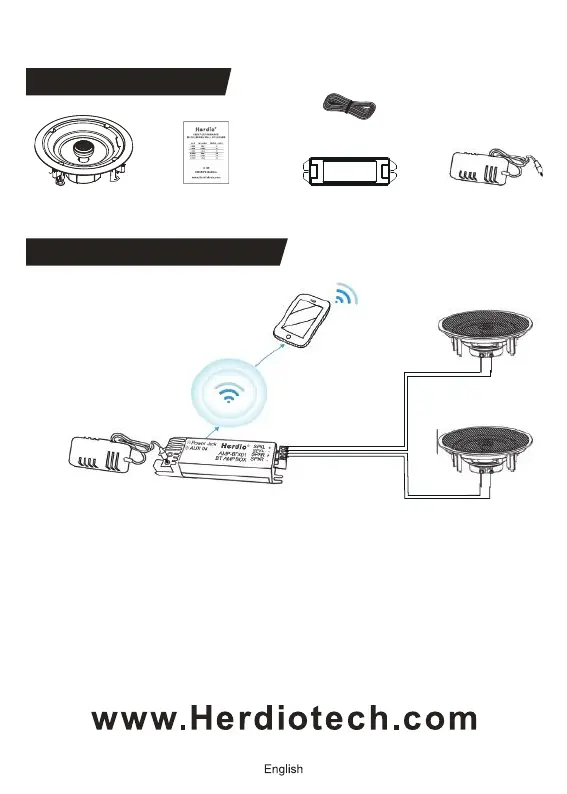
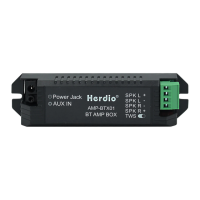
BLUETOOTH VERSION
Amplifier box x1
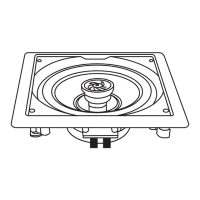
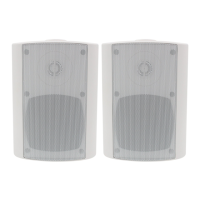
Speaker x2 Product manual x1
5M speaker cablex 2
Power Adapter x1
PACKAGE CONTENT
1) Make sure that the power supply is connected and the blue LED on
amplifier is flashing;
2) The current status indicates that the Bluetooth amplifier is waiting
for pairing;
3) Turn on your mobile devices or other Bluetooth devices, scan the
Bluetooth name of the device "Herdio", and click Connect;
4) When you hear the confirmation tone, the blue LED is turned solid,
indicating that the connection is successful.
BLUETOOTH OPERATIONS
5



 To Next Page