TELESCOPIC SHELF ACTUATOR
The Eureka automatic dispenser is equipped with a telescopic actuator that raises and
lowers the can shelf. This device allows for the tinting of various size cans along with the
use of the quart/pint locator included with the dispenser as well as the optional pull-out
shelf that can be used with sample (half-pint) cans.
The shelf actuator can be activated using two of the three buttons atop the dispenser. The
green START button on the left side must be pressed while pressing the UP or DOWN
button on the right side.
To remove or replace the shelf actuator assembly, please proceed as follows:
Disconnect the dispenser from its AC power source.
Remove the can shelf by removing the four screws that secure the plate under the
shelf (Picture E).
Remove the four screws that attach the telescopic column to the base plate of
the machine (Picture D). The dispenser will need to be raised or tilted backwards to
reach these screws.
Open the two front doors (or remove the three plastic horizontal panels) on the
lower section of the dispenser. Take care not to damage the wiring and other
electronics inside this area.
Remove the screws securing the mid-level support bracket around the telescopic
actuator and remove the two halves of the bracket (Picture F).
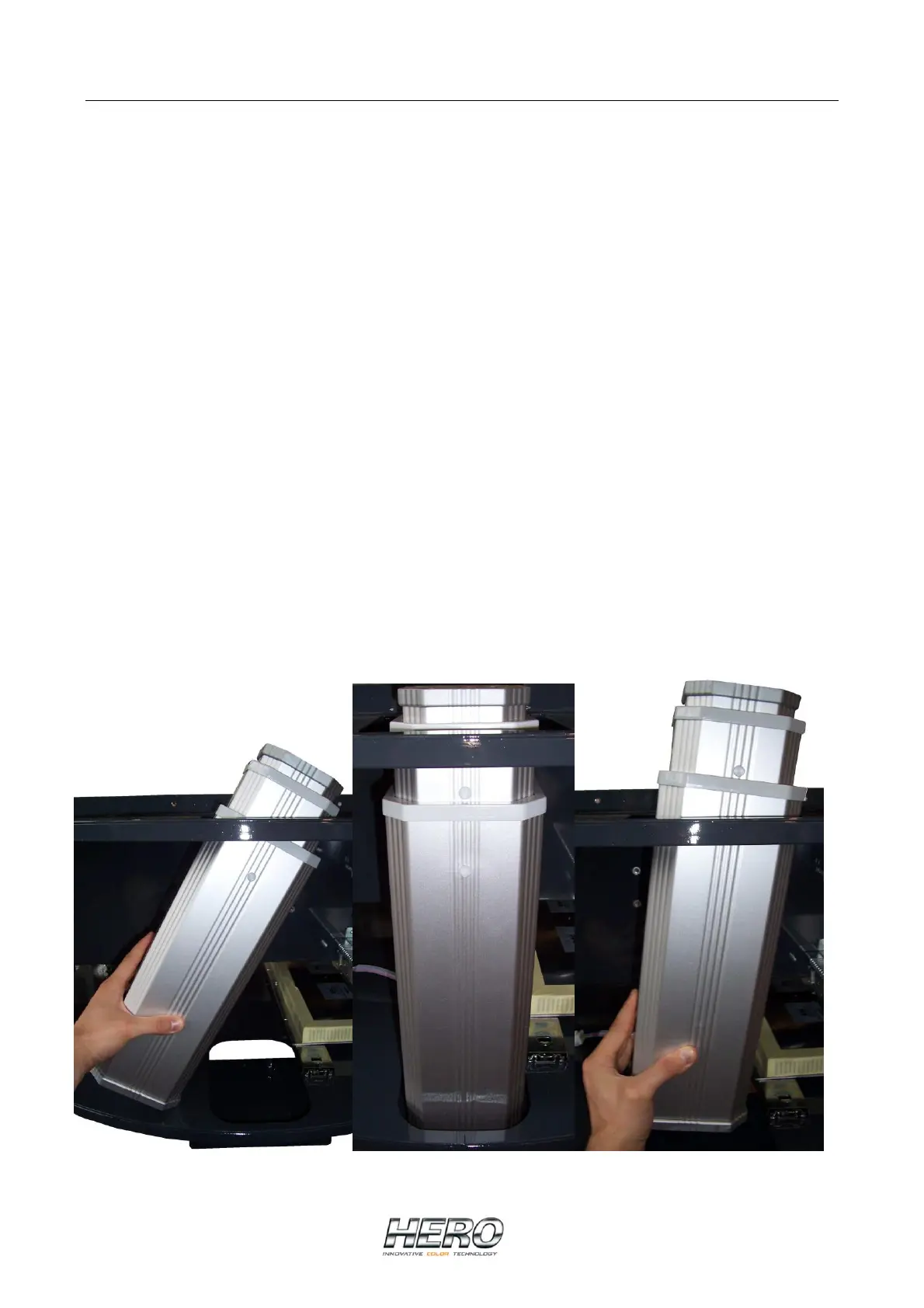
Unplug the electrical connection to the actuator motor inside the telescopic column
and extract the column (pull it up, tilt it to the right and extract it from the left side
carefully).
Picture A Picture B Picture C


 To Next Page
 Loading...