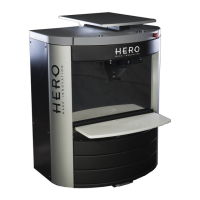
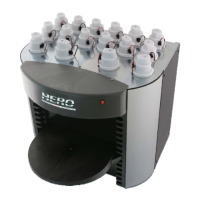
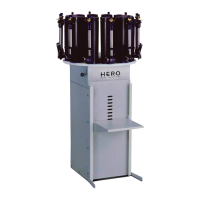
SIMULTANEOUS ELECTRONIC BOARD (PCB)
The simultaneous colorant dispenser allows up to four colorants to be dispensed
simultaneously. The electronic board (PCB) is secured in the dispenser in such a way as to
simplify its removal and replacement.
To remove and replace the PCB, please proceed as follows and refer to the pictures on
the next page:
Disconnect the dispenser from its AC power source.
Remove the lower rear panel on the back of the dispenser.
Carefully pull out the sliding tray holding the PCB and power supplies.
Check that all cables connected to the PCB are properly labeled or otherwise
identified.
Carefully pull out all of the connectors from both sides of the PCB.
Remove the screws that secure the board onto the sliding tray and lift the PCB from
the tray.
Place the new PCB onto the sliding tray and secure it with the screws
previously removed
Plug in all of the connectors ensuring that each numbered harness is connected to
the corresponding numbered connector on the PCB.
Plug in the power supply connectors and the USB cable in their respective
locations.
Carefully push the sliding tray back into the dispenser.
Restore power to the dispenser and test the new PCB by dispensing
some colorant.
If all is well, replace the rear panel on the dispenser. Ensure that the
power cord and USB cable are not damaged or loose.


 To Next Page